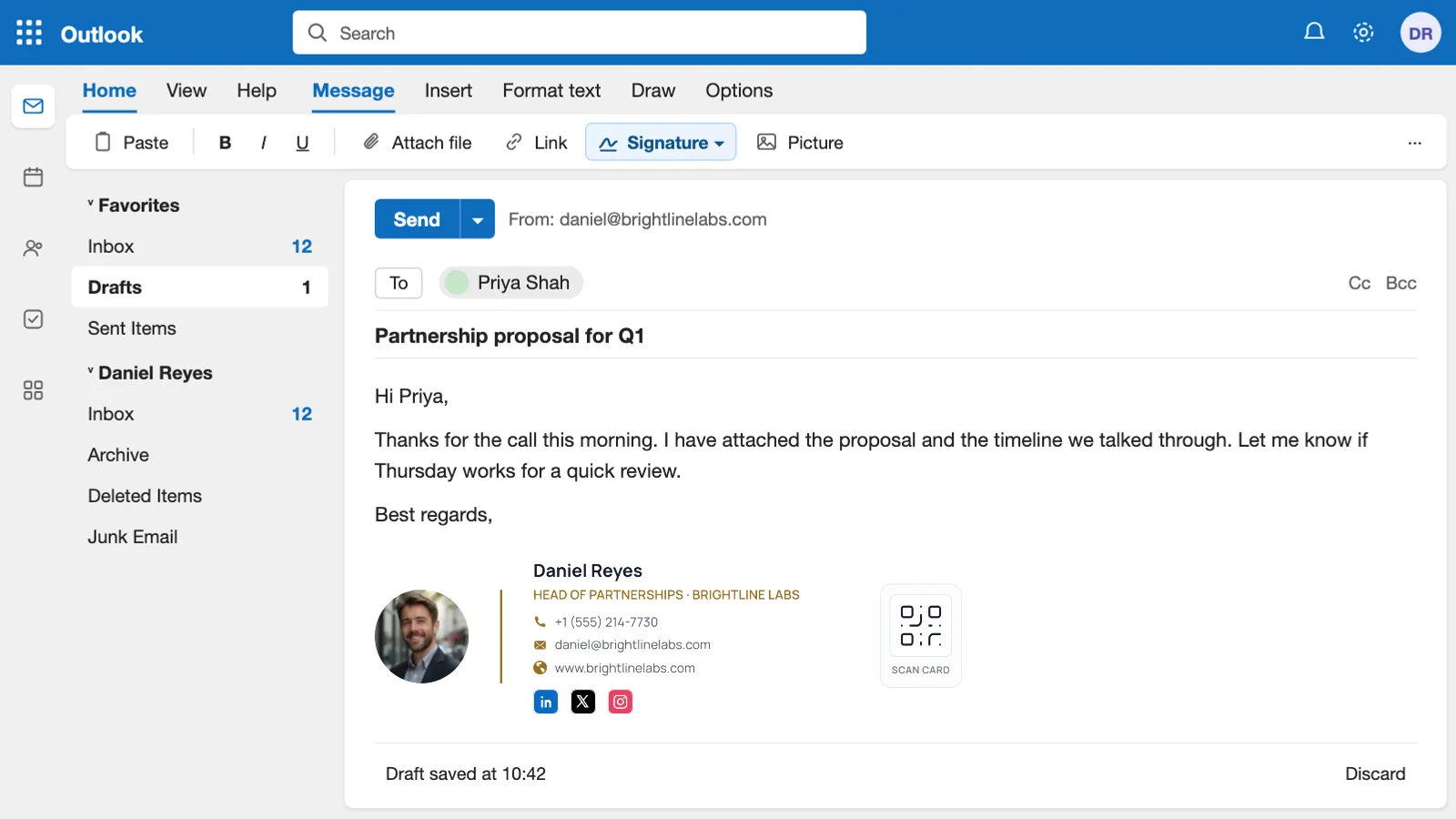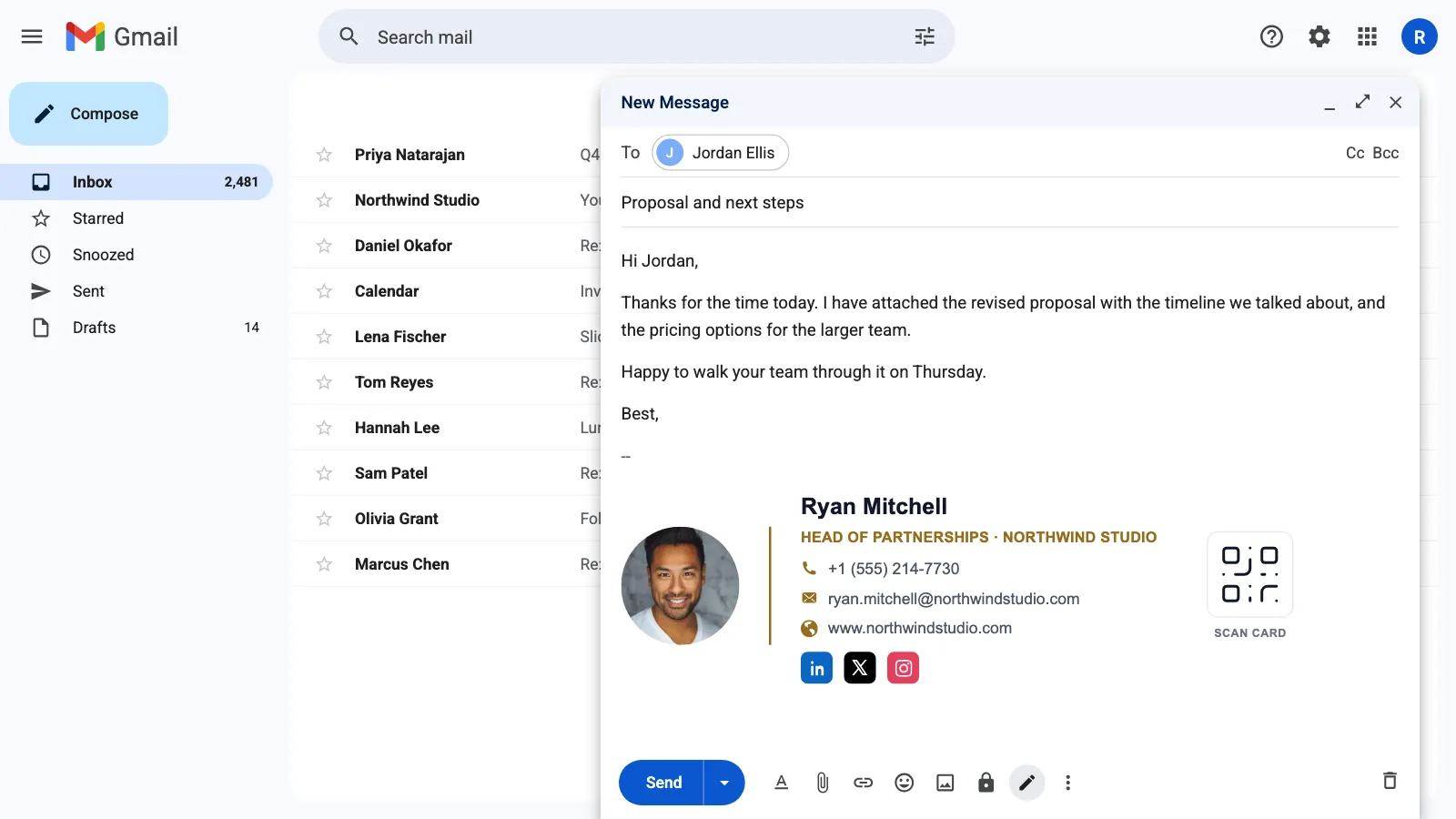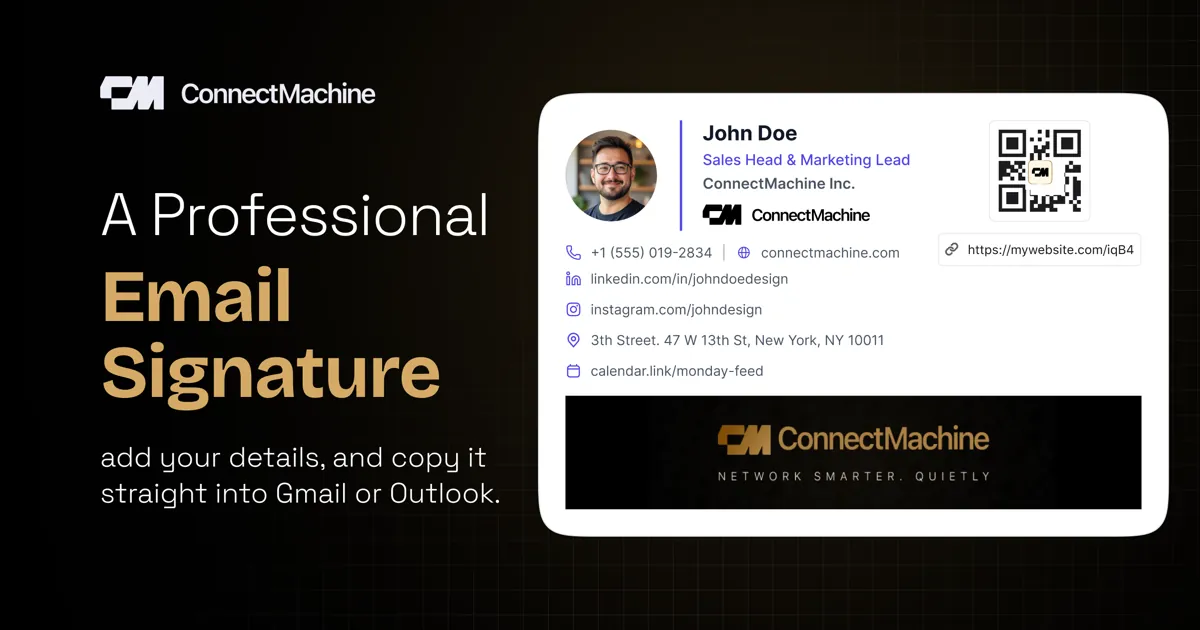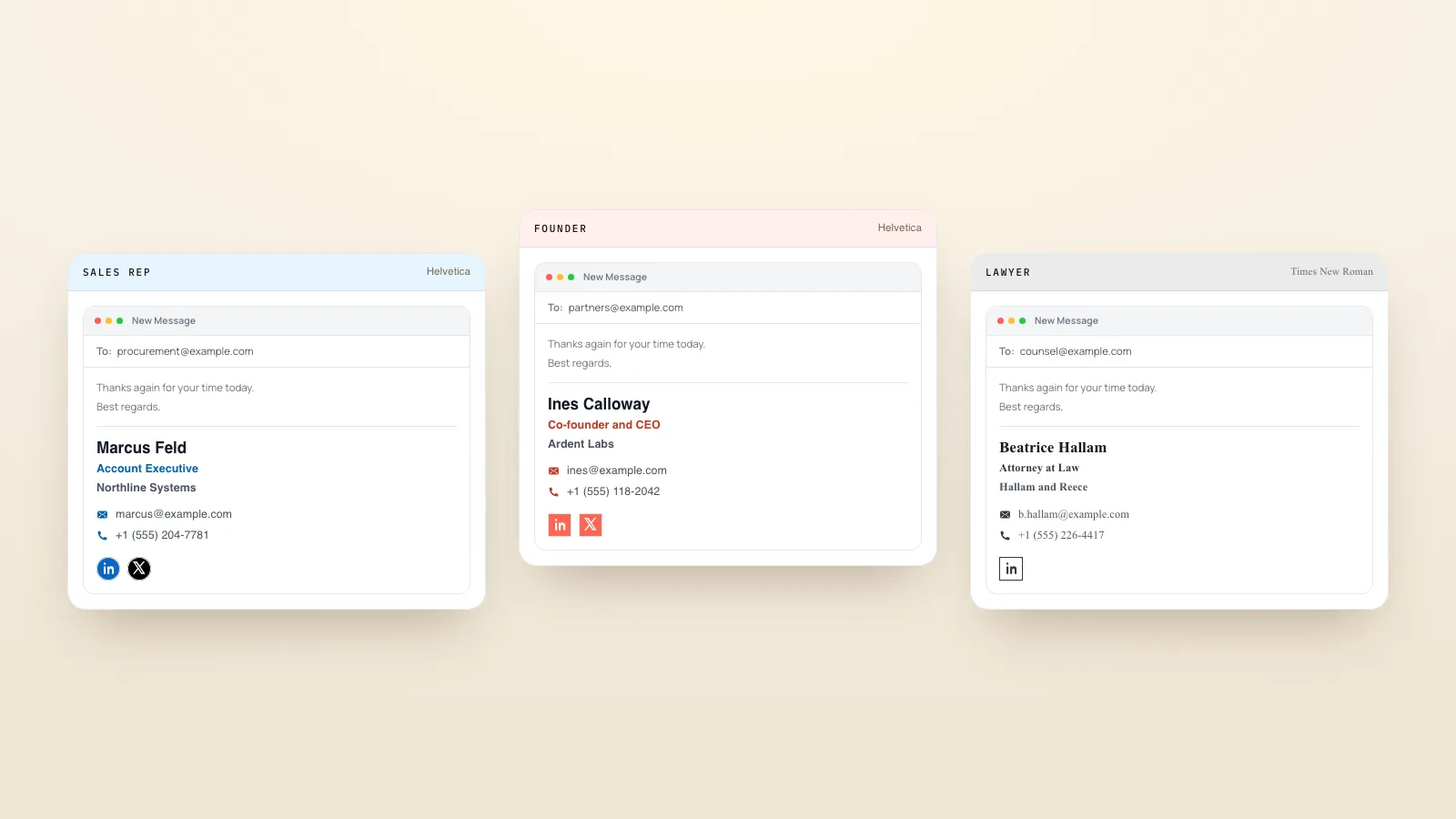
A good email signature tells people who you are, what you do and how to reach you, in three to five short lines. Below are email signature examples and copy-ready templates for work, business, students and personal email, plus signature block examples for formal letters.
Every template opens in our free email signature generator with its font, colour and icon style already set. Swap in your details, add a photo, logo or social icons if you want them, and paste the result into your email settings. The generator also has examples by profession.
What is an email signature
An email signature is the block of text at the end of an email with your name, job and contact details. Your email app adds it to every message for you, so people always know who wrote to them and how to reach you. Work signatures often add a company logo, a photo or a link; personal ones are usually just a name.
What to put in an email signature
Most professional email signatures use the same building blocks, in this order:
- Name, the way you want people to address you
- Job title
- Company or school
- One or two ways to reach you, usually phone and website
- One extra, if it earns its place: a booking link, a digital business card, or a license number your industry requires
Leave out anything that changes often. A quote, several social icons and a long legal notice all push the useful details further down.
Professional email signature examples
These suit most office jobs. The first is the standard layout; the second adds a pronoun line and a meeting link.
A sales signature works hardest when it has one clear next step, such as a booking link, instead of several links competing for the click.
Business, company and work email signature examples
For founders, owners and anyone whose signature also has to sell the business. Keep the company line strong and add one call to action.
If several people send email for the same company, agree on one layout and give everyone the same template, so every signature matches.
Student email signature examples
A student signature works best when it says what you study and when you finish. It helps with internship, scholarship and professor emails.
Personal email signature examples
For personal email, keep it short. Many people use just their name, or their name and phone number.
Simple and short email signatures
Gmail and Outlook both let you set a separate signature for replies and forwards. A one or two-line version keeps long threads easy to read.
Signature block examples for letters and formal emails
A signature block is the closing section of a formal letter: the sign-off, space for a handwritten signature, then your typed name and title. In email, the handwritten part is usually left out.
Email sign-offs to use above your signature
| Sign-off | Tone | Good for |
|---|---|---|
| Best regards | Neutral, professional | Most work emails |
| Kind regards | Warm, professional | Clients and new contacts |
| Thanks | Friendly | Requests and replies |
| Sincerely | Formal | Cover letters and formal letters |
| Cheers | Casual | Colleagues you know well |
Email signature etiquette: mistakes to avoid
- Using a large image as the whole signature, which some email apps block or show as an attachment
- Listing every social network instead of the one or two people actually use to reach you
- Mixing several fonts and colours
- Leaving an old job title or phone number in place
- Adding a long quote or legal notice that is longer than the email itself
How to add your signature to Gmail or Outlook
A signature with a logo, photo or icons is an HTML email signature. You do not need to write any code: build it in the free email signature generator, copy it, and paste it into your email settings.
Once you have picked a template, follow our step-by-step guides for adding a signature in Gmail and adding or changing a signature in Outlook.
To let people save your details in one tap, add a link or QR code to your digital business card. See how to add a digital business card to your email signature.
Gmail is a trademark of Google LLC. Outlook is a trademark of the Microsoft group of companies. ConnectMachine is not affiliated with either.