

Digital business cards for IT consulting firms
ConnectMachine gives IT consulting firms and managed service providers branded digital business cards for every consultant, engineer, and account manager on one Team plan with centralized billing and admin branding controls. Staff capture client stakeholders by scanning their cards, keep notes on each contact, and send contacts to a CRM through Zapier on a paid plan.
3 steps, zero friction.
What a working day looks like for IT consulting firms once the paper cards are gone.
A card for every technician and account manager
An admin assigns a seat to each person who meets clients. Cards share the firm's branding, so the engineer on site and the account manager on the call look like the same company.
Capture the client's stakeholders
Kickoffs and site visits put IT managers, finance leads, and vendors in the same room. Scan their cards and each person becomes a clean contact.
Keep context on every contact
Note who owns the budget, which systems they run, and what was promised. The next person from your firm to meet that client starts with the context.
Why IT consulting firms choose ConnectMachine.
Firm-wide branding
The Team plan's admin branding controls and optional custom domain keep every card on the firm's brand, whoever hands it out.
Contacts that reach your CRM
On a paid plan, Zapier sends new contacts to Salesforce, HubSpot, or thousands of other apps your firm already uses.
Seats that follow headcount
Centralized billing and seat management mean cards scale with the firm as consultants and engineers join.
Why IT consulting firms lose track of client stakeholders
An IT consulting firm or MSP rarely has one contact per client. A single account can involve an IT manager, a finance lead who signs renewals, an operations head, and outside vendors, and different people from your firm meet each of them at kickoffs, site visits, and reviews.
When those contacts live in individual inboxes and phones, it gets hard to know who owns the budget or who asked for what. Digital business cards for IT companies give every engineer and account manager a card on the firm's brand, and a quick way to scan client stakeholders' cards and note their role, systems, and open requests.
How an IT consulting firm or MSP rolls out ConnectMachine
Start with account managers and the engineers who go on site, then add seats as the firm hires. See how ConnectMachine works as a contact manager.
- 1An admin starts a Team plan and assigns a seat to each consultant, engineer, and account manager.
- 2Admin branding controls, plus an optional custom domain, keep every card on the firm's brand.
- 3Clients save a card by QR code, link, or wallet pass, with nothing to install.
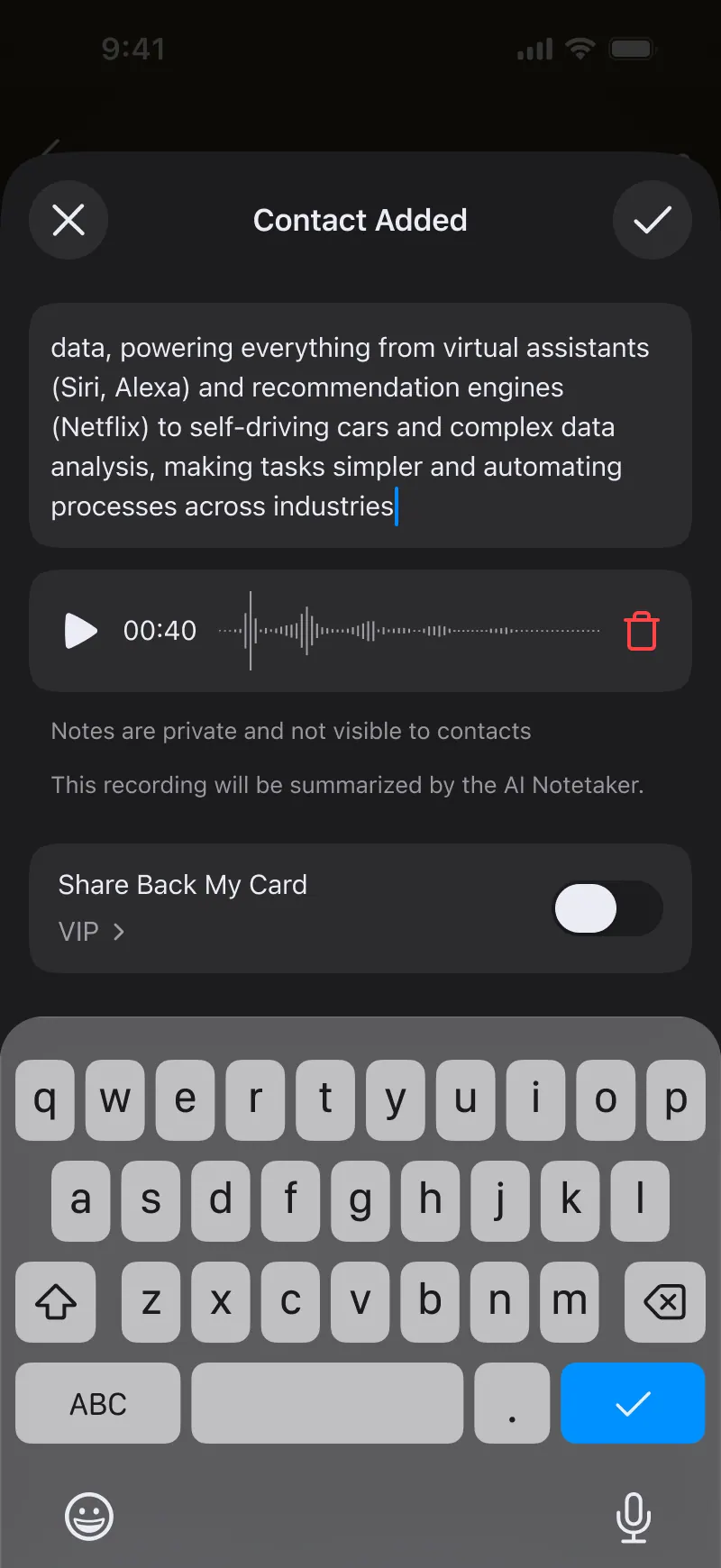
- 4Staff scan stakeholders' cards at kickoffs and site visits and add a note on role, systems, and next steps. The AI Concierge finds them again later.
- 5On a paid plan, Zapier sends new contacts to Salesforce, HubSpot, or other apps your firm already uses.
Frequently asked questions.
Everything people usually ask before switching from paper. Still curious? See the full FAQ.
Yes. On the Team plan an admin assigns a seat to each person, with centralized billing and admin branding controls.
Roles inside IT consulting firms.
Use cases for IT consulting firms.
Every client contact, known to the whole firm.
Team plan: $5 per seat/month billed annually ($59.99/year) or $5.99 month-to-month for every consultant and engineer. See pricing
- Free to start
- No app required for the other person
- Works in 6 languages