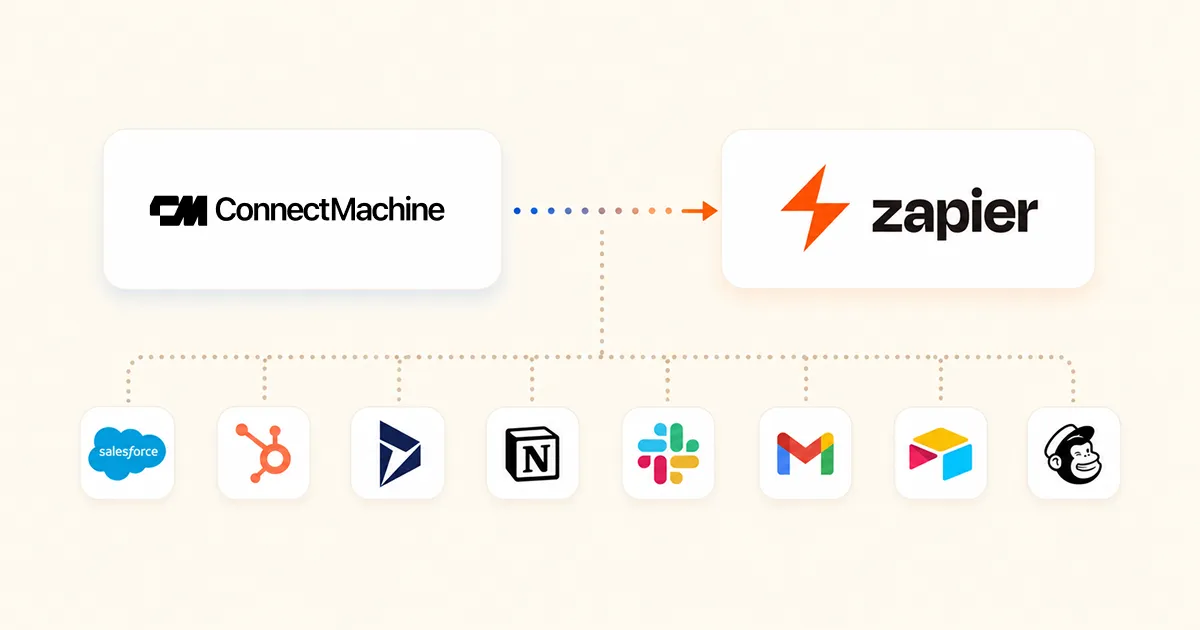
There are two ways to reach ConnectMachine from an AI tool. Our own MCP server is the direct route, and this is not that. This is the Zapier route, which is worth setting up for one specific reason: the same connection also exposes every other app you have authorised in Zapier, so your assistant can move between your contacts and your CRM in a single request.
The setup is genuinely short. Most of the time goes on deciding which actions to enable, which is the part worth thinking about.
Before you start
- A Zapier account. The free tier works, and MCP calls draw on the same task allowance as Zaps.
- A ConnectMachine account on a plan that includes the Zapier integration.
- An MCP client. Claude on web, desktop, or Claude Code, or Cursor, VS Code, or Zed.
One thing to settle now rather than later. If you have more than one ConnectMachine login connected to Zapier, decide which one this should write to before you enable anything. Actions run against whichever connection is set as the default, and a contact written to the wrong account is tedious to unpick.
The setup, step by step
- 1
Connect ConnectMachine to Zapier
In Zapier, search for ConnectMachine and authorise it. This is the same OAuth connection Zaps use, so if you already run a ConnectMachine Zap you can skip this entirely.
- 2
Open Zapier's MCP settings
Go to mcp.zapier.com and create a server for the client you intend to use. Zapier issues an endpoint URL that carries your credential inside it. Treat that URL as a password. Anyone holding it can act as you in every app you enable.
- 3
Enable the actions you want reachable
Enabling is per action, not per app. Add the ConnectMachine actions you actually want, and leave the rest off. A model cannot call a tool that is not enabled, which is the cheapest safety control available here.
- 4
Add the endpoint to your client
In Claude on web or desktop, open Settings, then Connectors, then Add custom connector, and paste the URL. Claude Code, Cursor, and Zed take the same URL in their MCP configuration file. Restart the client and the tools appear.
{
  "mcpServers": {
    "zapier": {
      "url": "https://mcp.zapier.com/api/mcp/mcp",
      "headers": {
        "Authorization": "Bearer YOUR_ZAPIER_MCP_KEY"
      }
    }
  }
}
Zapier's own settings page shows the exact snippet for the client you picked, including whether your endpoint expects the credential in the URL or in an Authorization header. Copy it from there rather than from here, because the format has changed once already.
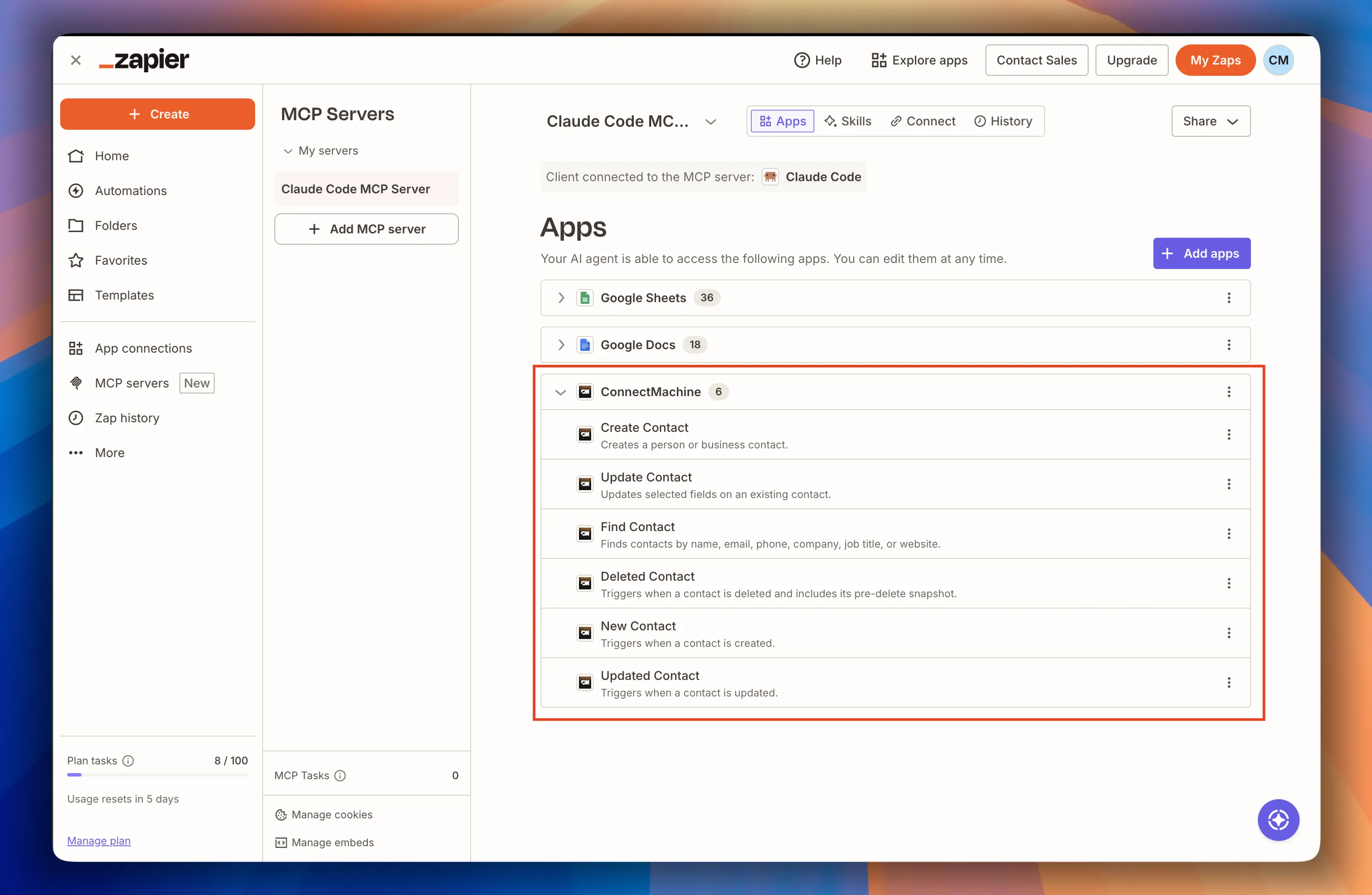
Which of the six actions to enable
ConnectMachine publishes six. They are not equally useful from an assistant, and we would not switch all six on straight away.
Find Contact, enable first
Searches by name, email, phone, company, job title, or website. Email and phone match exactly, the rest match partially. This is the one that makes every other action safer, because it lets the model check before it writes.
Create Contact, enable second
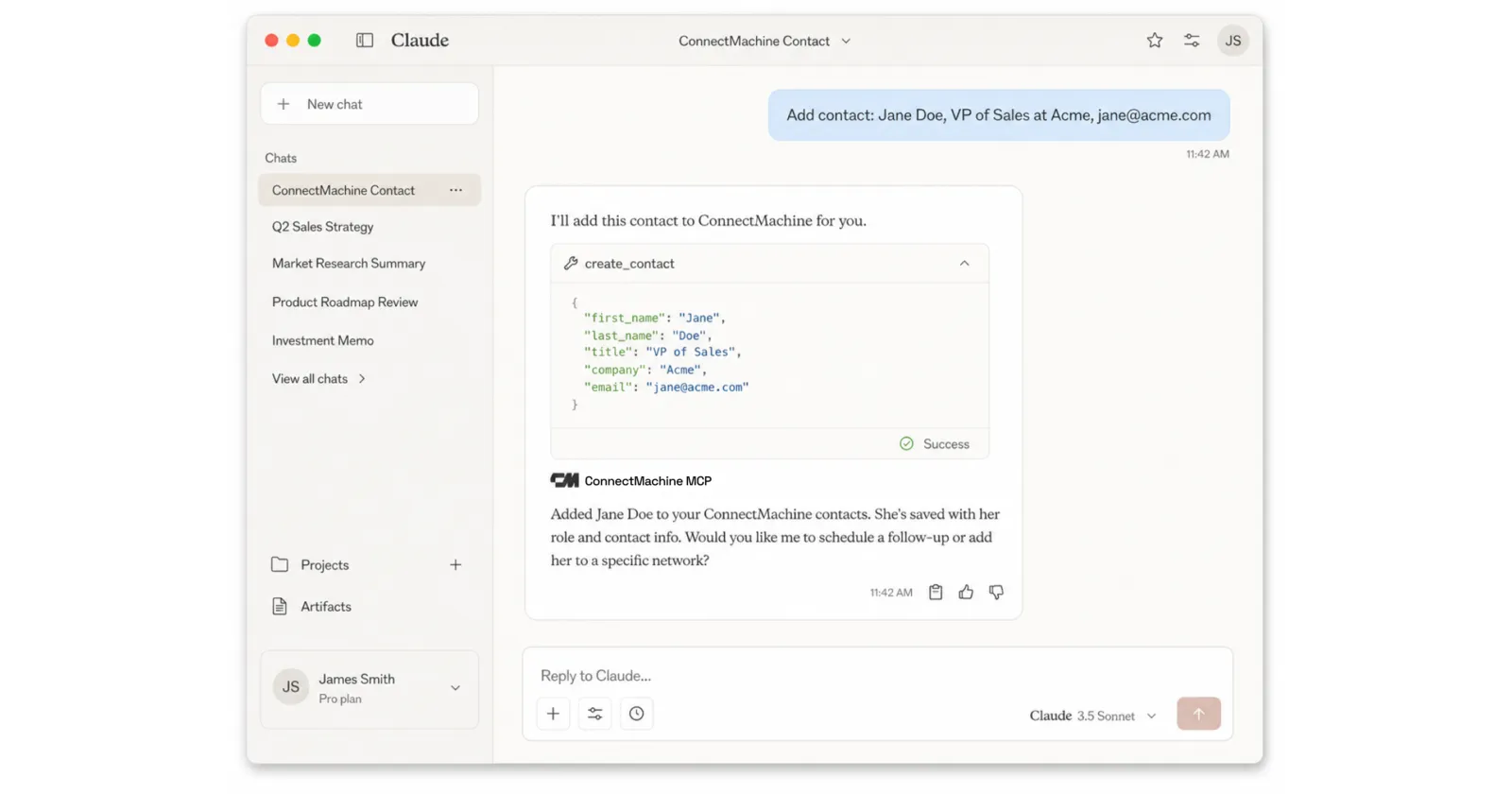
First name is the only required field. Everything else is optional, including up to five emails, five phone numbers, five websites, five custom fields, social profiles, a full address, and a separate record of where you met.
Update Contact, enable when you need it
Changes fields on an existing record. Useful for job title changes after a round of promotions, and the natural partner to a Find Contact call.
New, Updated, and Deleted Contact, mostly skip
These are triggers. Over MCP they become reads you request rather than anything that runs on its own, so they answer what changed recently and nothing more. Leave the real trigger work to Zaps.
Prompts worth running first
Start with reads. They cost little, they cannot damage anything, and they show you how the model phrases its arguments, which is most of what you need to learn.
- Find my ConnectMachine contact with the email jane@acme.com.
- Search ConnectMachine for everyone whose company contains Acme.
- Add Jane Doe to ConnectMachine, VP of Sales at Acme, jane@acme.com, met at Web Summit.
- Check whether Priya Raman is already in ConnectMachine, and if she is, update her job title to CTO.
That last one is the pattern worth internalising. Check, then act, in one sentence. It is the thing a Zap cannot do, and it is the reason to bother with MCP at all.
When it does not work
The tools return 404
Almost always a stale or truncated endpoint URL. Regenerate it in Zapier's MCP settings and paste the whole thing, including the trailing path segment. A URL copied from a wrapped terminal line loses characters silently.
The client says no tools are available
Either no actions are enabled on that server, or the client was not restarted after the config changed. Enable one action, restart, and check again before looking anywhere else.
The assistant writes to the wrong account
More than one ConnectMachine connection is authorised and the default is not the one you meant. Change the default in Zapier's connection settings.
A search returns the wrong person
Name and company match partially, so a common surname returns several people. Ask by email or phone when you need certainty, because those match exactly.
The other route, briefly
ConnectMachine also runs its own MCP server at mcp.connectmachine.ai, which is deeper on contacts and can manage your own digital cards, something the Zapier route cannot touch. It also does not consume Zapier tasks. What it cannot do is reach your CRM in the same breath.
Running both is reasonable, and plenty of people do. Clients hold several MCP servers at once and the assistant picks whichever exposes the tool it needs. The setup for ours is in the MCP server announcement, and the background on the Zapier side is in what is Zapier MCP.