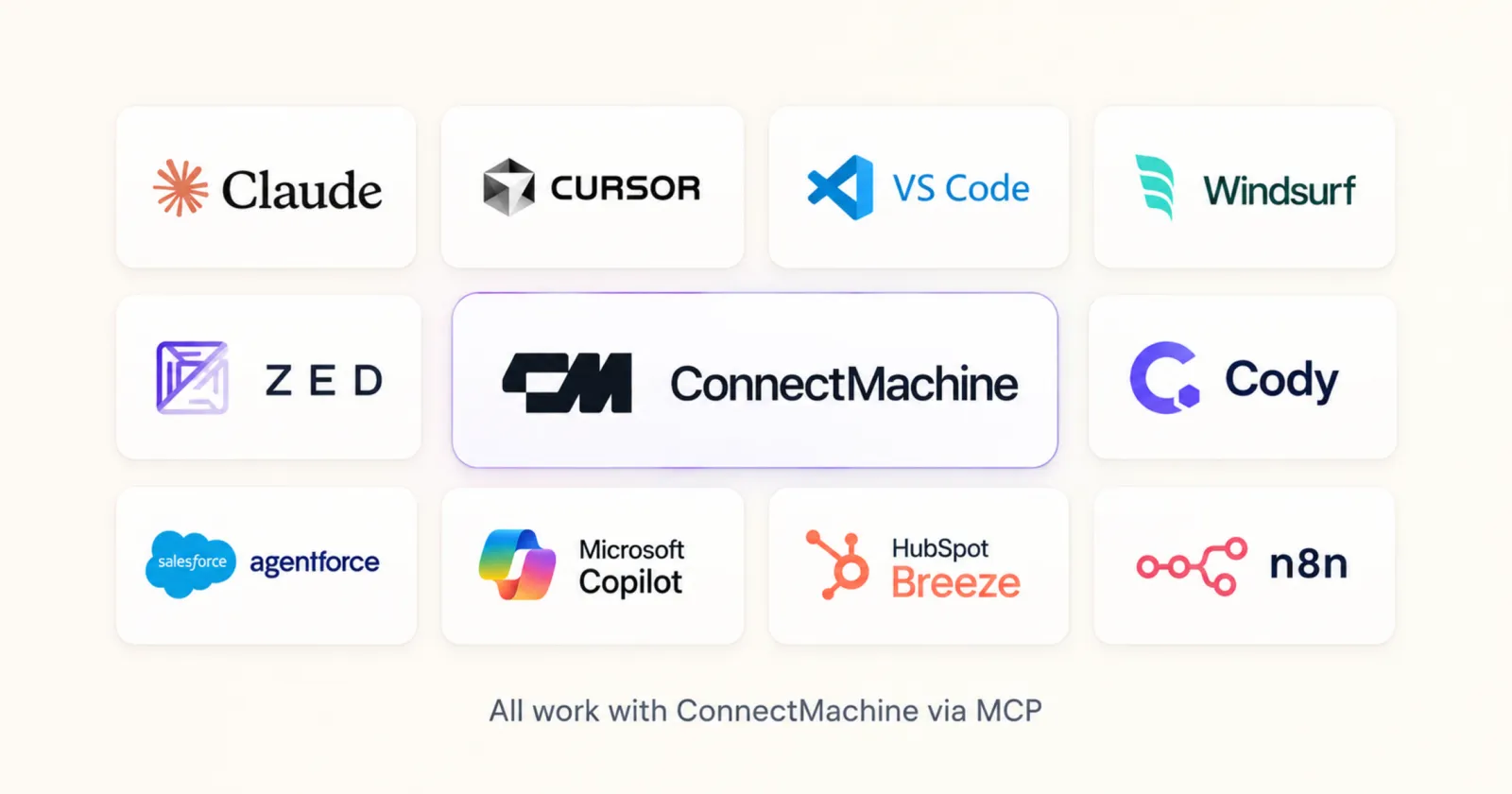
A CRM MCP server lets AI tools like Claude, ChatGPT, and Cursor work with your contacts through the Model Context Protocol. Among the digital business card and contact apps we checked in September 2026, ConnectMachine is the only one with a native MCP server that can both read and write: 40 tools to create, update, merge, and search contacts, events, networks, and cards, included with ConnectMachine accounts. Blinq's MCP and Popl's Ask Popl are read-only and need paid plans. HiHello has no native MCP server and is reachable only through Zapier MCP.
Below is the side-by-side, what each server actually exposes, and which one fits the job you have in mind.
What a CRM MCP server is
Model Context Protocol (MCP) is an open standard from Anthropic that lets an AI tool call an external system through one shared interface. A CRM MCP server is a contact or CRM app's implementation of it. Your assistant sees a set of tools, such as search contacts or create contact, and picks the right one for each request.
What matters is which tools the server publishes. A read-only server can answer "who did I meet at the conference?". A read-and-write server can also act on the answer: add the new person, fix a job title, merge a duplicate. There is a third route too, reaching an app through Zapier MCP, which only exposes the actions that app published to Zapier.
CRM MCP servers side by side
Checked against each vendor's own documentation on 15 September 2026. Plans and tools change, so confirm on the vendor page before you buy.
ConnectMachine MCP
- Native MCP: yes, 40 tools.
- Read or write: read and write. Contacts, duplicates and merge, events, networks, cards, card-photo extraction, batch import, CSV export.
- Plan: free. Connecting your AI tool is included with every ConnectMachine account, no paid plan needed.
- Clients: verified in Claude (web, desktop, Claude Code), Cursor, VS Code, and Zed. Any client that supports remote HTTP MCP servers.
Blinq MCP
- Native MCP: yes.
- Read or write: read-only. No creating, updating, or deleting contacts or cards.
- Plan: Premium, Business, or Enterprise.
- Data: contacts, notes, and meeting transcripts. Clients: Claude and ChatGPT.
Ask Popl
- Native MCP: yes.
- Read or write: read-only.
- Plan: Event Lead Capture plan.
- Data: event leads, notes, qualifiers, and company data. Clients: Claude, ChatGPT, and Copilot.
HiHello
- Native MCP: none found.
- Read or write: through Zapier MCP only, with one trigger (New Contact) and no actions.
HubSpot MCP (full-CRM benchmark)
- Native MCP: yes.
- Read or write: read and write on contacts, plus other CRM objects such as companies, deals, and tickets.
- Plan: not stated on HubSpot's MCP page.
Sources: Blinq MCP help article, Ask Popl, HiHello on Zapier MCP, HubSpot MCP, and ConnectMachine MCP docs.
ConnectMachine's MCP server in detail
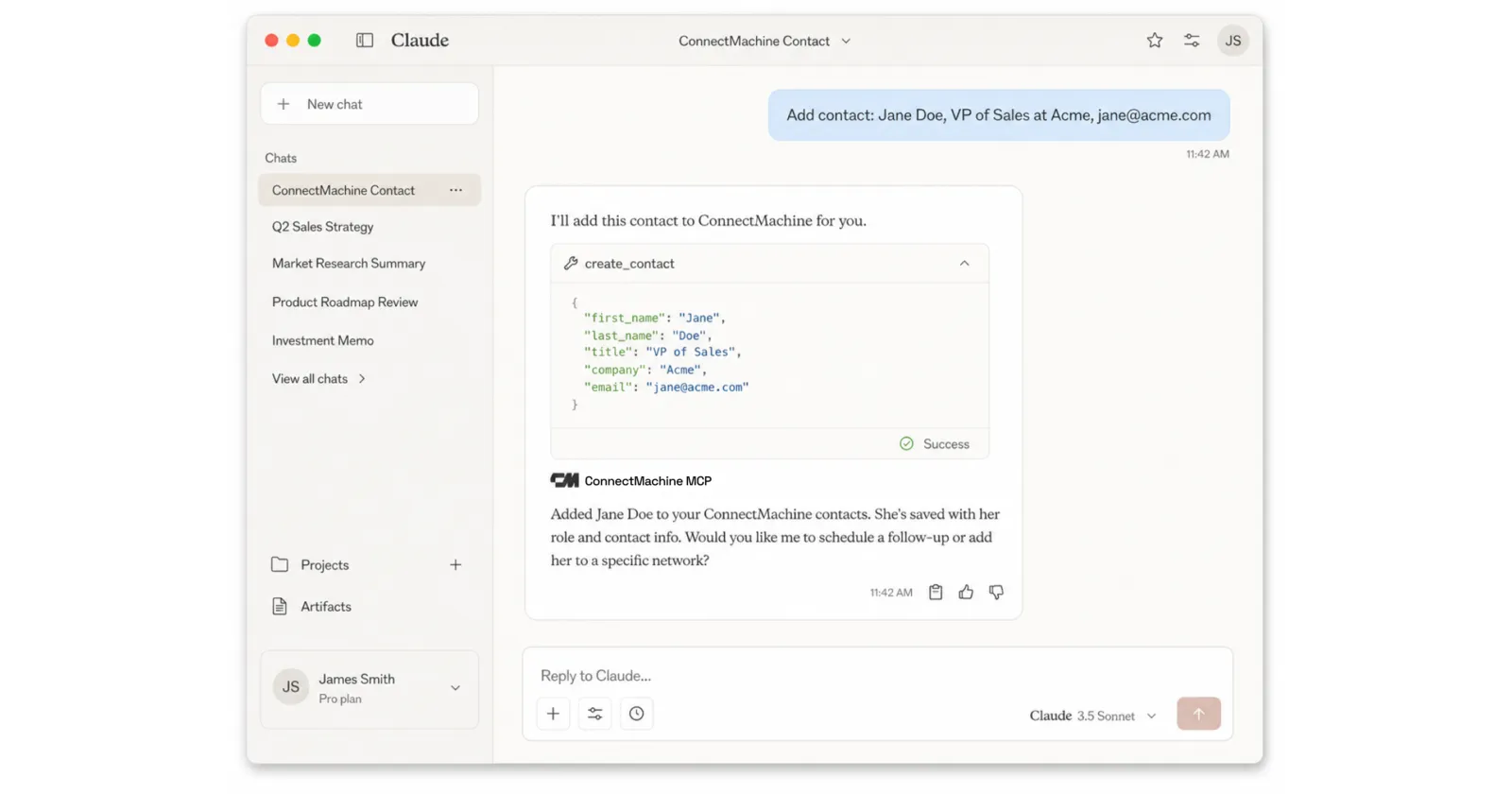
ConnectMachine runs a remote MCP server at mcp.connectmachine.ai. It publishes 40 focused tools, and your assistant chooses between them. You never call a tool by name.
- Contacts (12 tools): list, get, find, create, update, delete, smart search, industries, counts, duplicates, merge, and network assignment.
- Events (3 tools): list your events and attach or detach the event where you met someone.
- Networks (5 tools): list, create, update, delete, and reorder.
- Digital cards (7 tools): list, get, create, update, delete, read a shared card, and extract contact data from a card photo.
- Import and export (6 tools): batch import sessions, progress tracking, and CSV export.
- Notifications and profile (7 tools): notifications, unread counts, profile, and subscription status.
What write access looks like in a prompt
- "Add a contact: Jane Doe, VP of Sales at Acme, jane@acme.com."
- "Update Priya's email to priya@newco.com and set her job title to CTO."
- "Find my duplicate contacts and merge the ones that are clearly the same person."
- "Add my LinkedIn and website to my ConnectMachine card."
Built so the assistant cannot quietly get it wrong
- Same-name safety: when two contacts share a name, find_contact reports the ambiguity and the assistant asks you which one you mean instead of guessing.
- Events, not tags: you organize people by the event where you met, the same way the app does.
- Smart search: covers name, company, job title, email, phone, notes, location, meeting location, and event names.
Setup in about a minute
Sign in on the MCP connect page to get your personal key, then paste the config for your tool. Claude on web and desktop only needs the server URL under Settings, Connectors, Add custom connector. Clients that support the MCP OAuth flow can sign in through the browser instead, using OAuth 2.0 with PKCE. Every snippet is on the ConnectMachine MCP page, and the launch post walks through real workflows.
ConnectMachine MCP vs Blinq MCP
Both are native servers, so both work in Claude. The difference is what happens after the answer. Blinq's MCP lets your assistant read contacts, notes, and meeting transcripts. It cannot create, update, or delete a contact or card, and it needs a Premium, Business, or Enterprise plan.
ConnectMachine's MCP writes as well as reads, and connecting it is included with your account. To be fair to Blinq: it exposes meeting transcripts, and ConnectMachine's MCP does not expose AI query or transcription tools yet. If transcripts in chat are the whole job, that matters. For the wider card-app comparison, see ConnectMachine as a Blinq alternative.
ConnectMachine MCP vs Ask Popl
Ask Popl is built around event lead capture. It lets Claude, ChatGPT, or Copilot read event leads, notes, qualifiers, and company data, which suits a team reviewing a trade show pipeline. It is read-only and tied to Popl's Event Lead Capture plan.
ConnectMachine's MCP covers the whole network rather than one event workflow, and it can act: attach the event where you met someone, update the record, or read a card photo into a new contact. More on the product side in ConnectMachine as a Popl alternative.
ConnectMachine MCP vs HiHello
We found no native MCP server from HiHello. Its route into AI tools is Zapier MCP, where HiHello publishes a single trigger, New Contact, and no actions. Your assistant can ask for recent contacts and nothing else.
ConnectMachine is on Zapier too, with six actions, and connecting it to Claude through Zapier MCP is a good option when one conversation needs several apps. For contact work alone, the native server goes much deeper. See also ConnectMachine as a HiHello alternative.
Card app MCP vs full CRM MCP
HubSpot's MCP server reads and writes contacts, companies, deals, tickets, and more. If your pipeline lives in HubSpot, that is the server for pipeline work. ConnectMachine's MCP covers the place contacts come from: the cards you scan, the digital card you share, and the events where you met people.
They work together. ConnectMachine does not have a native HubSpot app; the handoff runs through Zapier on a paid plan, as covered in sending scanned business cards to HubSpot.
Which CRM MCP server to pick
- You want your AI to add, fix, and organize contacts: ConnectMachine MCP. It is the read-and-write option among the card apps we checked.
- You want to query meeting transcripts in chat: Blinq MCP, on a Premium plan or above.
- You review event leads as a team on Popl: Ask Popl, on the Event Lead Capture plan.
- Your pipeline lives in HubSpot: HubSpot MCP for deals, with ConnectMachine capturing contacts and Zapier moving them across.
- You need one conversation to span many apps: Zapier MCP, which ConnectMachine supports with six actions.