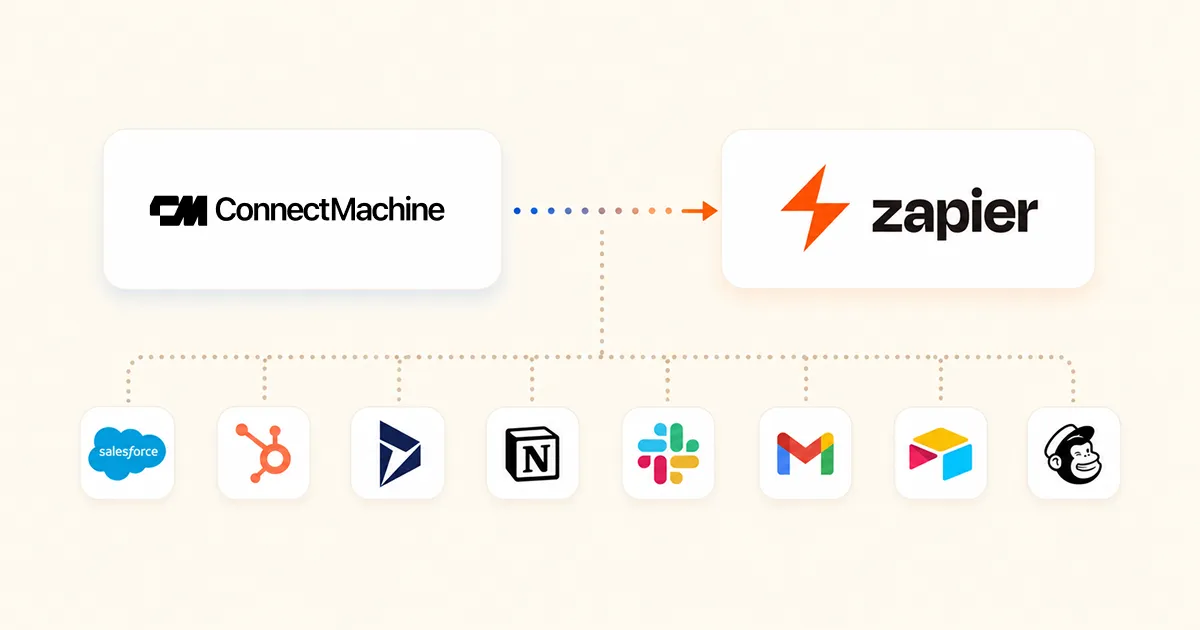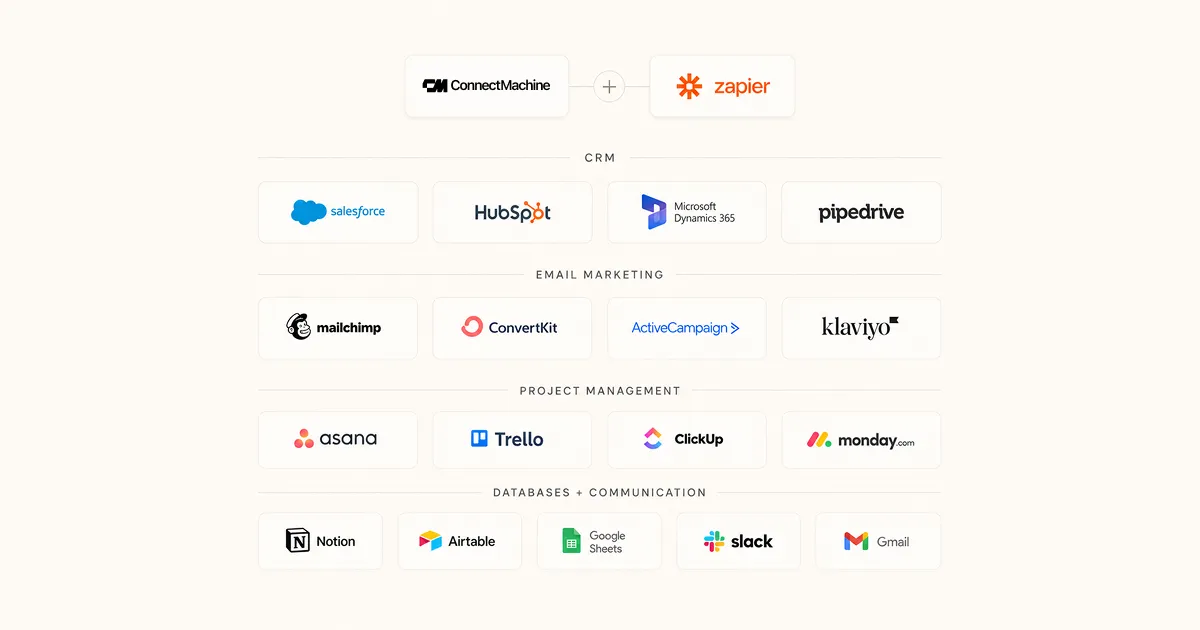
Zapier spent a decade building connectors to 9,000 apps so that a trigger in one could fire an action in another. Zapier MCP takes that same library and points it somewhere new. Instead of a Zap deciding when an action runs, your AI assistant decides, mid conversation, based on what you asked for.
That is a bigger change than it sounds. A Zap is a rule you write once and leave running. An MCP call is a decision made in the moment. The apps are identical. The thing holding the steering wheel is not.
We publish ConnectMachine on Zapier, so our own actions are reachable this way. Everything below is written against that live connection rather than the marketing page.
The short answer
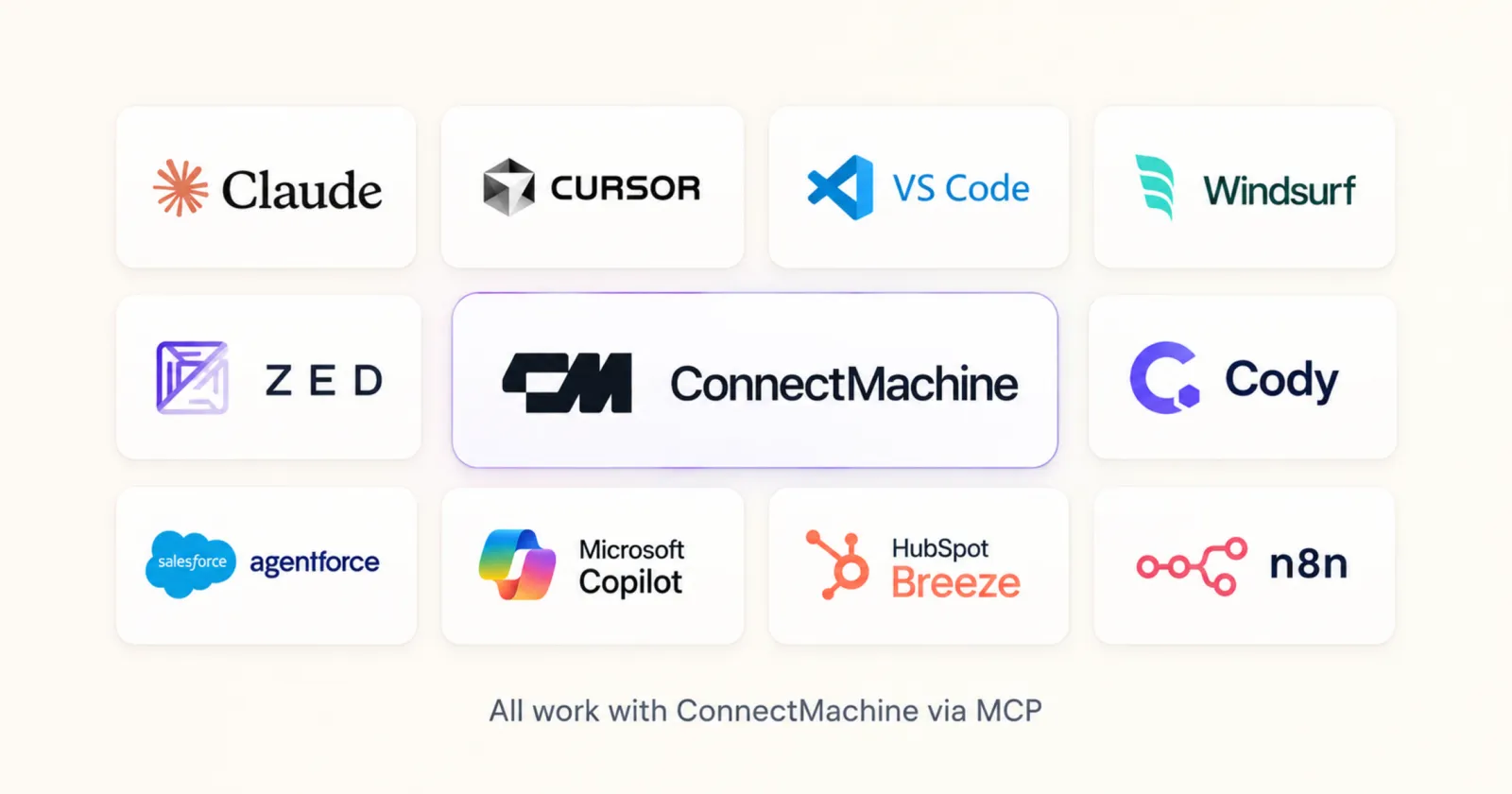
Model Context Protocol is an open standard from Anthropic that lets an AI tool call an external system through a shared interface. Zapier MCP is Zapier's implementation of it. You get an endpoint, you authorise the apps you want reachable, and any MCP client can then call those apps as tools.
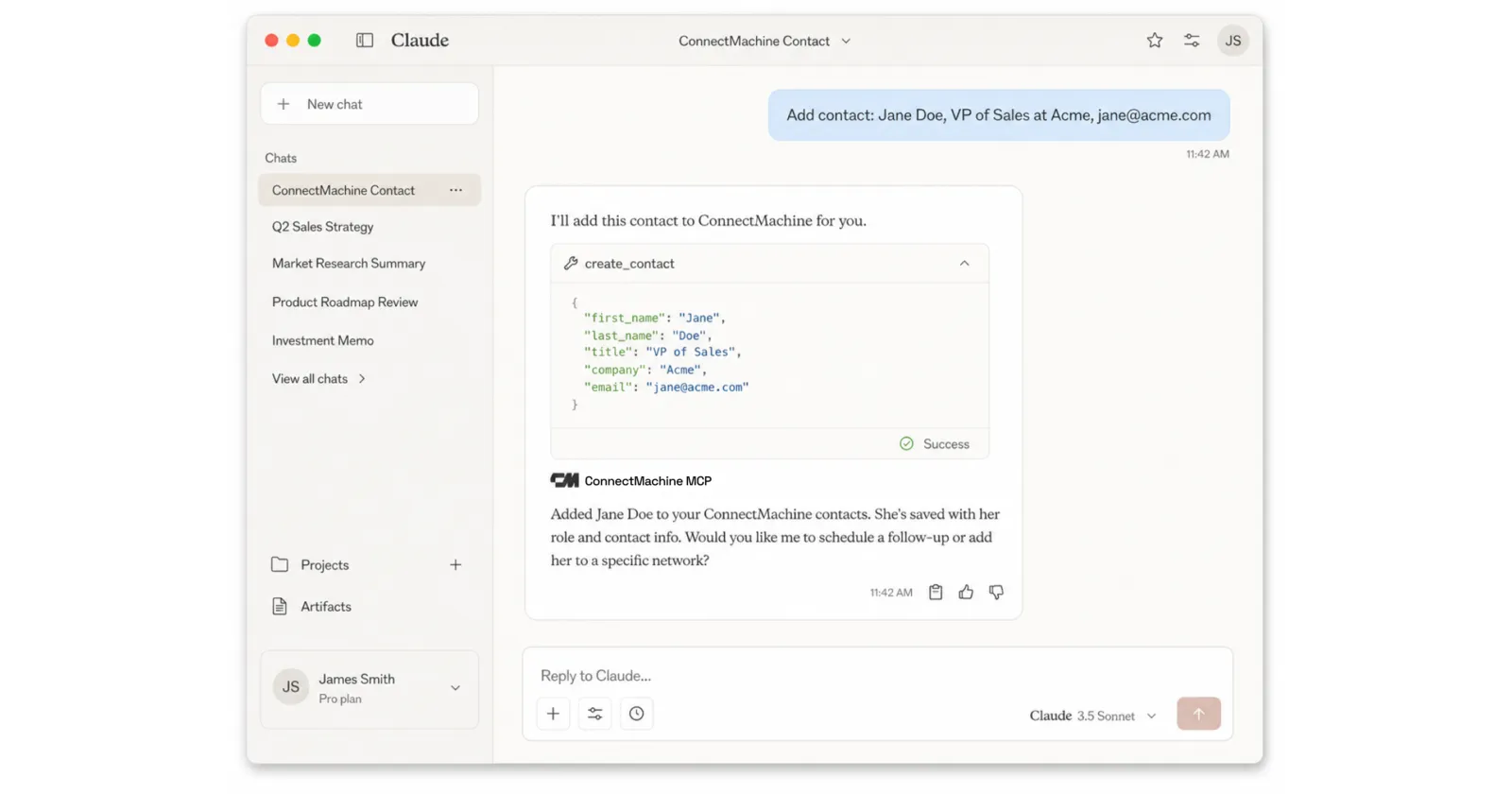
The practical effect is that a sentence typed into Claude can create a contact, look one up, add a row to a sheet, and post to Slack, without you opening any of those four products.
- You authorise apps once, in Zapier, using the same account connections your Zaps already use.
- You enable specific actions rather than handing over the whole catalogue.
- Your assistant sees only the actions you enabled, with their real parameter names.
- Every call runs against your authorised account, so permissions match what you can already do by hand.
How this differs from a Zap
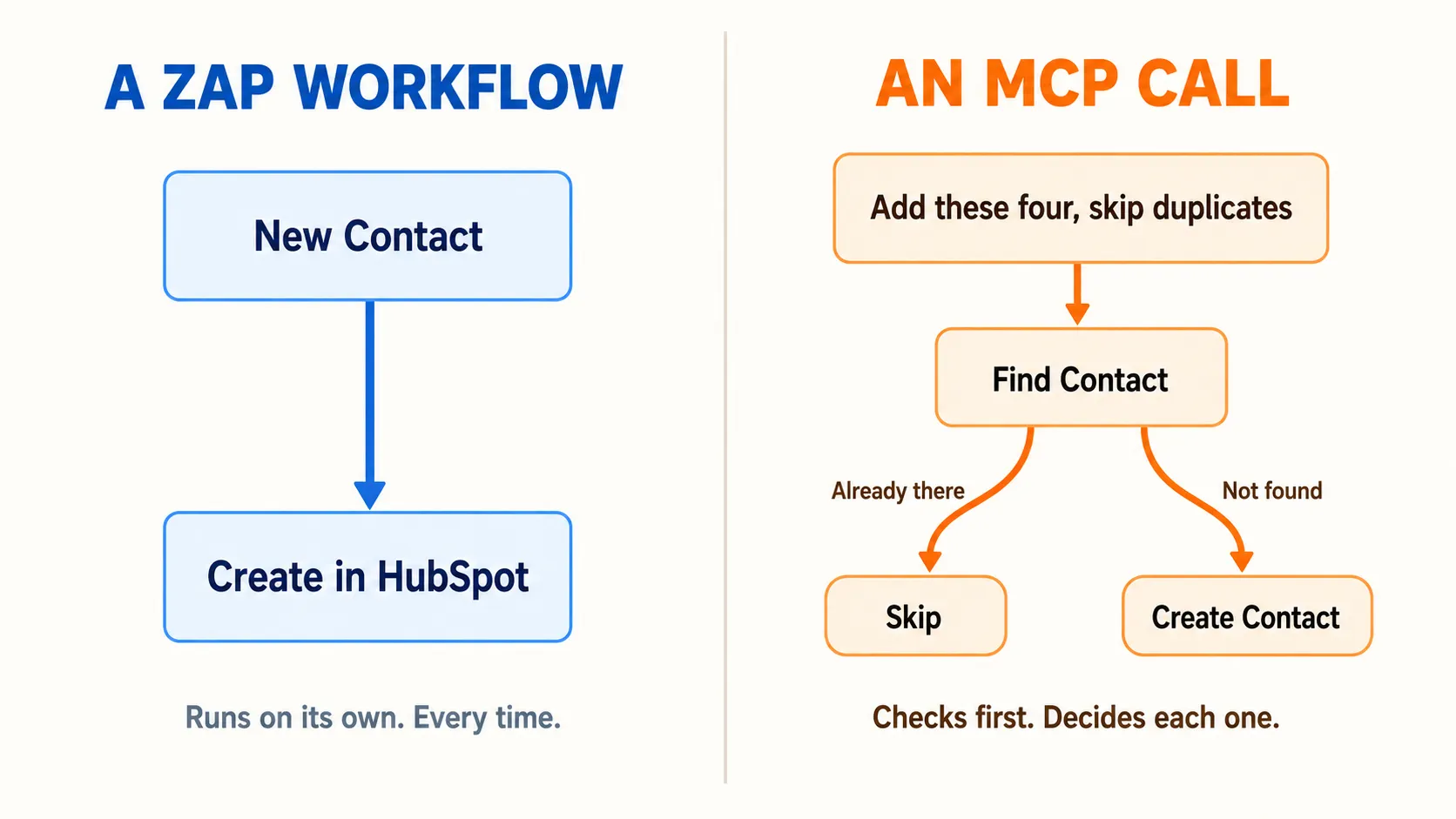
The distinction that matters is who chooses. A Zap fires when its trigger fires, every time, whether or not the run makes sense that day. An MCP call happens because the assistant read your request and picked the tool.
A Zap is standing instruction
Every new contact goes to HubSpot. No judgement, no exceptions, and that reliability is the point. You want this for anything that must never be forgotten.
An MCP call is a one off
Add the four people from this email thread to my contacts, but skip the one who is already in there. That is a decision per record, and no trigger can express it.
There is one detail here that catches people out. Zapier exposes app triggers through MCP as well, but they arrive as reads rather than as anything that runs on its own. Calling the New Contact tool asks for contacts that recently appeared. It does not subscribe to them. Nothing in MCP runs while you are asleep, which is exactly what Zaps are for.
What a connected app actually exposes
An app is only as useful over MCP as the actions its developer published. ConnectMachine currently publishes six, which is a reasonable example of the shape.
- New Contact, Updated Contact, and Deleted Contact, readable on demand.
- Find Contact, which searches by name, email, phone, company, job title, or website.
- Create Contact, which needs a first name and accepts everything else as optional.
- Update Contact, for changing fields on a record that already exists.
Read and write together is what makes an app worth calling from an assistant. An app that can only be written to forces the model to guess whether a record already exists. Find Contact removes the guess, and it is the reason check before you create is now a sentence rather than a workflow diagram.
Worth knowing
Matching is not uniform across fields
In ConnectMachine's Find Contact, email and phone match exactly, while name, company, job title, and website match partially. Searching company for Acme finds Acme Corp. Searching email for jane@ finds nothing.
Set the reminder while the conversation is still fresh.
What this looks like in practice
The value shows up when several apps are in play at once, because the assistant carries the result of one call into the next without you wiring anything.
Cleaning up after an event
You paste a list of twelve people from a badge scanner export. The assistant checks each one against Find Contact, creates the eight that are new, updates the job title on two that changed roles, and tells you which two it left alone. A Zap cannot make that call per row.
Enriching what you already have
Find everyone at Acme, then check which of them are missing a LinkedIn URL. You get a list back and can fix them in the same conversation, because Update Contact is sitting right there.
Crossing an app boundary mid sentence
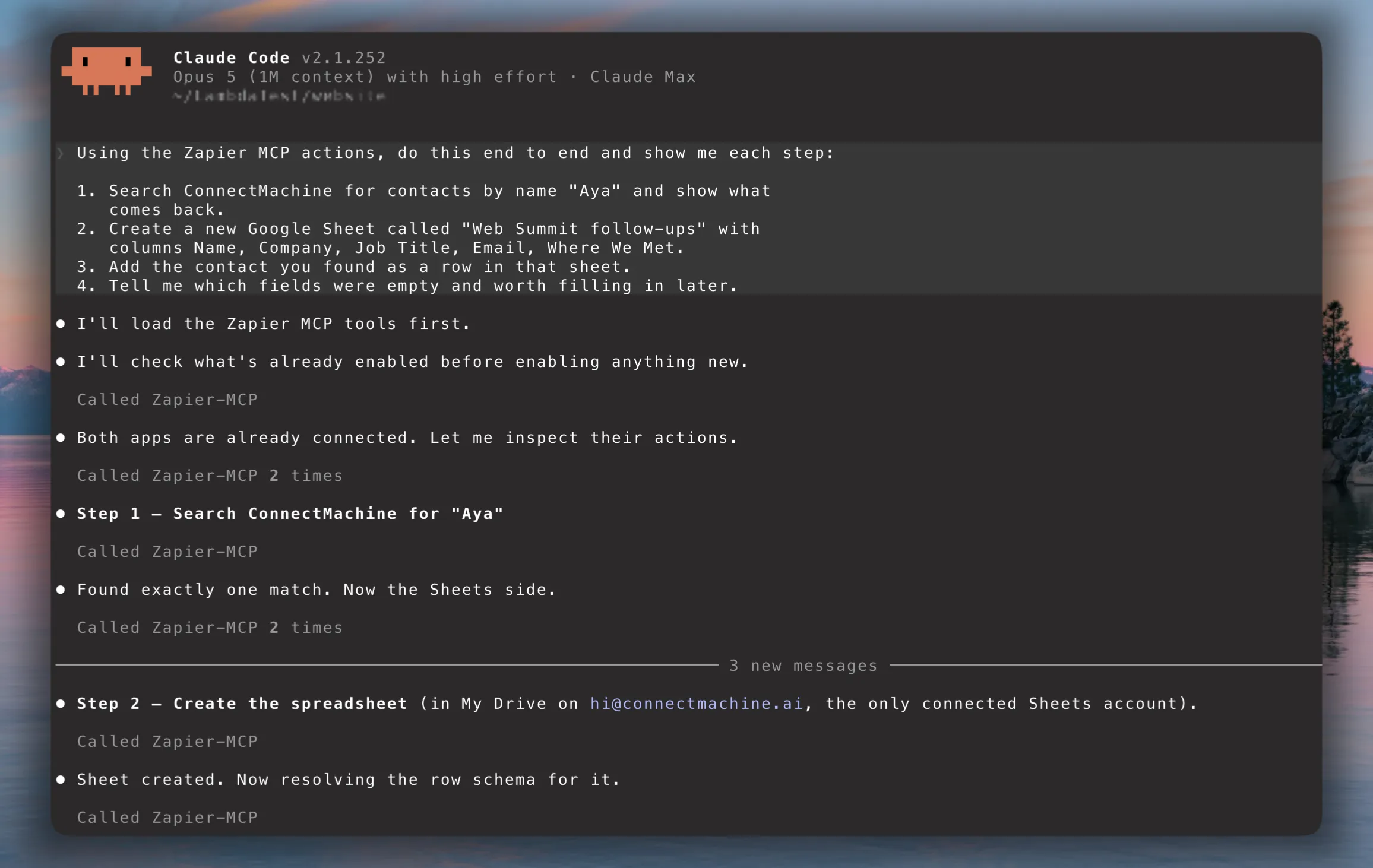
Search my contacts for everyone I met at the conference, then put them in a new spreadsheet with their company and job title. That is two apps and four calls, and the assistant carries the result of the search into the sheet without you mapping a single field. The screenshot above is that exact request running.
Where Zapier MCP falls short
This is worth being straight about, because the failure modes are predictable and all of them are avoidable once you know.
- Nothing is event driven. If the job is when X happens, always do Y, write a Zap. MCP will not run unattended.
- Only enabled actions exist. A model cannot call what you did not switch on, and the usual cause of a tool that seems missing is that it was never enabled.
- Calls consume Zapier tasks on the same meter as your Zaps, so a chatty session costs real quota.
- The model picks the arguments. A vague instruction produces a vague search, and a search that matches three people should end in a question to you rather than a write.
- Actions run against whichever account is set as default, which is easy to miss when you have connected both a work and a personal login.
That last one is the one we would watch. Anything that writes should be pointed at the right connection before you run it, not after.
Where to start
Enable one app, ask for one read, and confirm the answer is real before you let anything write. Reads are safe to experiment with, and they teach you how the model phrases its arguments, which is most of the learning curve.
If you want the ConnectMachine version end to end, including the authorisation step and the first prompts worth running, we wrote it up separately in connecting ConnectMachine to Claude with Zapier MCP. ConnectMachine also runs its own MCP server, which goes deeper on contacts but cannot reach your other apps. That one is covered in the MCP server announcement.