The best way to organize business cards is to digitize them within a day of receiving them, add a note about where you met, and store them by how you will look them up later. Physical systems still work for small collections. Here are five methods, and how to choose.
Five ways to organize business cards
| Method | Best for | Searchable? | Keeps context? |
|---|---|---|---|
| 1. Binder or card book | Under 100 cards you rarely look up | No | Only if you write on the card |
| 2. Card box sorted A to Z | A desk-based workflow | By name only | Only if you write on the card |
| 3. Spreadsheet | People comfortable with data entry | Yes | If you add a notes column |
| 4. Phone contacts | A few cards at a time | Yes | Limited |
| 5. Business card scanner app | Anyone collecting cards regularly | Yes | Yes, with notes and tags |
A binder or business card book
Clear plastic sleeves let you see both sides of each card. Group them by industry or event, and write the date and place you met on the back before filing.
Downside: you cannot search a binder, and it stays on your desk when you need a contact on the road.
A card box sorted A to Z
A rotary file or card box sorted by last name or company works if you look people up at your desk. Use tabbed dividers for the categories you search most.
Downside: you can only look people up one way, and the box gets heavier every year.
A spreadsheet
Type each card into a sheet with columns for name, company, title, email, phone, event, date met and notes. You can sort, filter and import it into a CRM later.
Downside: typing every card by hand is slow, and it adds up fast after an event. A scanner app can fill the sheet for you: see how to scan business cards to Excel.
Your phone's contacts
Add each card as a contact, and use the notes field for where you met. iPhone and Android can both pull details from a photo with some effort.
Downside: business contacts get mixed with friends and family, and there is no easy way to see who you met at which event.
A business card scanner app (recommended)
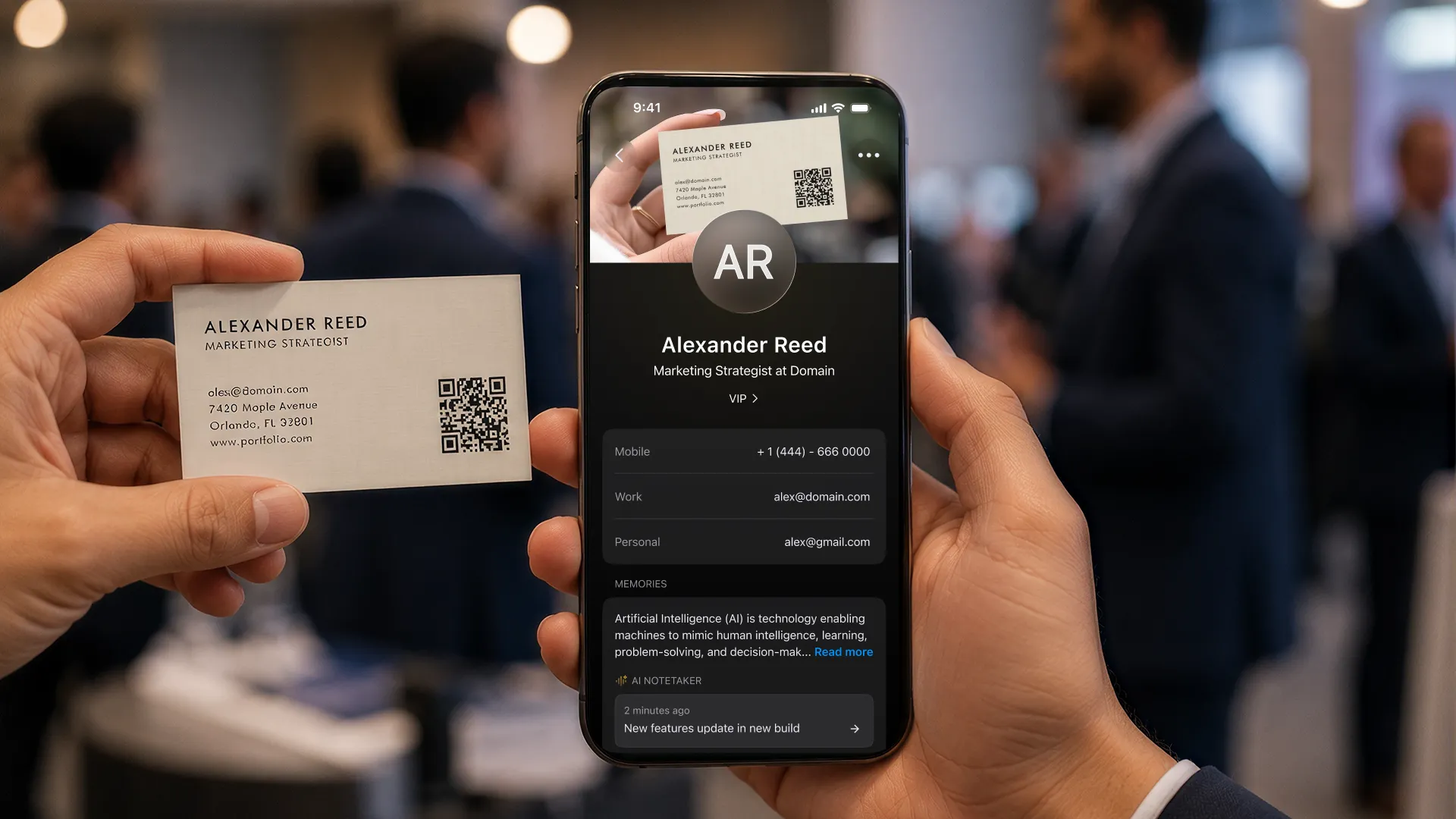
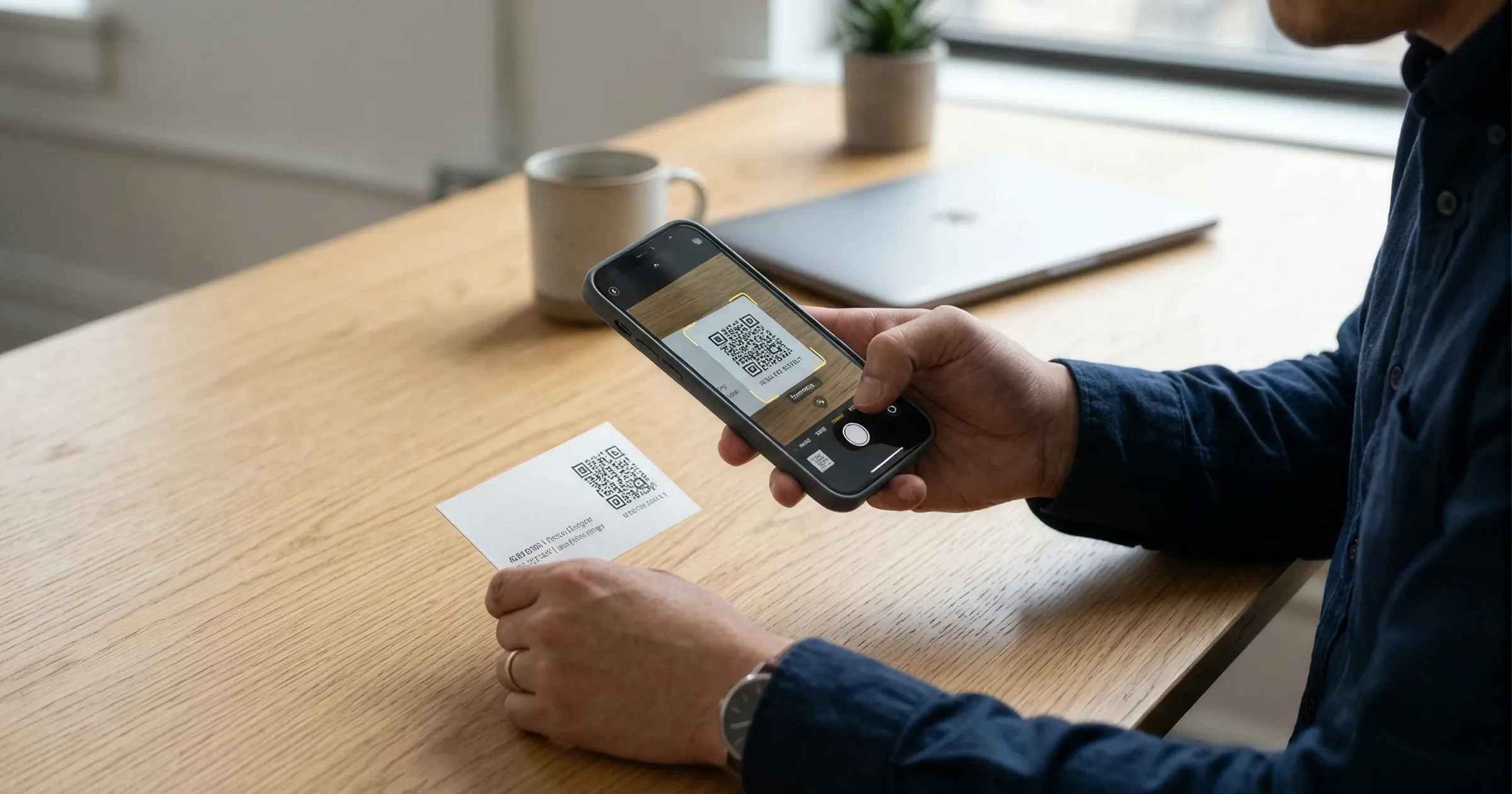
A scanner app is the fastest way to organize business cards at any volume. Point your camera at the card and every field is filled in, then add a tag for the event and a short note or voice memo about the conversation.
With ConnectMachine you can also save contacts from QR codes and LinkedIn QRs, export everything to CSV, and push contacts to your CRM through Zapier. Later, ask the AI Concierge "who did I meet at the trade show in March?" instead of flipping through cards. See the business card scanner app, or compare options in the best business card scanner apps.
What to do with business cards after you scan them
Follow up first, then decide what to keep. Send a short follow-up within 48 hours to anyone you want to stay in touch with (here is how to follow up after a networking event). Once a card is scanned and checked, you can recycle it.
Keep the paper card only if it has handwriting you want to preserve or a design you like. For the rest, the digital contact with notes is more useful than the card itself.
Turn your stack of cards into contacts
Scan paper cards and QR codes, add notes, and export to CSV or your CRM. The free plan includes 3 card scans so you can try it, and the free bulk scanner handles a whole stack from your browser.