
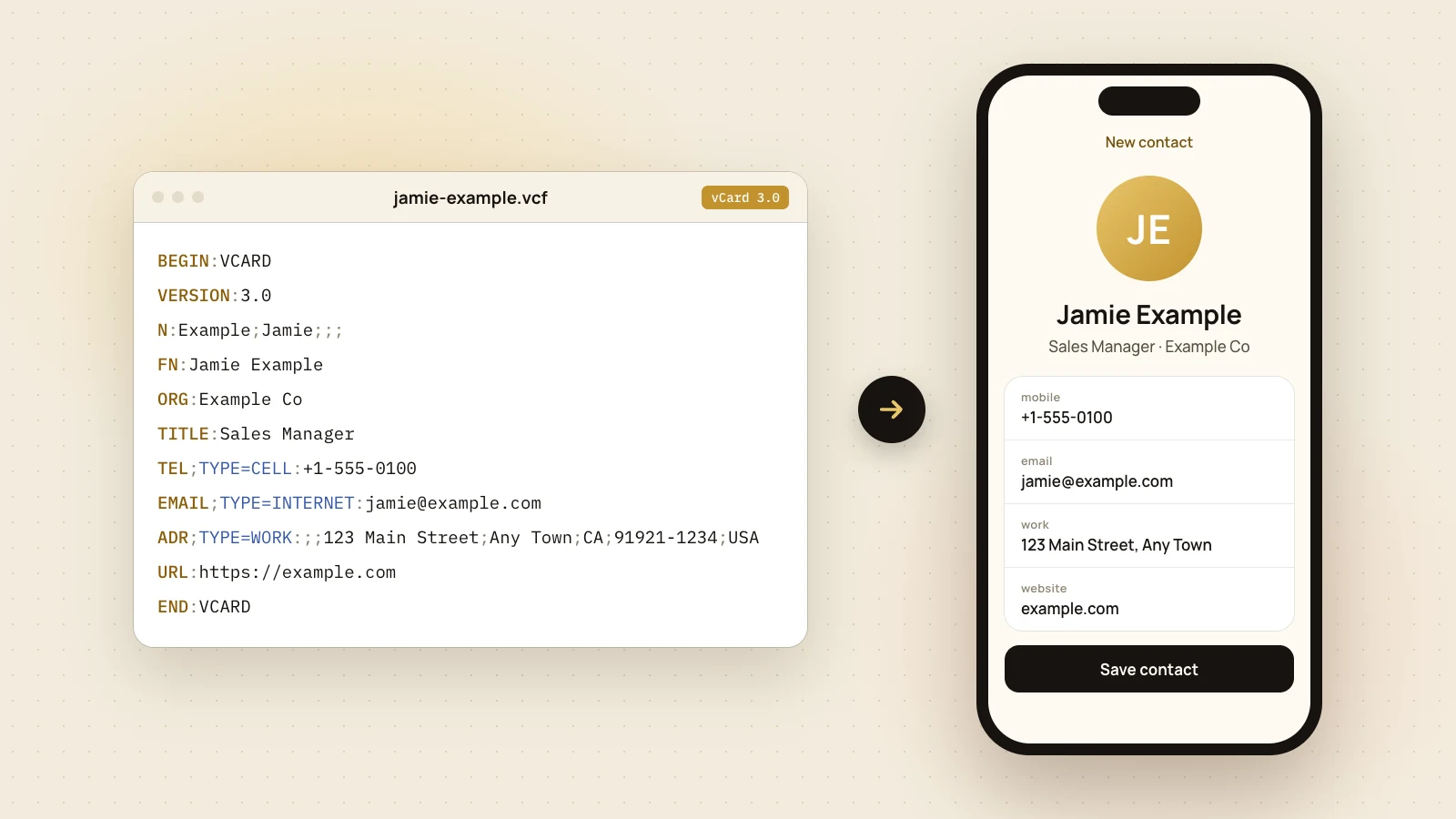
A vCard is a standard plain-text format for an electronic contact card. It can hold a name, phone numbers, email, company, address and a photo, and it is usually saved as a file ending in .vcf. Contacts apps from Apple, Google and Microsoft can all import one, so it is how contacts move between devices.
| Fact | Value |
|---|---|
| File extension | .vcf (RFC 6350 also registers .vcard) |
| Media type | text/ |
| Current version | 4.0, RFC 6350 (August 2011), extended by RFC 9554 (May 2024) |
| Older versions | 3.0, RFC 2426 (September 1998); 2.1, Versit Consortium (1996) |
| Required lines | 4.0: BEGIN, VERSION, FN, END. 3.0 also requires N |
| Text encoding | UTF-8 only in 4.0 |
| Contacts per file | One or many, each in its own BEGIN:VCARD … END:VCARD block |
What does a vCard look like inside?
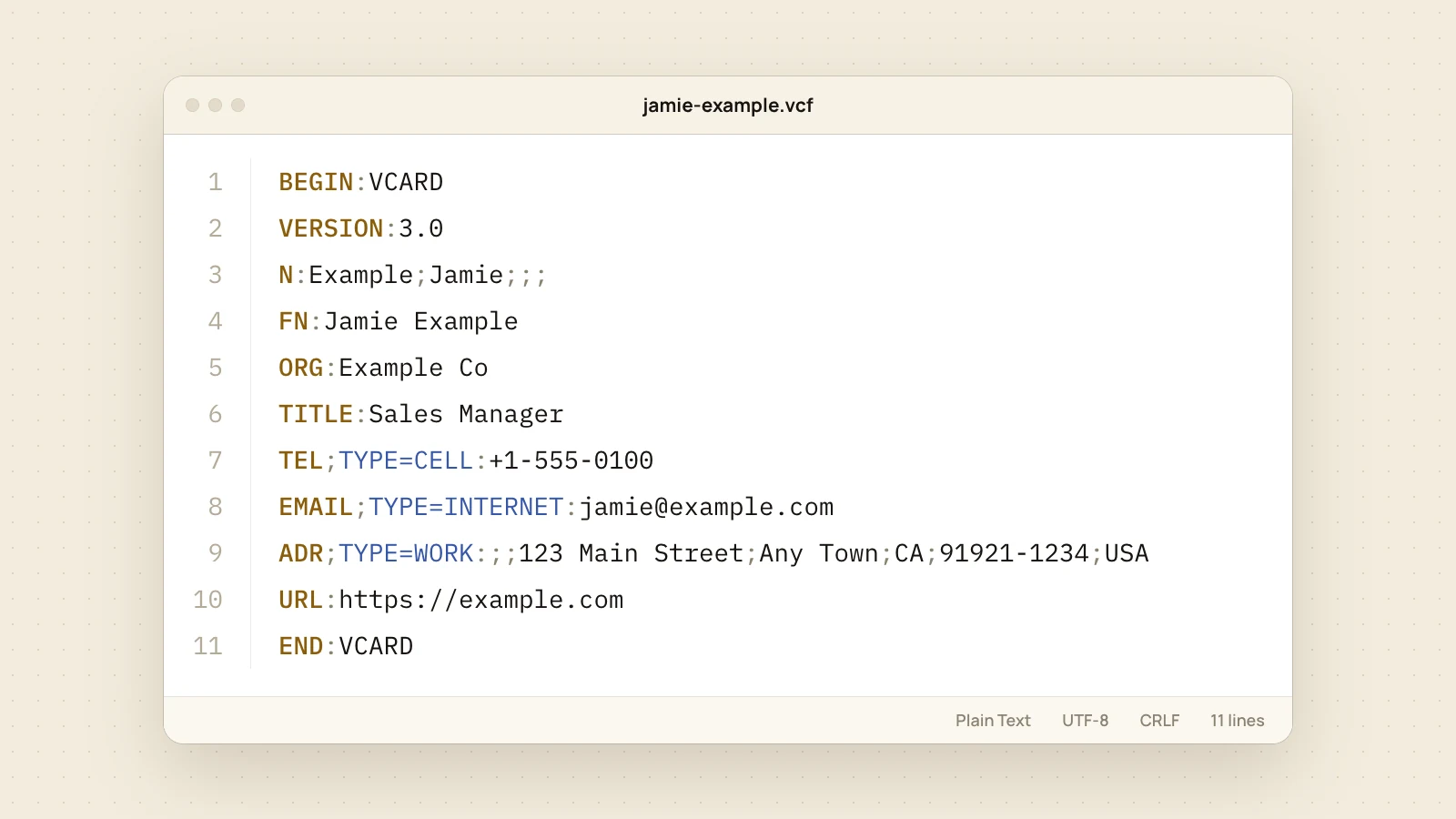
A vCard is a short text file made of one property per line, opened by BEGIN:VCARD and closed by END:VCARD. Here is a complete, valid version 3.0 card, the version Apple Contacts on Mac exports by default:
BEGIN:VCARD
VERSION:3.0
N:Example;Jamie;;;
FN:Jamie Example
ORG:Example Co
TITLE:Sales Manager
TEL;TYPE=CELL:+1-555-0100
EMAIL;TYPE=INTERNET:jamie@example.com
ADR;TYPE=WORK:;;123 Main Street;Any Town;CA;91921-1234;USA
URL:https://example.com
END:VCARD
What each line does:
| Line | What it means | What to know in practice |
|---|---|---|
| BEGIN:VCARD / END:VCARD | Start and end of one contact | A file can hold many contacts, one BEGIN/END block each. RFC 6350 allows several vCards in one stream. |
| VERSION:3.0 | Which edition of the standard the file follows | In 4.0 it must come directly after BEGIN. Some apps reject versions they don't support; Apple documents this for 3.0. |
| N:Example;Jamie;;; | The name split into parts: family; given; middle; prefix; suffix | Required in 3.0, optional in 4.0. The semicolons hold empty slots, so keep them. |
| FN:Jamie Example | The formatted name, written the way it should be displayed | Required in 3.0 and 4.0. |
| ORG / TITLE | Company and job title | Plain text. Accents and non-Latin scripts are fine if the file is saved as UTF-8. |
| TEL;TYPE=CELL | A phone number with a label | The TYPE label (cell, work, home) tells the app which label to show. Google's import guidance asks for + and the country code. |
| EMAIL;TYPE=INTERNET | An email address | Add one EMAIL line per address. |
| ADR;TYPE=WORK:;;123 Main Street;Any Town;CA;91921-1234;USA | The address in seven parts: PO box; extended address; street; city; region; postal code; country | Keep the empty slots. RFC 6350 says the PO box and extended address SHOULD be left empty (RFC 2426 §3.2.1, RFC 6350 §6.3.1). |
| URL | A website | Add one URL line per link. |
Other common lines are PHOTO (RFC 6350 §6.2.4), BDAY for a birthday (§6.2.5) and NOTE for free text (§6.7.2); in vCard 3.0 they are RFC 2426 §3.1.4, §3.1.5 and §3.6.2.
What contact apps actually do with it. We did not test every phone, so this is limited to what the vendors document. Apple Contacts on Mac exports vCard 3.0 by default and can leave out notes, photos and private "Me card" fields depending on your settings. Google Contacts says that if a detail is missing after an import, it may be in the contact's notes. Outlook for Mac shows only the first contact when a file holds several, but saves each one.
What changed between vCard 2.1, 3.0 and 4.0?
Three versions are in use, and the differences explain several common import problems. Version 4.0 (RFC 6350, 2011) is the current IETF standard and the only version value in the IANA registry, but 3.0 remains the safe default for sharing because Apple Contacts exports it.
| vCard 2.1 | vCard 3.0 | vCard 4.0 | |
|---|---|---|---|
| Defined by | Versit Consortium spec dated September 1996 (per Wikipedia); not an IETF standard (Library of Congress) | RFC 2426, September 1998 | RFC 6350, August 2011; extended by RFC 9554, May 2024 |
| Required lines | The Library of Congress notes VERSION, N and END were optional in 2.1; 3.0 made them required. Wikipedia's property table lists N as required, so include all five lines | BEGIN, VERSION, N, FN, END | BEGIN, VERSION (directly after BEGIN), FN, END. N is optional |
| Character encoding | Allowed QUOTED-PRINTABLE and a per-line CHARSET parameter | CHARSET parameter removed; the charset comes from the outer MIME header | UTF-8 only; RFC 6350 says it cannot be overridden |
| Embedded photo | Base64 with ENCODING=BASE64 | Base64 with ENCODING=b and TYPE=JPEG, or a link with VALUE=uri | A URI, either a web link or an inline data: URI |
| Media type | None of its own. Older software often labels vCards text/x-vcard, which the Library of Congress notes is not IANA-registered; the registered type is text/vcard | text/directory with the vCard profile | text/vcard |
| Where you still meet it | Apple Contacts offers it as an export option for apps that reject 3.0 | Apple Contacts' default export; ConnectMachine's free tool also writes 3.0 | Current standard; RFC 9554 added properties such as PRONOUNS and SOCIALPROFILE |
RFC 6350 requires lines to end in CRLF (a carriage return plus a line feed) and asks for lines longer than 75 octets to be folded onto the next line, which starts with a space. RFC 2426 sets the same 75-character folding rule for 3.0.
Is a vCard the same as a .vcf file?
Yes, in everyday use. vCard is the name of the format and .vcf is the usual file extension; RFC 6350 registers both .vcf and .vcard for it. A single .vcf can hold one contact or hundreds. If you want to view what's inside a VCF file before importing it, that is a separate job with its own free tool.
How do you create a vCard?
The quickest way is to export one from a contacts app you already use. There are four routes:
- Apple Contacts on Mac: select one or more contacts, then choose File > Export > Export vCard.
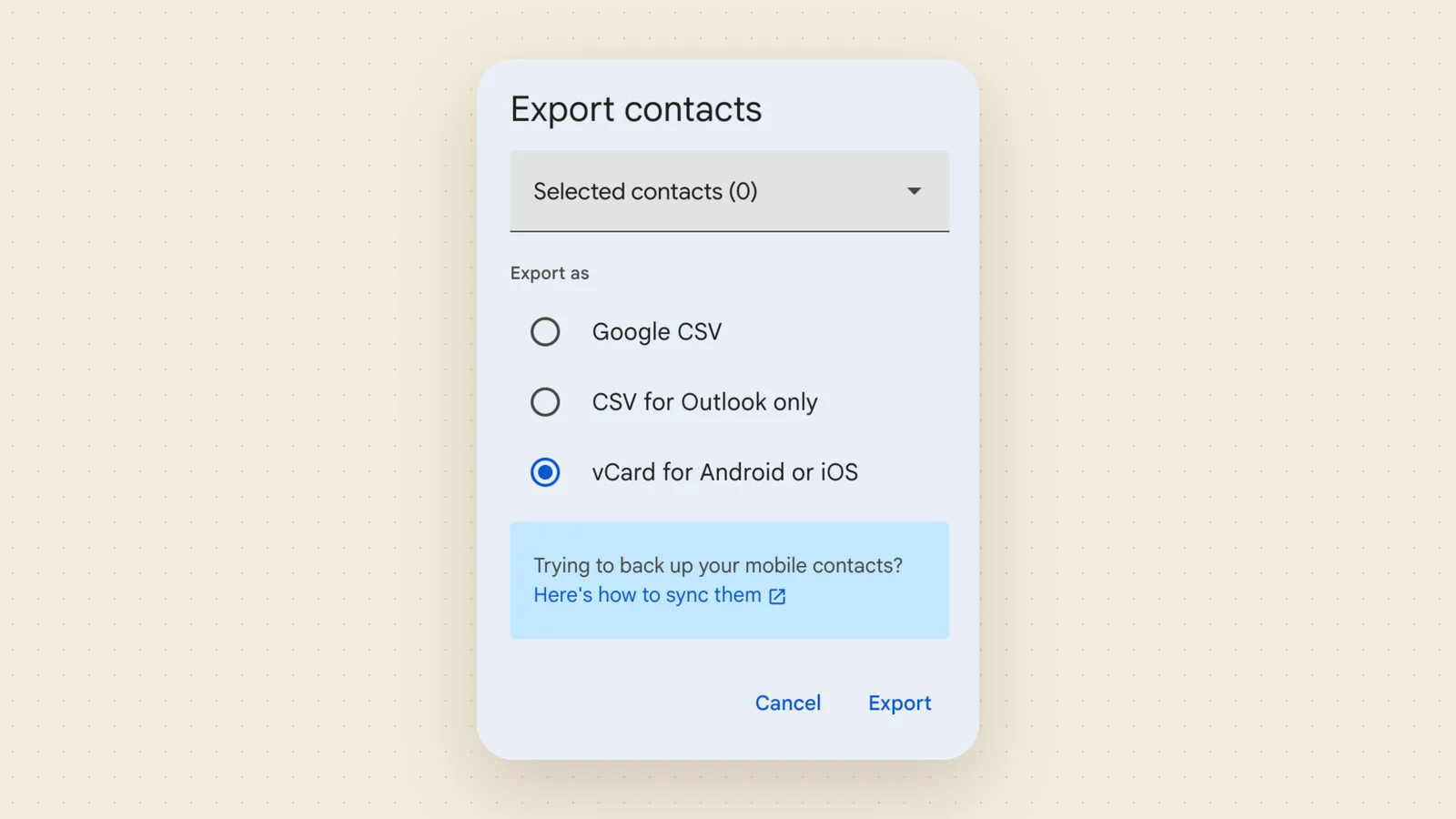
- Google Contacts on the web: tick the contacts, open More actions, choose Export and select vCard as the format.
- Classic Outlook for Windows (Microsoft 365, 2016 to 2024): open the contact, choose File > Save As, name the file and save.
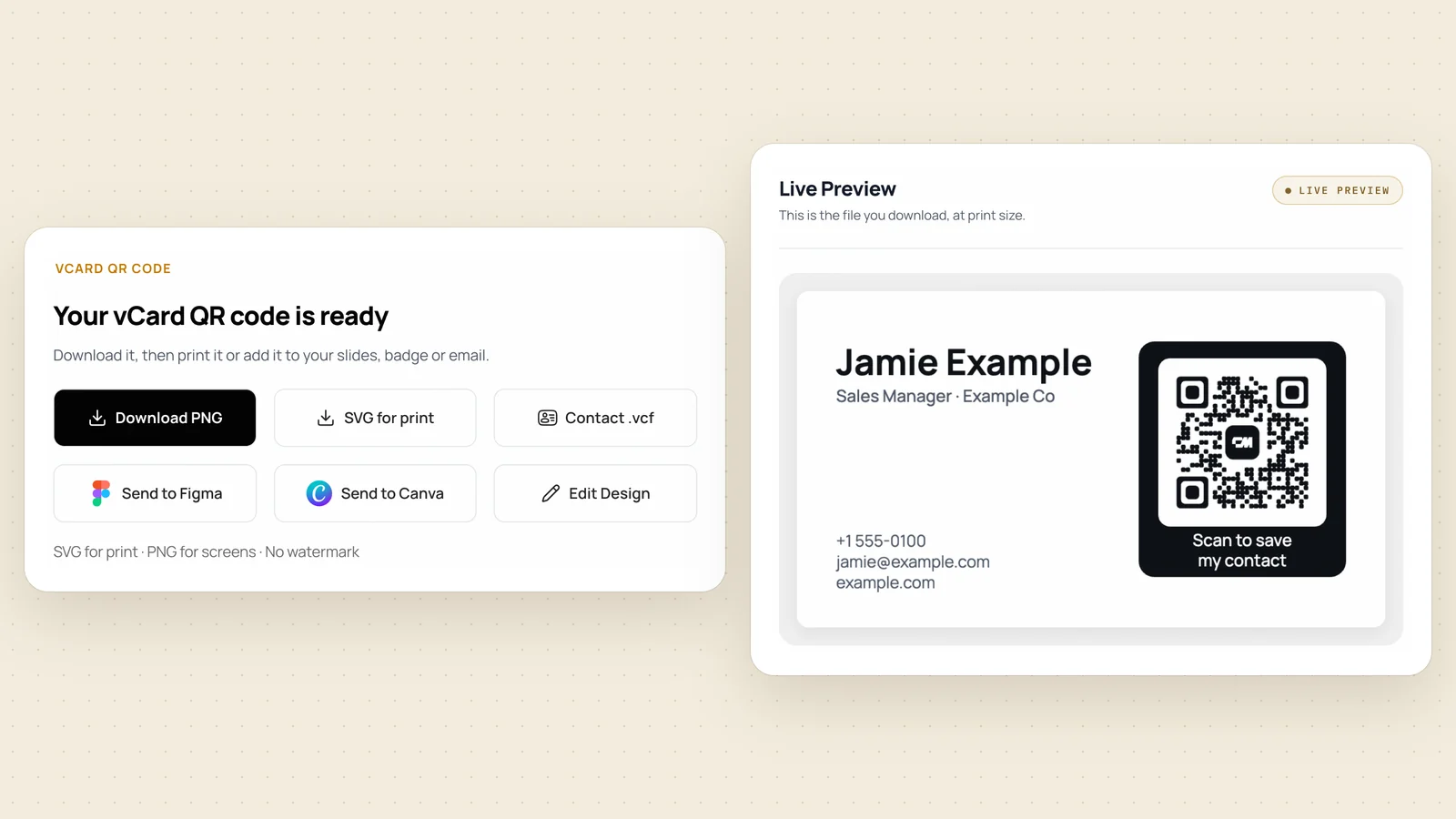
- Write it by hand or use a tool: copy the template below into a plain-text editor, or fill in a form such as the free vCard QR code generator, which downloads a version 3.0 .vcf with no signup.
A minimal vCard template you can copy
This template passes the required-line rules for version 3.0, and we checked it with a script before publishing. Swap in your own name, number and email, keep every semicolon in the N line, and save it as UTF-8 with a .vcf extension.
BEGIN:VCARD
VERSION:3.0
N:Example;Jamie;;;
FN:Jamie Example
TEL;TYPE=CELL:+1-555-0100
EMAIL;TYPE=INTERNET:jamie@example.com
END:VCARD
Three rules keep a hand-written file importable:
- Line endings: the standard asks for CRLF. If your editor has a line-ending setting, choose CRLF (sometimes labelled Windows).
- Required lines: for 3.0 you need BEGIN, VERSION, N, FN and END. RFC 2426 makes N mandatory in 3.0, even though 4.0 dropped that rule.
- Several contacts: paste a complete BEGIN-to-END block for each person, one after another, in the same file.
How do you send or share a vCard?
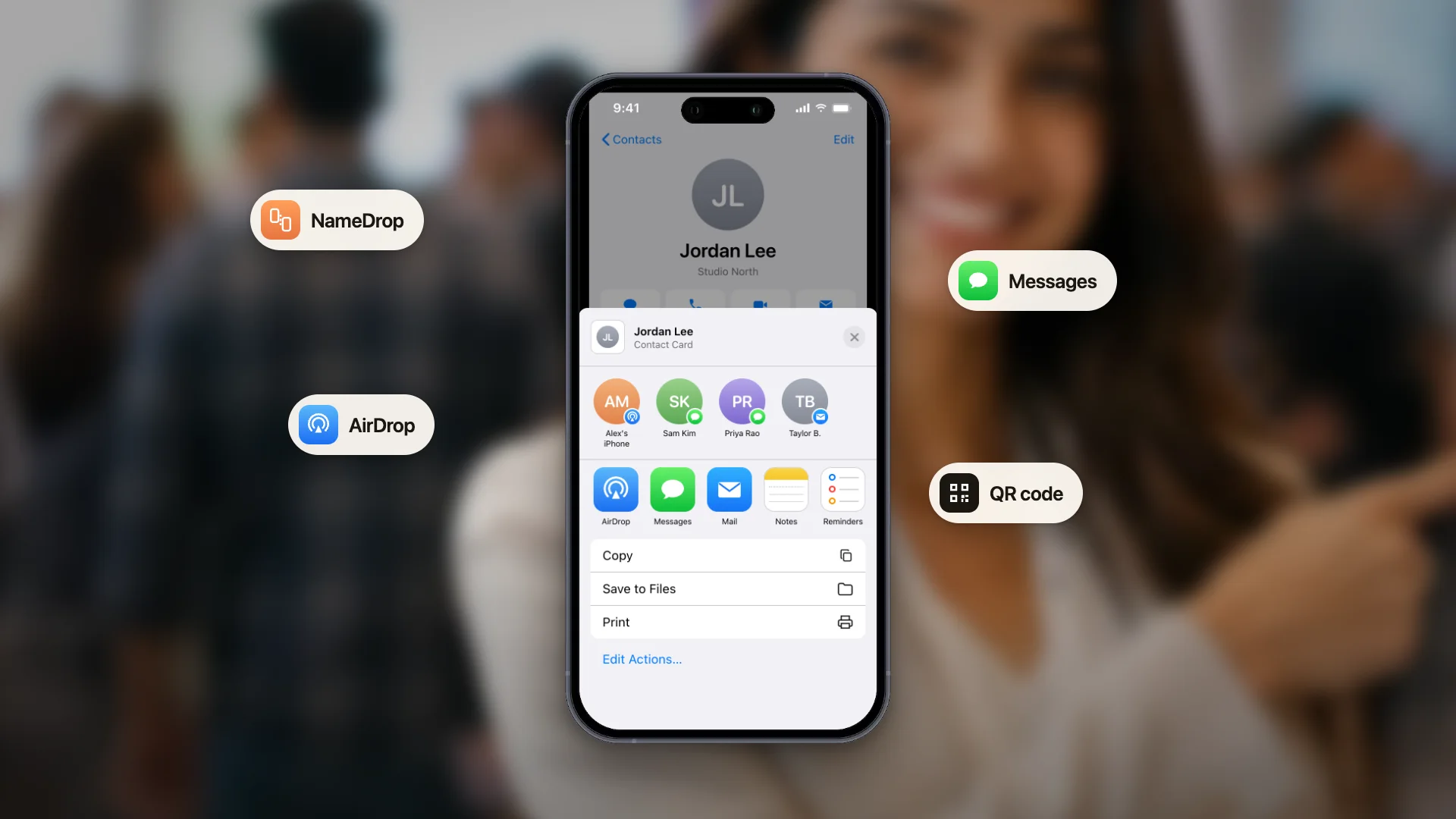
You send a vCard like any other attachment: by email, in a message, or through the share sheet on your phone. Apple Contacts on Mac shares a card as a .vcf through Mail, Messages or AirDrop. Classic Outlook for Windows attaches one from a new email with Insert > Business Card. Phone-to-phone steps for iPhone, including NameDrop and sharing to Android, are in our guide on how to share a contact on iPhone.
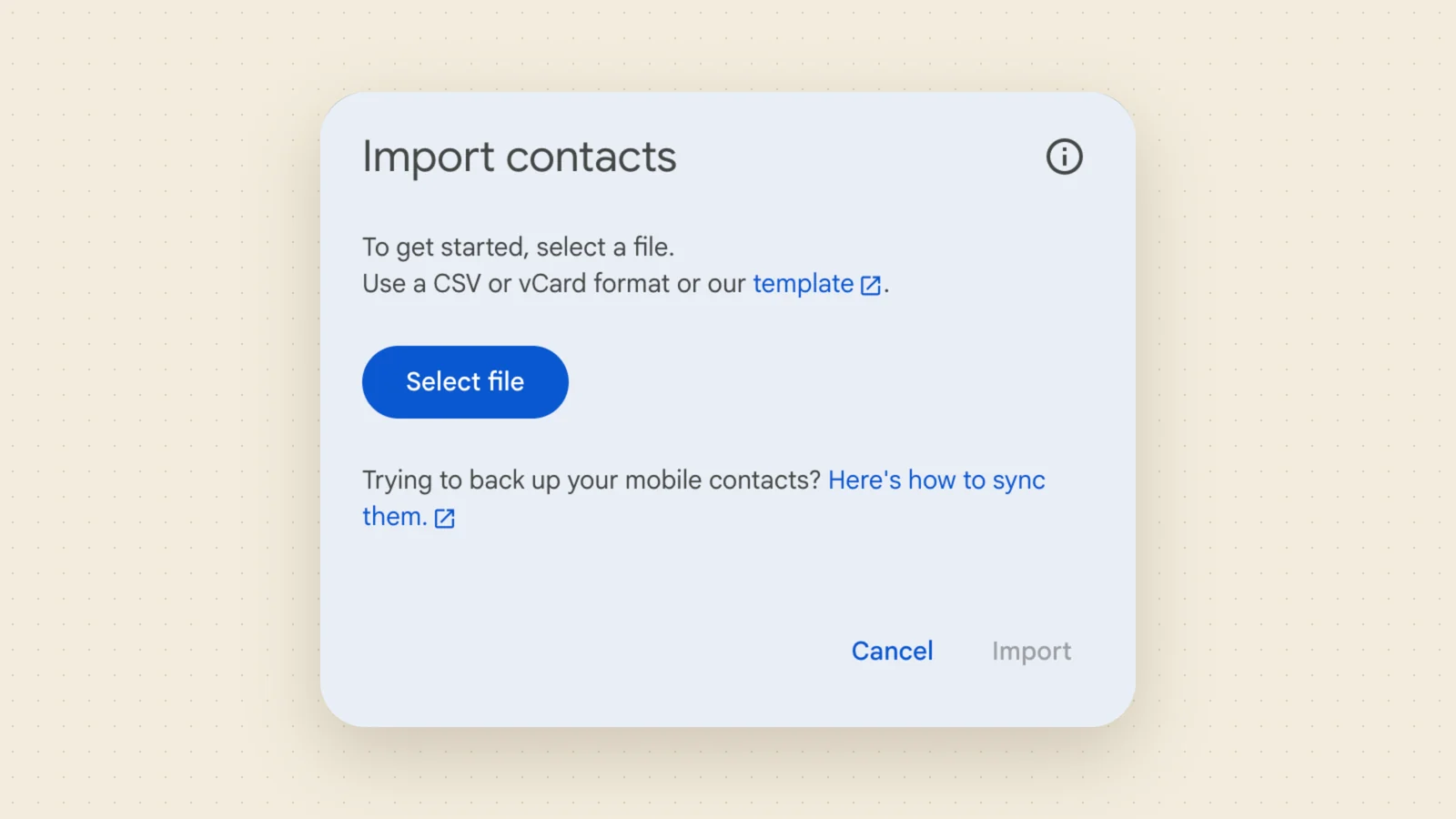
For moving a whole address book, import the .vcf on the other side. Google Contacts accepts .vcf files through Import on the web, up to 3,000 contacts at a time. Avoid attaching a vCard to every email you send; our email signature guide explains why a link works better there.
Static file or live link: which should you use?
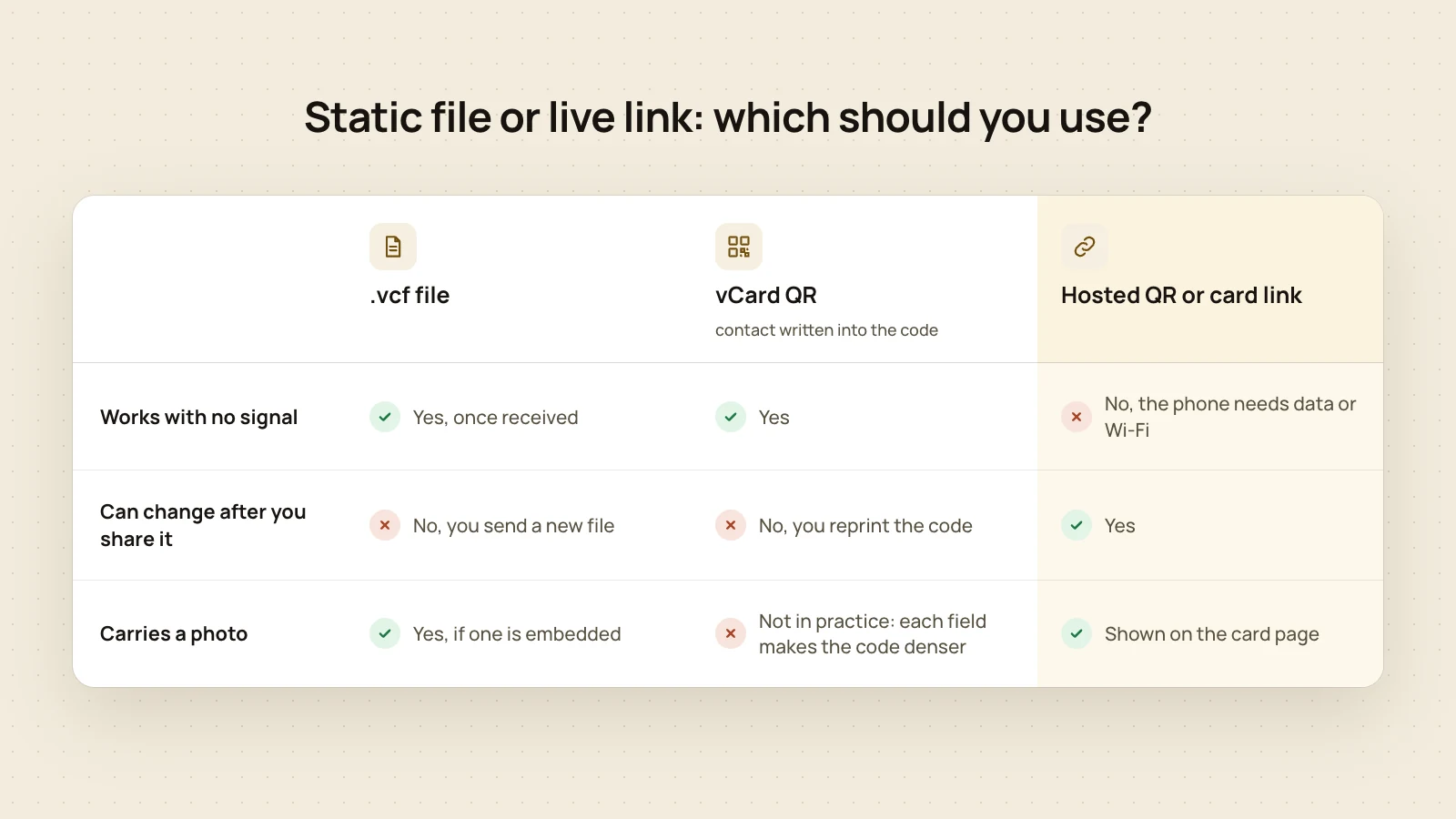
Use a static vCard when the details won't change and the other person needs them offline; use a live link when you expect to update them. A plain .vcf file is often enough, and it costs nothing.
| .vcf file | vCard QR (contact written into the code) | Hosted QR or card link | |
|---|---|---|---|
| Works with no signal | Yes, once received | Yes | No, the phone needs data or Wi-Fi |
| Can change after you share it | No, you send a new file | No, you reprint the code | Yes |
| Carries a photo | Yes, if one is embedded | Not in practice: each field makes the code denser | Shown on the card page |
| Best for | Emailing one contact or moving an address book | A printed sign where scanners may be offline | Business cards, badges, email signatures |
| Honest catch | Goes stale when you change jobs | Long details make a code hard to scan when printed small | Depends on the host staying online |
The third column is what a digital business card is. If you only need to send your details once, the first column is the whole answer.
Why does my vCard import wrong?
Each of these six problems traces back to the vCard RFCs or to Apple, Google and Microsoft help pages, and each has a quick fix.
| Symptom | Likely cause | Fix |
|---|---|---|
| Accented or non-Latin names show as symbols | A 2.1 file using QUOTED-PRINTABLE, or a file saved in a non-UTF-8 encoding | Re-export as 3.0 or 4.0 and save as UTF-8. RFC 6350 requires UTF-8. |
| Only one contact appears from a file of many | The app shows the first card in a single window (Outlook for Mac does this but still saves each) | Check your contacts list before re-importing. For bulk moves, use Google Contacts Import or Apple Contacts. |
| Photo or notes missing | Mac Contacts' "Export photos" or "Export notes" setting is off | Contacts > Settings > vCard, turn both on, export again. |
| Another app refuses the file | It doesn't accept vCard 3.0 | Apple's fix: switch the vCard format to 2.1, export again, then switch back to 3.0. |
| A field vanished after a Google import | Google had no matching field for it | Open the contact and look in its notes section. |
| Large import stops part-way | Google Contacts imports at most 3,000 contacts at a time | Split the file and import in batches. |
If a hand-written file fails, check for a missing FN or N line, a VERSION line that isn't directly after BEGIN, or LF-only line endings.