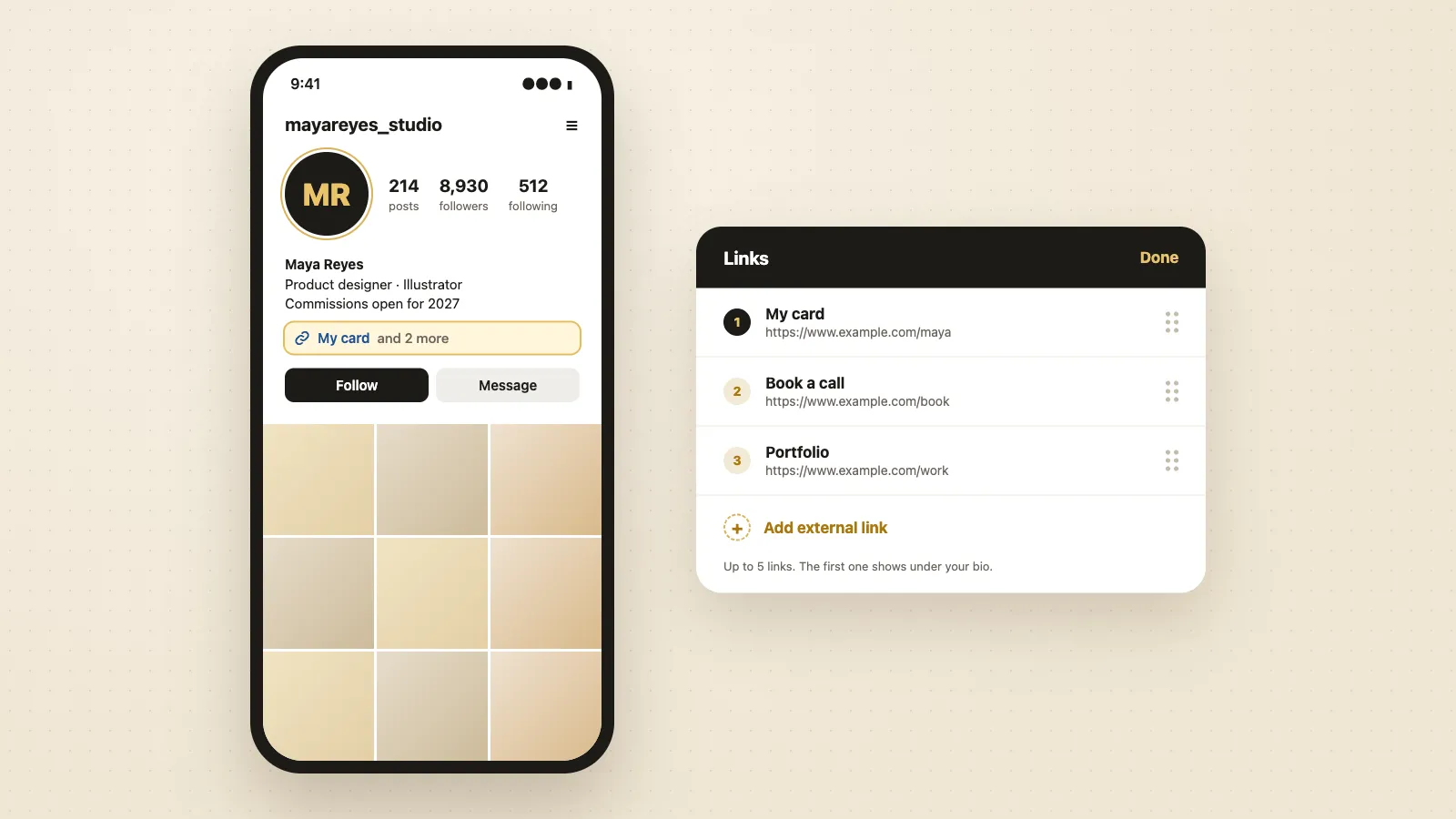

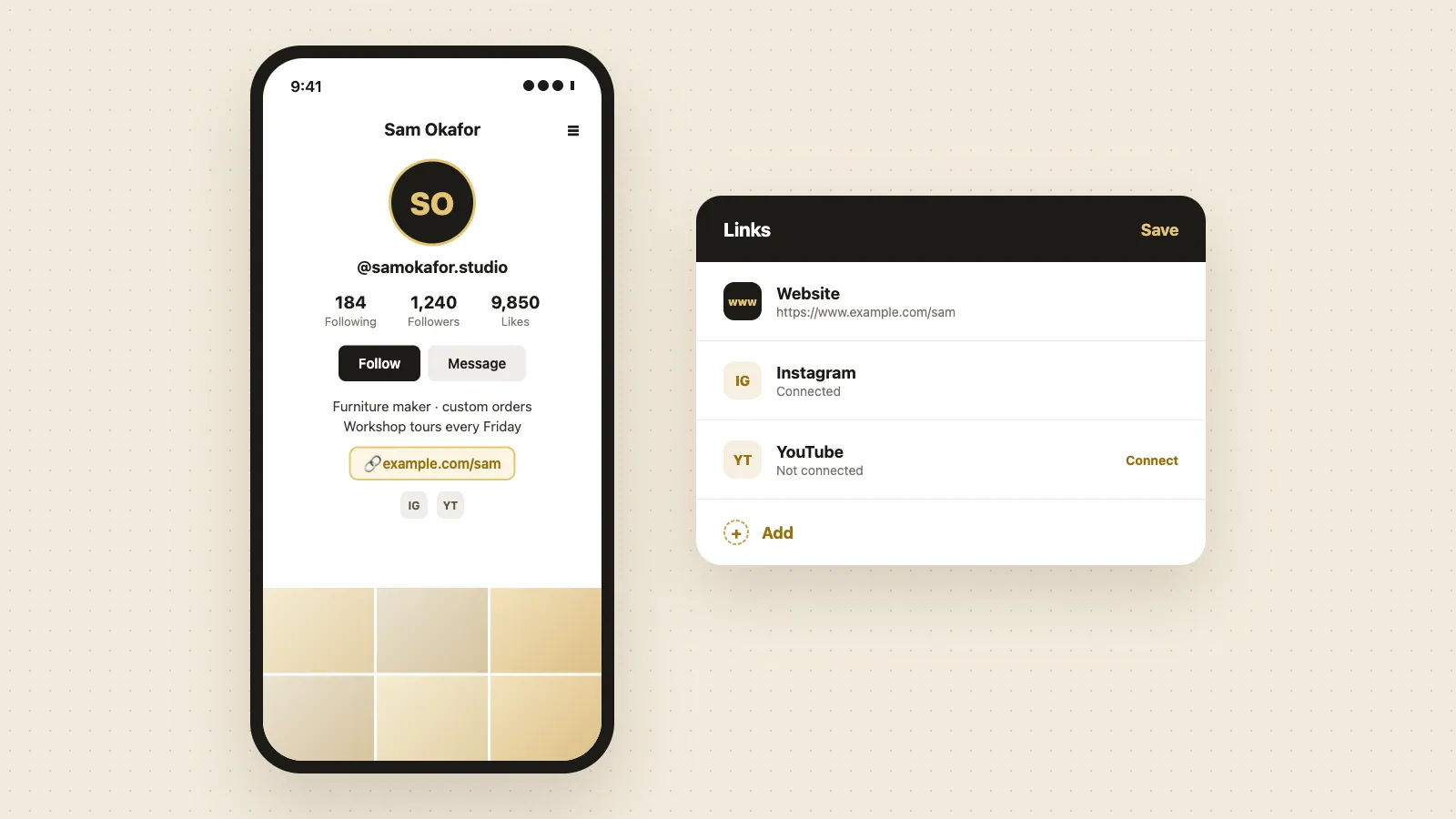
To add a link to your TikTok bio, tap Profile, tap Edit profile, then tap Add next to Links and enter your web address. TikTok only shows this option on accounts with at least 1,000 followers or a verified business account. Anyone can link an Instagram or YouTube account from the same screen.
How to add a link to your TikTok bio
- 1
Open TikTok and tap Profile at the bottom right.
- 2
Tap Edit profile.
- 3
Next to Links, tap Add.
- 4
Enter the full web address, starting with https://.
- 5
Save, then go back to your profile and tap the link to check it opens.
You can only add links in the TikTok app, not on tiktok.com.
Who can add a website link to their TikTok bio
TikTok shows the website link option to:
- Personal accounts with at least 1,000 followers.
- Business accounts that TikTok has verified (a Verified Business Account, which TikTok used to call a Registered Business Account), whatever their follower count. Any business account can apply for verification.
If you don't see Links or Website under Edit profile, your account doesn't meet the rule yet.
How to add a link to your TikTok bio without 1,000 followers
You have three options:
- Switch to a business account: tap Profile, the menu at the top right, Settings and privacy, Account, then Switch to Business Account, and choose a category. Then verify your business with TikTok. Business accounts can only use TikTok's Commercial Music Library for sounds, so check that works for your videos first.
- Link your Instagram or YouTube account (next section). These links don't need 1,000 followers.
- Write your address in the bio text, for example "my site: example.com". It won't be clickable, but people can type it.
How to add your Instagram link to TikTok
- 1
Tap Profile, then Edit profile.
- 2
Next to Links, tap Add, then choose Instagram (or YouTube).
- 3
Sign in to the account you want to connect and allow access.
The Instagram icon then shows on your profile, and tapping it opens your Instagram account. This works without 1,000 followers, but it isn't available in every region. Don't paste an Instagram address into the website field: TikTok restricts website links that point to other social apps.
For the other direction, see how to add a link to your Instagram bio.
Why can't I add a link to my TikTok bio?
- You have fewer than 1,000 followers on a personal account. Switch to a business account and verify it, or grow past 1,000.
- The link points to another social app or a site TikTok blocks. Use the Instagram or YouTube connection instead, or link your own page.
- The address is missing https:// or has a space or typo.
- Your app is out of date. Update TikTok and check again.
- The feature isn't available in your region yet.
What to link in your TikTok bio
TikTok gives you one website link, so pick the page that does the most:
- Your shop or website, if people come to buy.
- A booking page, if people come to book you.
- A page that holds everything, if you have several links. Link-in-bio tools such as Linktree do this, and so does a digital business card.
A ConnectMachine card is a page with your photo, contact details and links. People who tap it can save your contact to their phone and send their details back to you.
Get a free link for your TikTok bio
- 1
Open the free card maker and enter your name, job title and contact details.
- 2
Add your photo, pick a template and check the live preview.
- 3
Save your card with your email or phone number to get your card link and QR code.
- 4
Copy the card link and add it in TikTok under Edit profile, Links, Add.
Already have a card? Open it in the ConnectMachine app and copy your card link.