
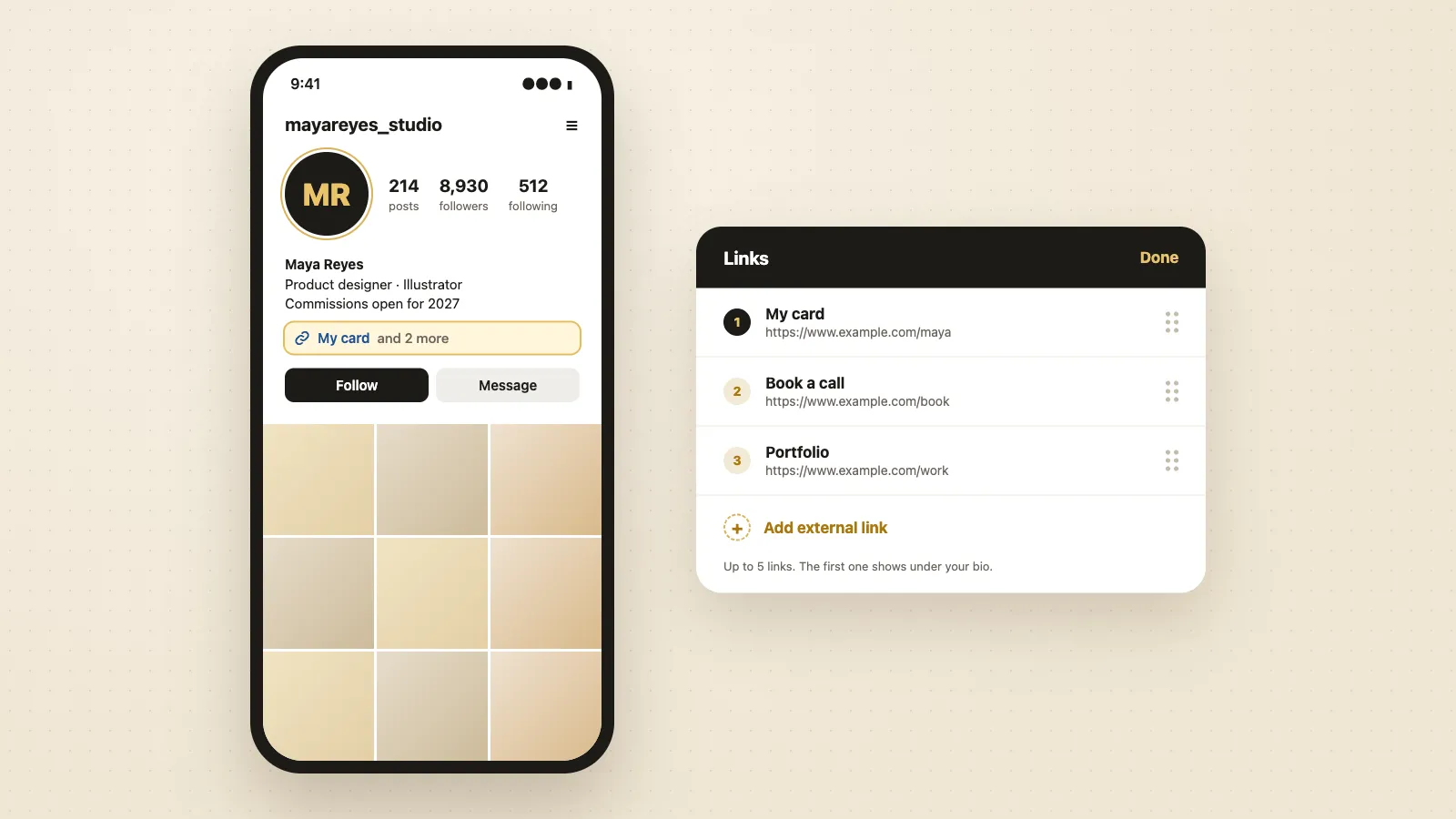
To add a link to your Instagram bio, go to your profile, tap Edit profile, tap Links, then tap Add external link. Paste the full web address, starting with https://, add a title if you want one, and tap Done twice. You can add up to 5 links, and the first one shows under your bio.
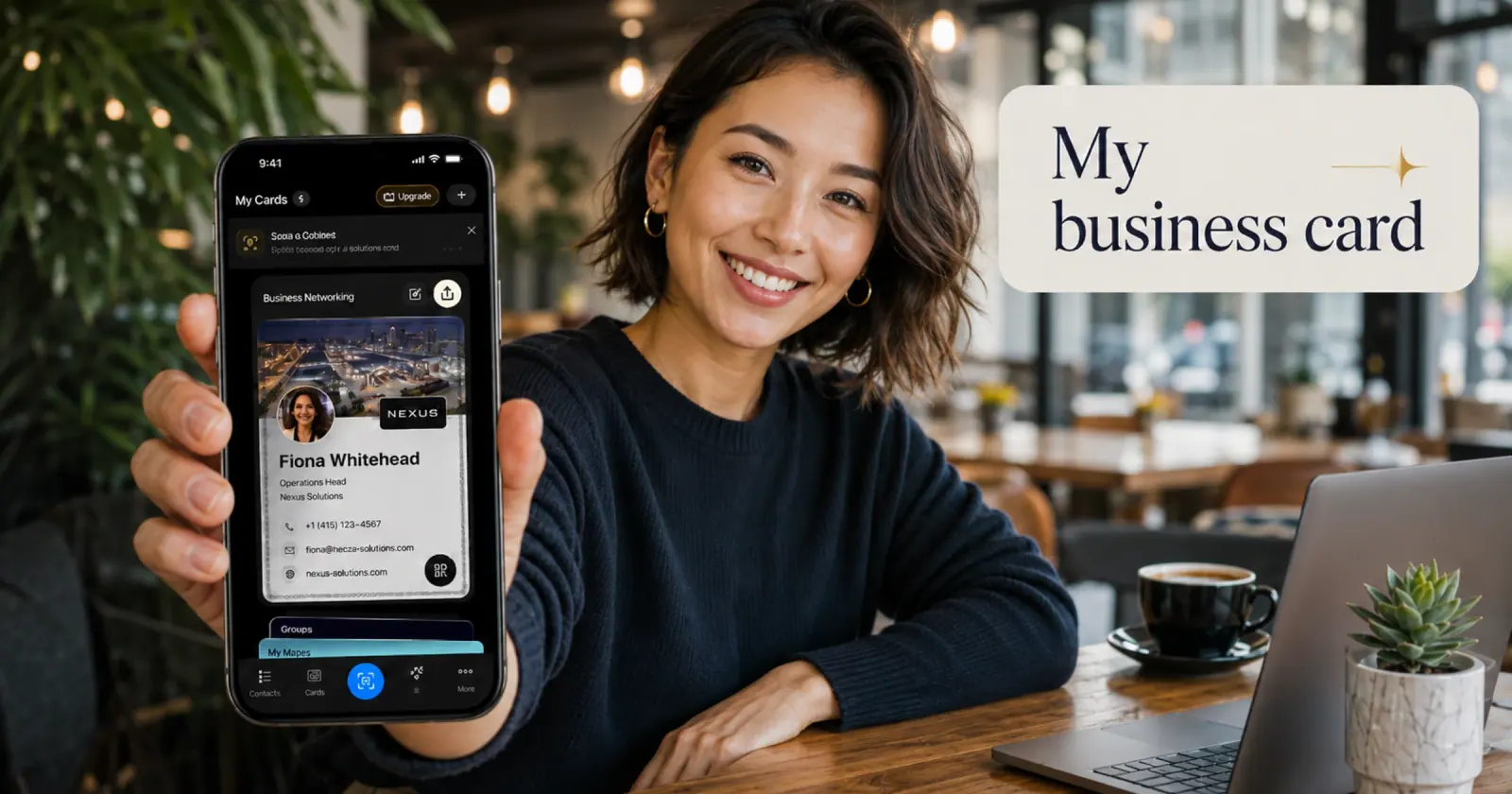
Need a link for your bio? Make a free digital business card in your browser. You get your own link to paste into Instagram, and people who tap it can save your contact. Create your free card.
How to add a link to your Instagram bio
- 1
Open Instagram and tap your profile picture at the bottom right.
- 2
Tap Edit profile.
- 3
Tap Links.
- 4
Tap Add external link.
- 5
Paste the web address in the URL field. It needs to start with https://.
- 6
Add a title if you want one, for example "Book a call" or "My card". The title shows instead of the address.
- 7
Tap Done, then tap Done again on the Edit profile screen.
Go back to your profile and tap the link to check it opens the right page. Links work on personal, creator and business accounts, with no follower minimum.
How to add multiple links to your Instagram bio
Instagram lets you add up to 5 links. Repeat the steps above for each one. In the Links screen, drag the links into the order you want, because only the first one shows under your bio. People see the rest when they tap the "and more" line under it (for example "and 2 more").
Put the link you most want people to tap first. If you need more than 5, or want one link that holds everything, use a single page that lists your other links and add that page as your only link.
Where to find the link in bio on Instagram
On any profile, the link sits just under the bio text, above the Follow button. It shows as a short web address or a title. Tap it to open the page. If the account has more than one link, tap the link line to see the full list.
When a post or a Reel says "link in bio", it means that link on the account's profile, because links in captions and comments can't be tapped. Tap the account name at the top of the post to open the profile, then tap the link.
Instagram opens links in its own browser. To open one in Safari or Chrome instead, tap the three dots at the top of the page and choose to open it in your browser.
What to put in your Instagram link in bio
Pick the one place you want people to go next:
- Your website or online shop, if people come to buy.
- A booking page, if people come to book a call or an appointment.
- Your portfolio, if people come to see your work.
- A page that holds all of these, if you have several. Link-in-bio tools such as Linktree do this. So does a digital business card.
A ConnectMachine card is a page with your photo, contact details and links. When someone taps it from your bio, they can save your contact to their phone and send their details back to you, which a plain list of links can't do.
Get a free link for your bio with a digital business card
- 1
Open the free card maker and enter your name, job title and contact details.
- 2
Add your photo and your links, pick a template and check the live preview.
- 3
Save your card with your email or phone number. You get your card link and a QR code.
- 4
Copy the card link, then add it in Instagram under Edit profile, Links, Add external link.
Already have a card? Open it in the ConnectMachine app and copy your card link.
Link in bio examples
A few common setups, by what the account is for:
Freelancer or consultant
First link: a page with your portfolio and contact details. Second: a booking link for a first call.
Small business or shop
First link: the shop or menu. Second: opening hours and location. Third: a booking or order link.
Job seeker
First link: your LinkedIn profile or online CV. Second: a page with your contact details so recruiters can save them.
Creator
First link: the newest thing you made, updated each time you post. Second: a page with all your other links and a way to contact you for work.
How to add a link to an Instagram story
Stories use a link sticker instead of the bio. Make your story, tap the sticker icon at the top, tap Link, paste the address, then place the sticker on the story and share it. Every account can use the link sticker.
Instagram bio link not working? Try these fixes
- It won't save: tap Done on the Links screen and again on Edit profile. Leaving one screen without Done drops the change.
- "Couldn't add link": check the address starts with https:// and has no spaces. Instagram blocks some links it treats as spam, so remove tracking codes at the end of the address and try again.
- It opens the wrong page: open the link from your own profile to test it, and edit it in Links if it's wrong.
- You only see one link: the others are behind the "and more" line. Drag the one you want seen first to the top.
Put your card in your bio. Make a free card, copy your link and add it to Instagram in a few minutes. It works in TikTok and your email signature too, and you can use it when adding links on LinkedIn.
Instagram is a trademark of Instagram, LLC. ConnectMachine is not affiliated with Instagram or Meta.