
Networking apps compared
We make ConnectMachine, which appears in two groups below. Every other app is listed with facts from its own website.
| App | What it is for | Free to use? | Best for |
|---|---|---|---|
| ConnectMachine | Digital business card, card scanner and contact notes | Yes, paid from $5/month billed yearly | Sharing your details and remembering people |
| Professional profile and messages | Yes, Premium is paid | Finding people by company or role | |
| Meetup | Local groups and events | Yes to join groups | Meeting people in your city |
| Luma | Event pages and RSVPs | Yes to RSVP | Startup, tech and community events |
| Whova, Brella, Grip | Conference apps chosen by organisers | Yes for attendees when the event uses it | Booking meetings at a conference |
| Blinq | Digital business card | Yes, 2 cards | Teams that want NFC accessories |
| HiHello | Digital business card and email signature | Yes, 2 cards | Teams that manage email signatures |
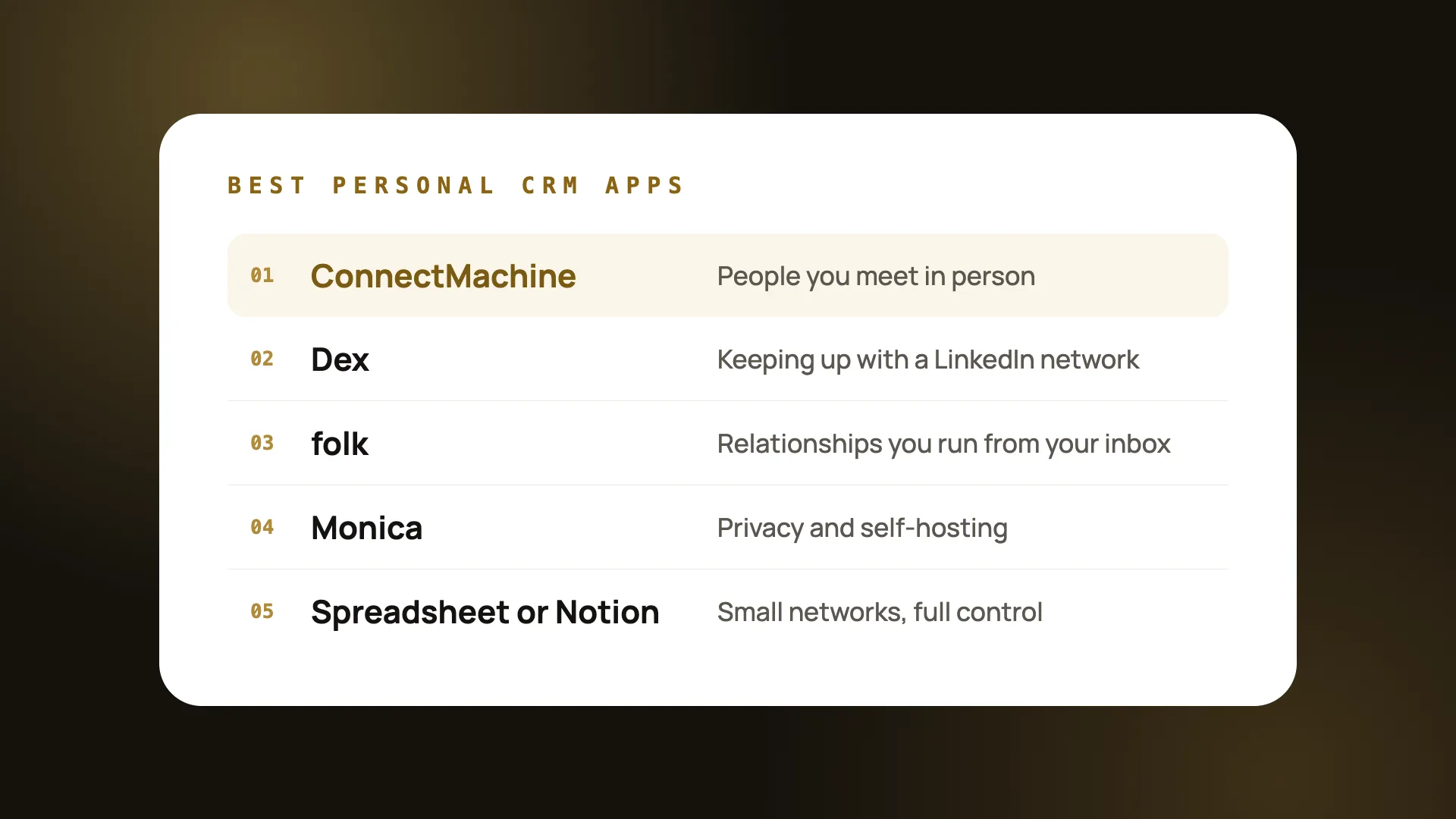
| Dex | Personal CRM linked to LinkedIn | No, 7-day trial | Staying in touch with a LinkedIn network |
| folk | Contact manager linked to email and WhatsApp | No, 2-week trial | Managing relationships from your inbox |
Apps to meet new people
The default professional network. Search people by company, role or school, message them, and follow what your contacts post. A free account covers most networking; Premium adds more messaging to people outside your network, and its price depends on your country.
Meetup
Groups that meet in person around a topic, from product management to running clubs. Joining groups and RSVPing is free. It works best when you go to the same group a few times, so people start to recognise you.
Luma
Many startup, tech and community events are listed on Luma. RSVPing is free, and the guest list on some events shows who else is going, which helps you plan who to meet.
Apps for events and conferences
Large conferences usually pick one app for attendees, such as Whova, Brella or Grip. You don't choose it; you download the one your event uses. Fill in your profile before the event, because that is what other attendees search when they book meetings.
For a step-by-step plan before, during and after an event, see how to network at a conference.
Apps to remember people and follow up
Meeting people is the easy part. Remembering who they were and following up is where most networking stops.
ConnectMachine
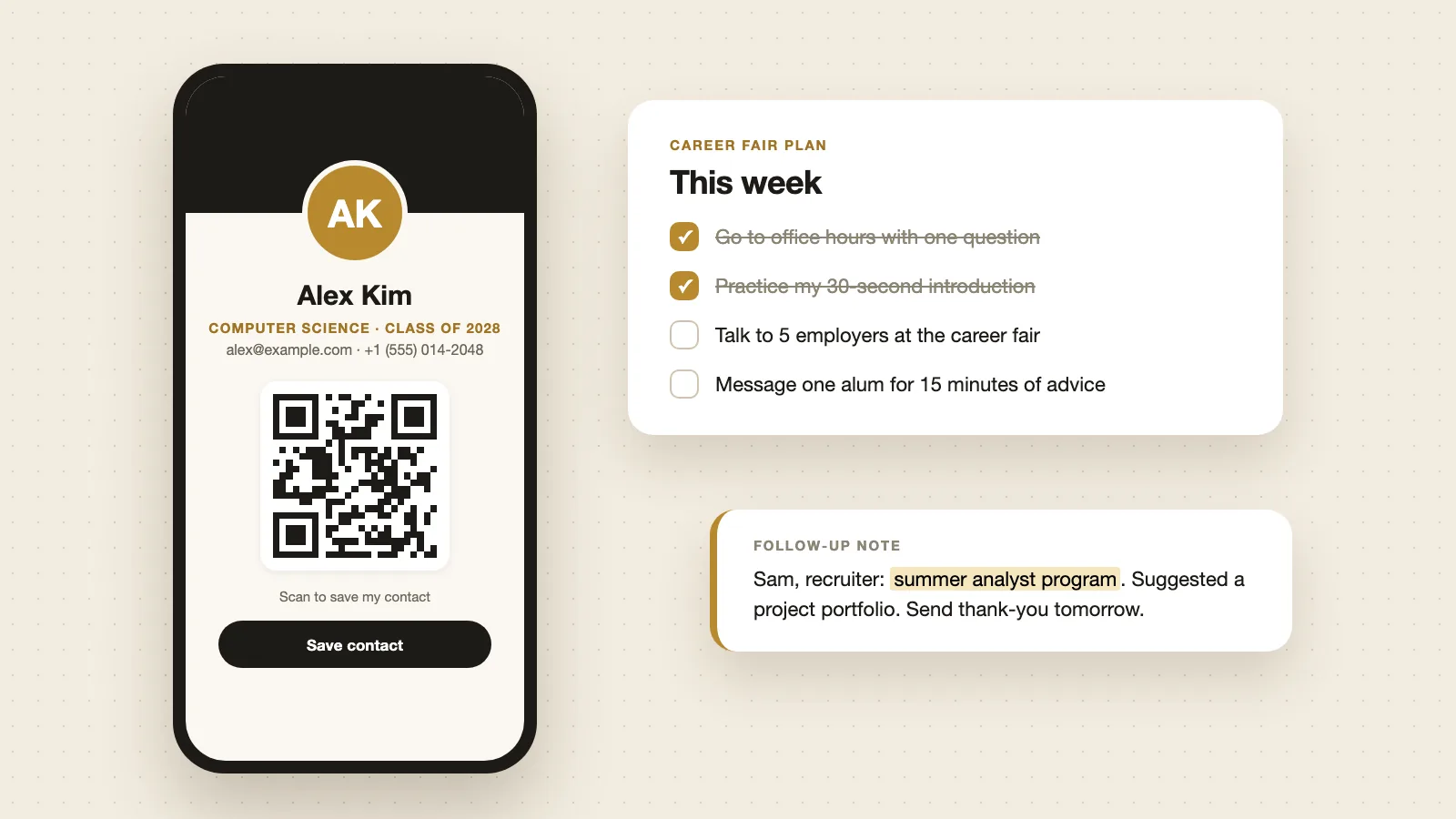
Every card you scan or exchange becomes a contact with notes and voice memos attached, and you can ask questions like "who did I meet at the Austin conference?". See how it works as a personal CRM.
Dex
Built around a network that already lives on LinkedIn, with reminders to stay in touch. Premium is $12 a month billed yearly, with a 7-day free trial. (Dex pricing page, checked 10 November 2026.)
folk
Connects to email, calendar and WhatsApp. Standard is $24 per member a month billed yearly, with a 2-week free trial. (folk pricing page, checked 10 November 2026.)
For more options, see the best personal CRM apps.
Which networking app should you start with?
- Starting out or a student: LinkedIn plus a free digital card. See networking tips for college students.
- Going to a conference: the event app plus a card you can show as a QR code. See event networking.
- Running or joining a community: Meetup or Luma for events, plus a card for the people you meet. See communities and meetups.
- Recruiting: LinkedIn plus a way to keep notes on every candidate. See recruiting.
Make your free card in 2 minutes
- Open the free card maker and add your name, role, photo and links.
- Save it and copy your card link, or download its QR code.
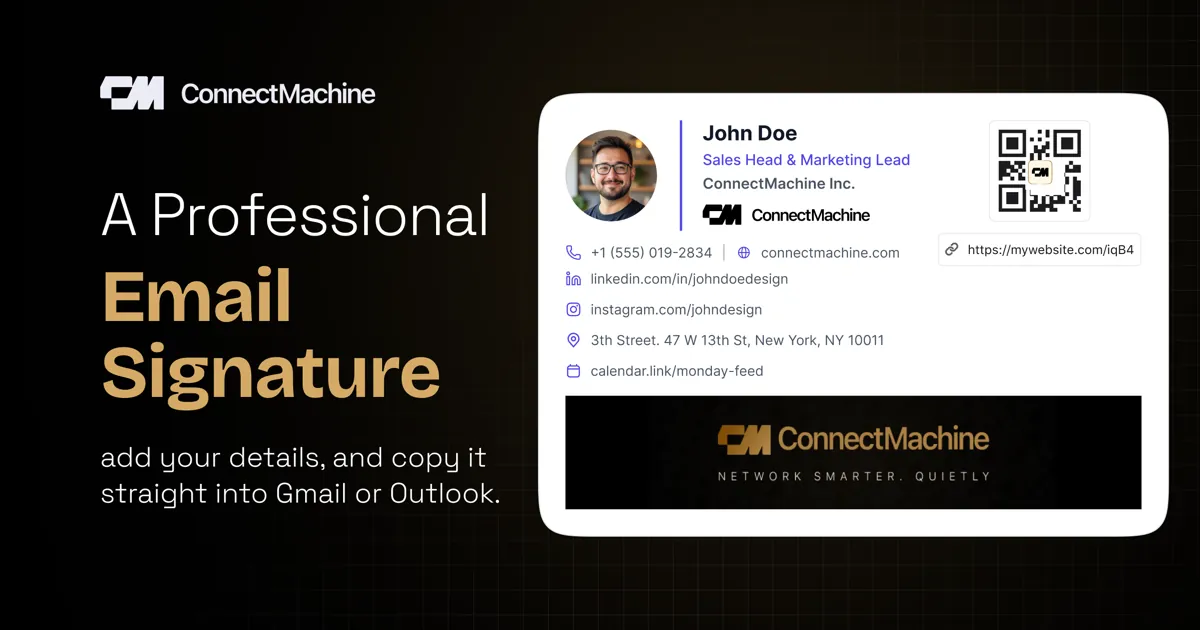
- Put the link in your LinkedIn profile and email signature, and the QR on your phone's lock screen.
- At the next event, let people scan it, and add a quick note on each person you meet.