
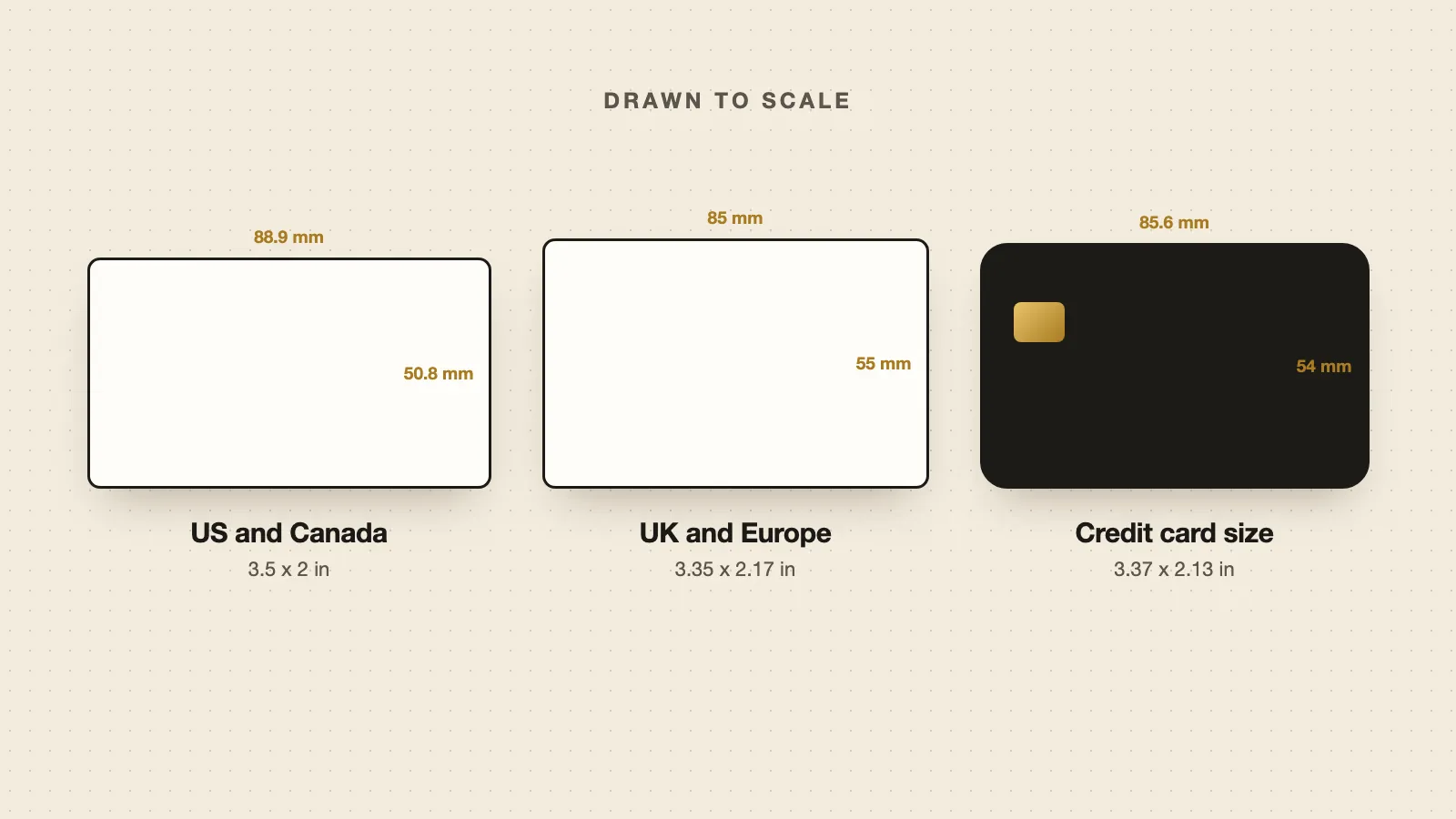
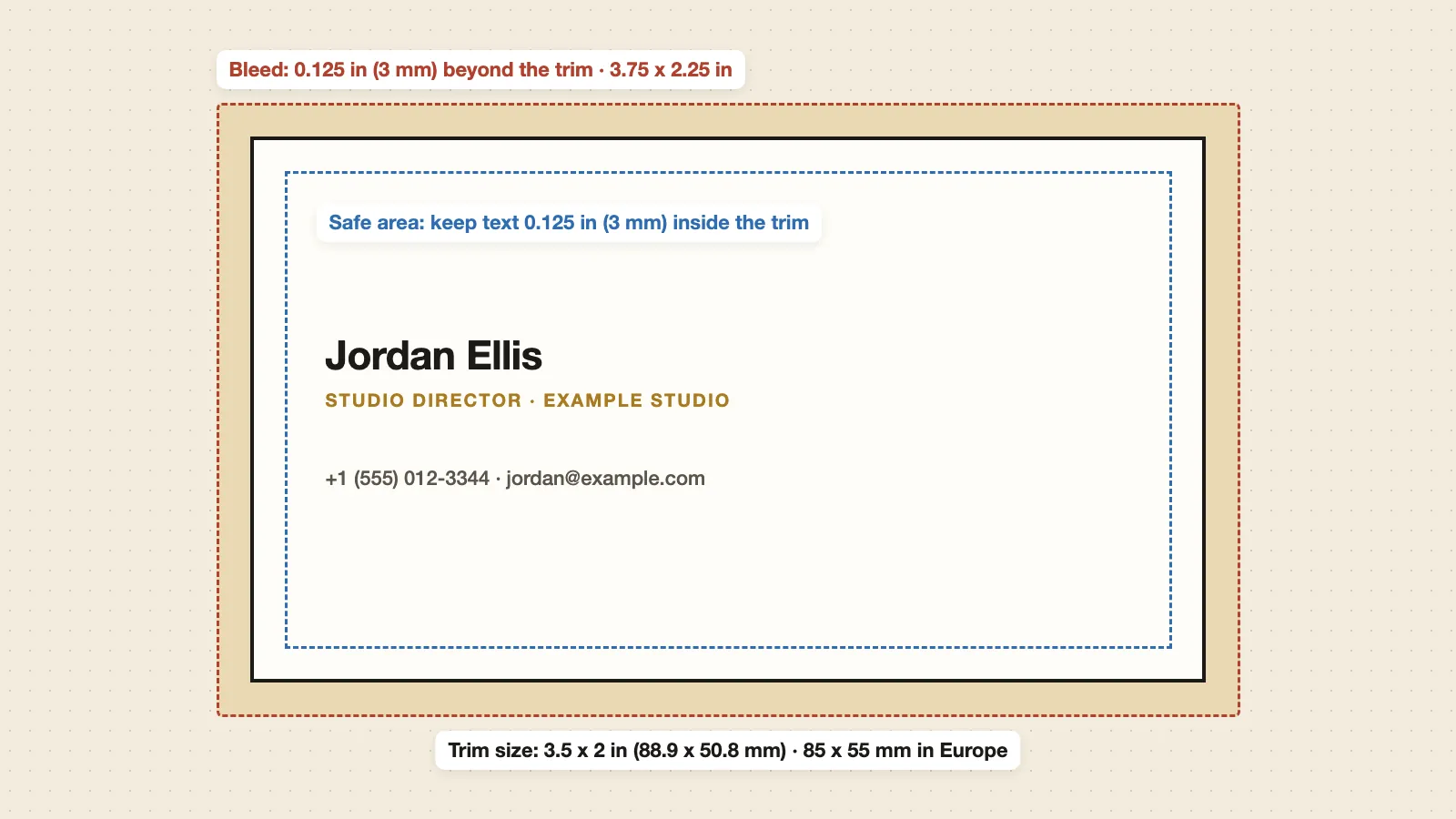
The standard business card size is 3.5 x 2 inches (88.9 x 50.8 mm) in the US and Canada, and 85 x 55 mm (3.35 x 2.17 inches) in the UK and most of Europe. For print, add a bleed of 0.125 inches (3 mm) on each side, and keep text at least 0.125 inches (3 mm) inside the edge. At 300 DPI, a US card is 1050 x 600 pixels.
Standard business card size by country
| Country or region | Inches | Millimetres | Pixels at 300 DPI |
|---|---|---|---|
| US and Canada | 3.5 x 2 | 88.9 x 50.8 | 1050 x 600 |
| UK, Ireland and most of Europe | 3.35 x 2.17 | 85 x 55 | 1004 x 650 |
| Australia and New Zealand | 3.54 x 2.17 | 90 x 55 | 1063 x 650 |
| Japan | 3.58 x 2.17 | 91 x 55 | 1075 x 650 |
| China | 3.54 x 2.13 | 90 x 54 | 1063 x 638 |
| Credit card size (ISO/IEC 7810 ID-1) | 3.37 x 2.13 | 85.6 x 54 | 1011 x 638 |
Credit card size is used for plastic, metal and NFC cards, and fits a wallet card slot.
Business card size in pixels
Printers want 300 DPI. Multiply the size in inches by 300 to get pixels.
| Card | Without bleed | With bleed |
|---|---|---|
| US, 3.5 x 2 in | 1050 x 600 px | 1125 x 675 px (3.75 x 2.25 in) |
| Europe, 85 x 55 mm | 1004 x 650 px | 1075 x 720 px (91 x 61 mm) |
For screens, such as an email or a digital mock-up, 1050 x 600 px is a safe size for a US card. Design tools such as Canva and Adobe Express have a business card preset that sets this for you.
Bleed and safe area
- Trim size is the final size of the card after cutting: 3.5 x 2 in or 85 x 55 mm.
- Bleed is extra background beyond the trim, so no white edge shows if the cut moves slightly. Use 0.125 in (1/8 in) in the US and 3 mm in Europe on each side.
- Safe area is the margin inside the trim where all text and logos should sit. Keep them at least 0.125 in (3 mm) from the edge; 5 mm is safer for small text.
Always check your printer's template, because some ask for different bleed or safe areas. Once the size is set, see the fonts, colours and finishes for your card.
Vertical business card size
A vertical card is the same size, turned on its side: 2 x 3.5 inches in the US or 55 x 85 mm in Europe. At 300 DPI that is 600 x 1050 pixels. Vertical cards stand out in a stack and suit tall logos and photos, but check that a QR code still fits with enough space around it.
Business card thickness
Card thickness is measured in points (pt) in the US and in grams per square metre (gsm) in Europe. One point is one thousandth of an inch.
| Feel | US | Europe |
|---|---|---|
| Thin, budget | 12 to 14 pt (about 0.3 to 0.36 mm) | 300 to 350 gsm |
| Standard | 14 to 16 pt (about 0.36 to 0.41 mm) | 350 to 400 gsm |
| Thick, premium | 18 pt and up (0.46 mm and up) | 450 gsm and up |
gsm measures weight, not thickness, so the match between pt and gsm is approximate. Check the paper guide of the printer you use.
Other business card sizes
- Square cards: often 2.5 x 2.5 in or 65 x 65 mm.
- Slim or mini cards: narrower than standard, used by some creative businesses. Sizes vary by printer.
- Folded cards: twice the standard size, folded in half, for extra room such as a menu or price list.
Non-standard sizes cost more to print and may not fit card holders or wallets.
How big should a QR code be on a business card?
At least 2 x 2 cm (0.8 x 0.8 in) for a code people scan from their hand, with a clear margin around it. See how small a QR code can be for the full rules.
Does a digital business card have a size?
No. A digital business card is a web page, so it fits any phone screen and has no print size, bleed or paper weight. People open it from a QR code or a link and save your details to their phone. You can still print its QR code on a paper card, a badge or a sign.
Skip the print specs. Make a free digital business card in your browser. Share it by QR code or link, and download the QR code to print on any card size.
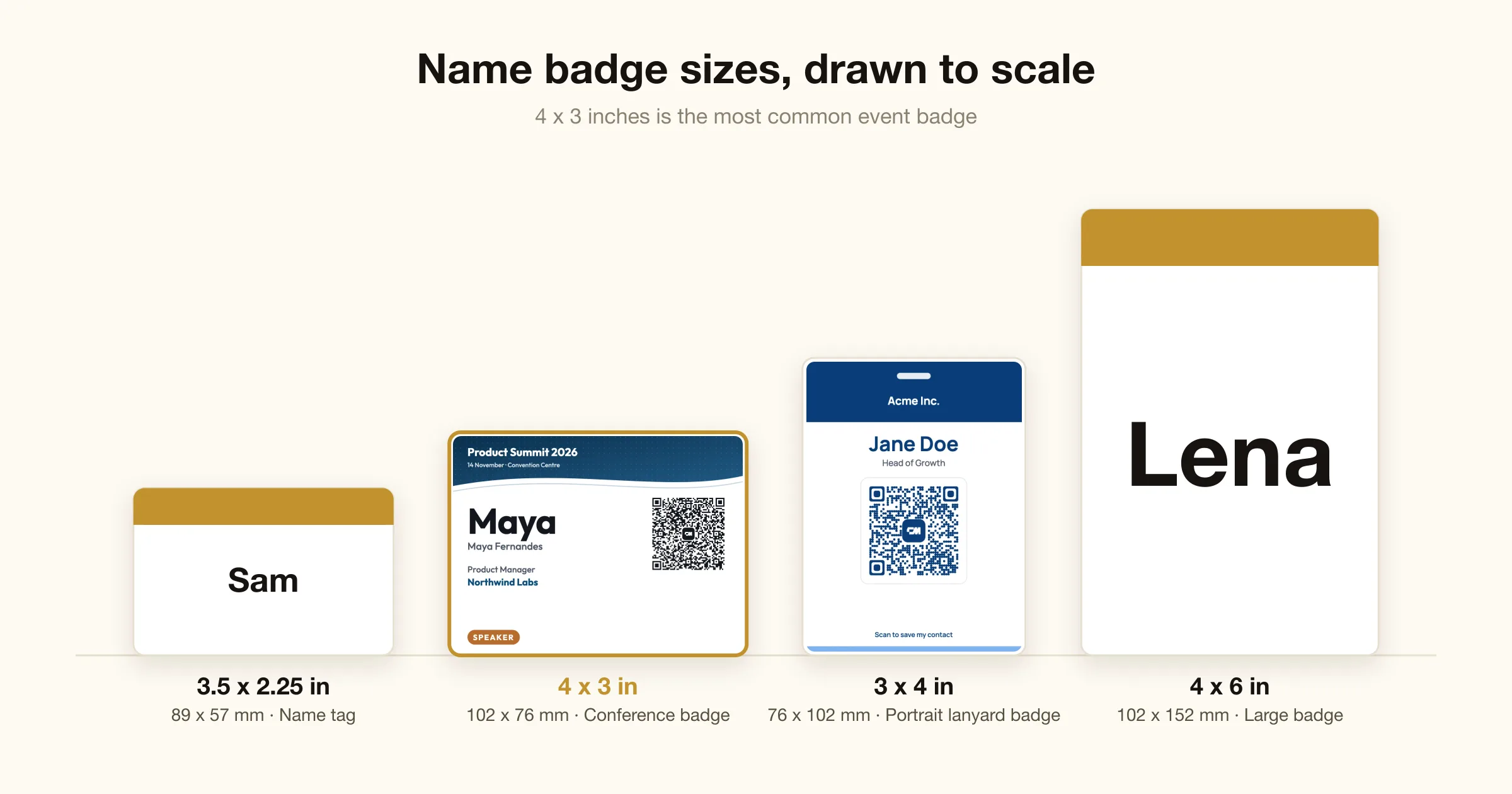
For event badges and name tags, see name badge sizes.