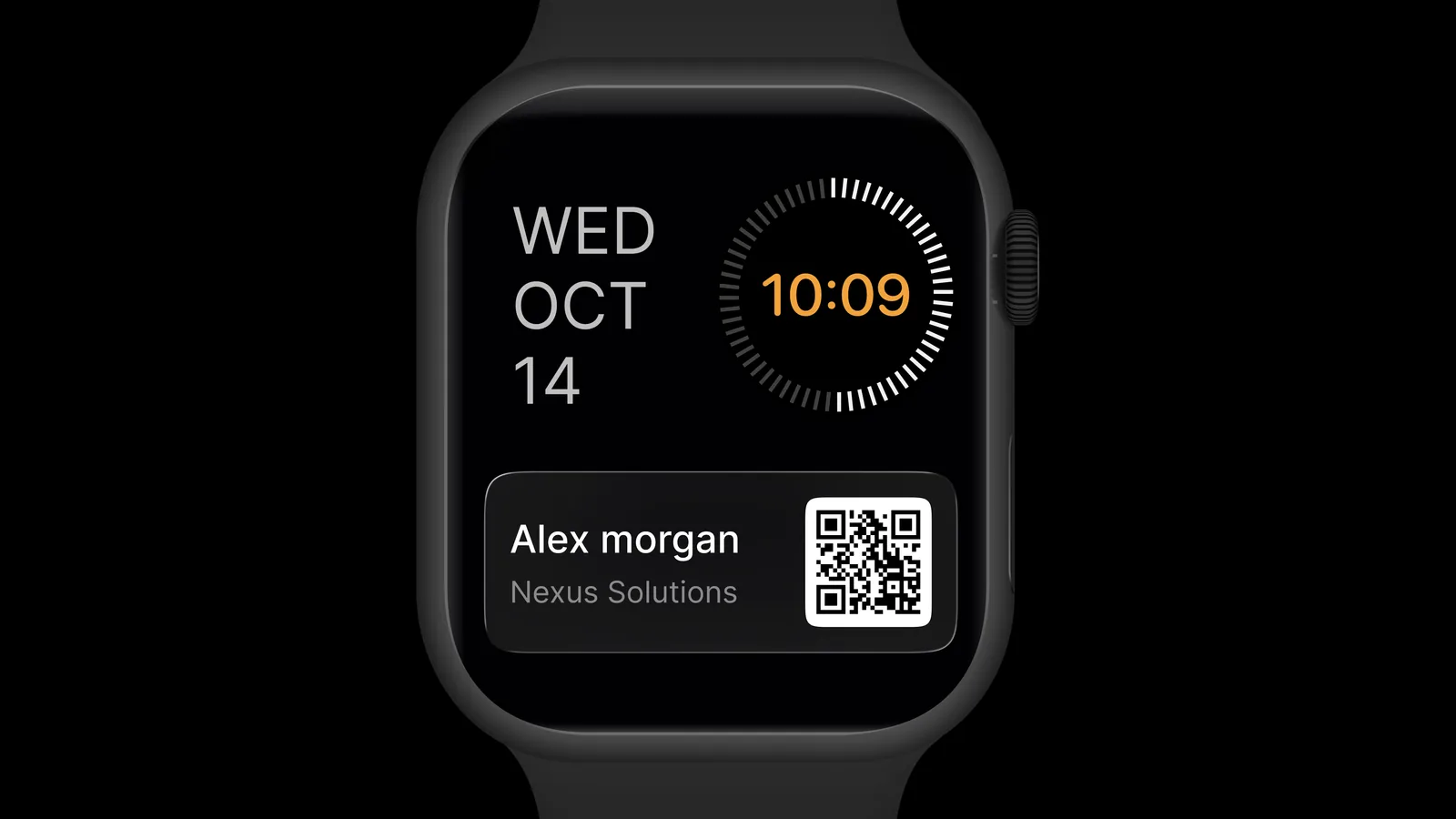
ConnectMachine is now on Apple Watch. You can show your digital business card's QR code right from your wrist, without taking out your phone. The other person scans it with their phone camera, opens your card and saves your details.
The QR code on your watch updates automatically when your card changes, so a new title or phone number is there the next time you share.
Why share from your wrist
Most card exchanges happen in a few seconds: at a booth, in a hallway, on the way out of a meeting. Your phone is often in a bag or pocket, or your hands are full. With your QR code on your watch, you raise your wrist and the other person scans.
- At events, when you are holding a drink, a bag or a stack of brochures
- Between meetings, when your phone is away
How to set up ConnectMachine on Apple Watch
- 1
Check your watch
Make sure your Apple Watch runs watchOS 10 or later and is paired with your iPhone.
- 2
Update the iPhone app
Install or update ConnectMachine on your iPhone.
- 3
Install it on the watch
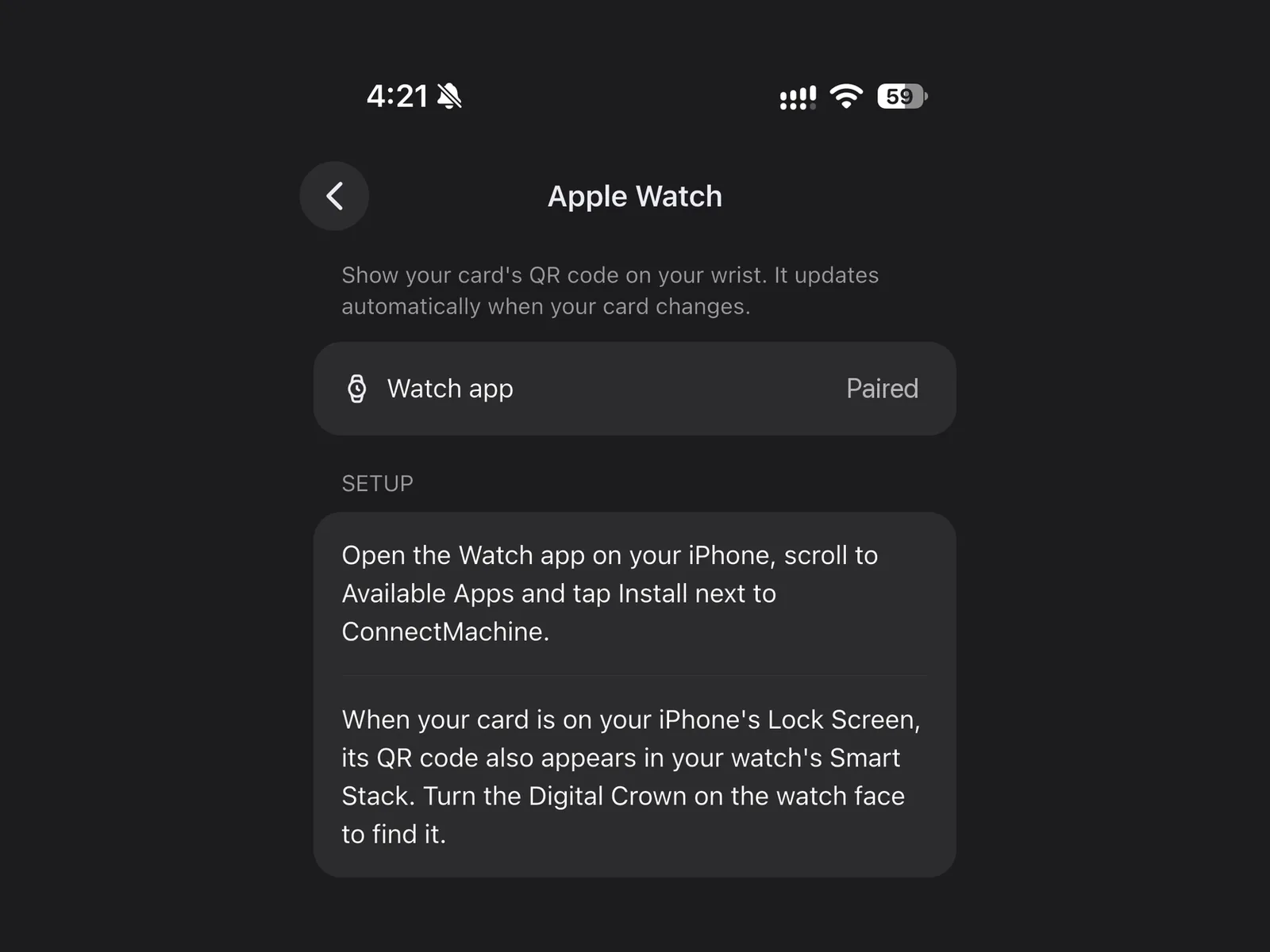
Open the Watch app on your iPhone, scroll to Available Apps and tap Install next to ConnectMachine.
- 4
Open your QR code
Open ConnectMachine on your watch to see your card's QR code.
In the ConnectMachine app on your iPhone, the Apple Watch screen shows the setup steps and whether a watch is paired.
Find your QR code in the Smart Stack
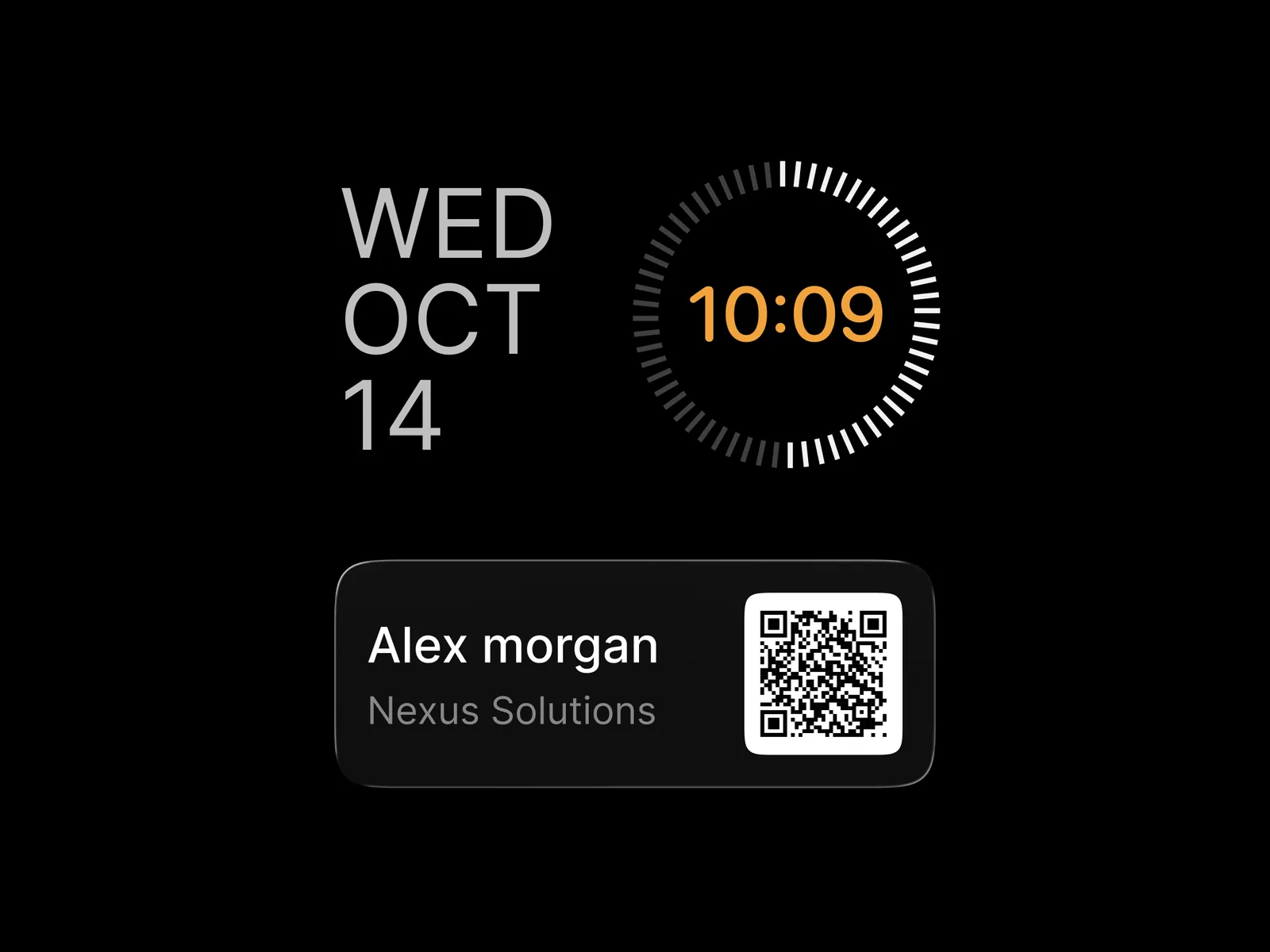
If your card is on your iPhone's Lock Screen, its QR code also appears in your watch's Smart Stack. From the watch face, turn the Digital Crown to scroll through the Smart Stack and find it. This is the quickest way to share, because you don't have to open the app first.
Apple Watch app or Wallet pass?
You can also add your business card to Apple Wallet, and the pass shows on Apple Watch too. The watch app is the faster option when your card is on your Lock Screen, because the QR code is right there in the Smart Stack. Many people use both.
Everything else stays on your iPhone
The watch is for showing your card. Creating and editing cards, scanning paper business cards, notes with the AI Note Taker and searching contacts with the AI Concierge all stay in the iPhone app. New to ConnectMachine? Start with a digital business card for iPhone, or create your free card in your browser.
Apple Watch and iPhone are trademarks of Apple Inc. ConnectMachine is not affiliated with Apple.