ConnectMachine now fits the Apple iPhone Duo, Apple's first foldable iPhone. iPhone Duo has two screens: a 5.4-inch outer display you use when the phone is closed, and a 7.6-inch inner display when you open it. You can also hold it in portrait or landscape, or stand it on a table partly folded.
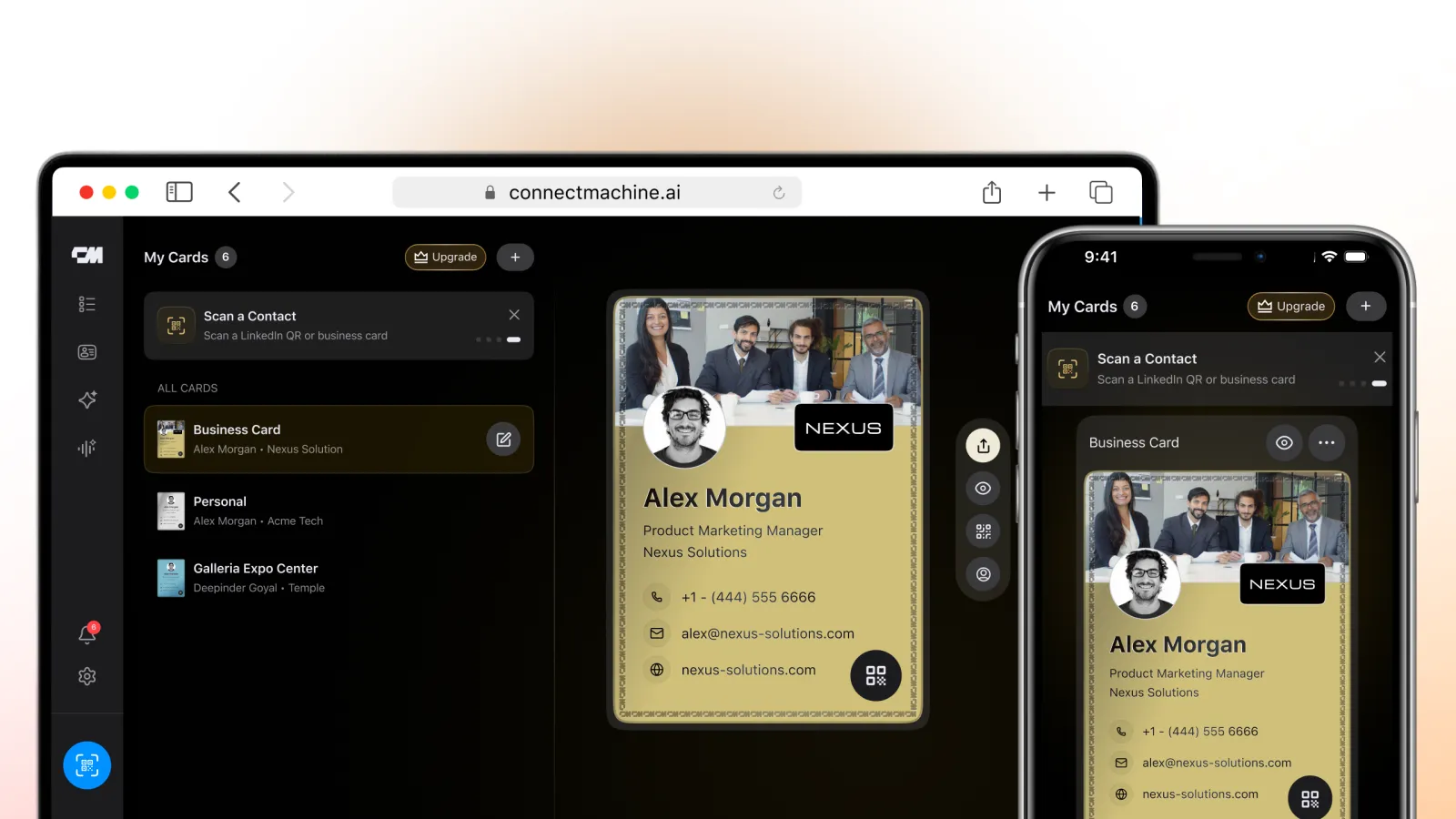
We updated the app's layout so it fits every one of these positions. Your card, contacts and notes resize to the screen you are using, instead of sitting in a small iPhone-sized box in the middle of a bigger display.
To get the new layout, download ConnectMachine from the App Store, or update the app if you already have it. It changes on its own when you open, close or turn the phone.
iPhone Duo screen sizes, and how the app uses each
iPhone Duo has two Super Retina XDR displays. Apple says both have the same aspect ratio, so the app keeps the same look on each screen and gets more room on the larger one.
| Screen | Size | When you use it | Best for in ConnectMachine |
|---|---|---|---|
| Outer display | 5.4-inch | Phone closed | Showing your card and QR code |
| Inner display | 7.6-inch | Phone open, in portrait or landscape | Reading contacts and notes, reviewing your list |
Here is how ConnectMachine looks in each position, and what each one is best for.
Folded: the outer display
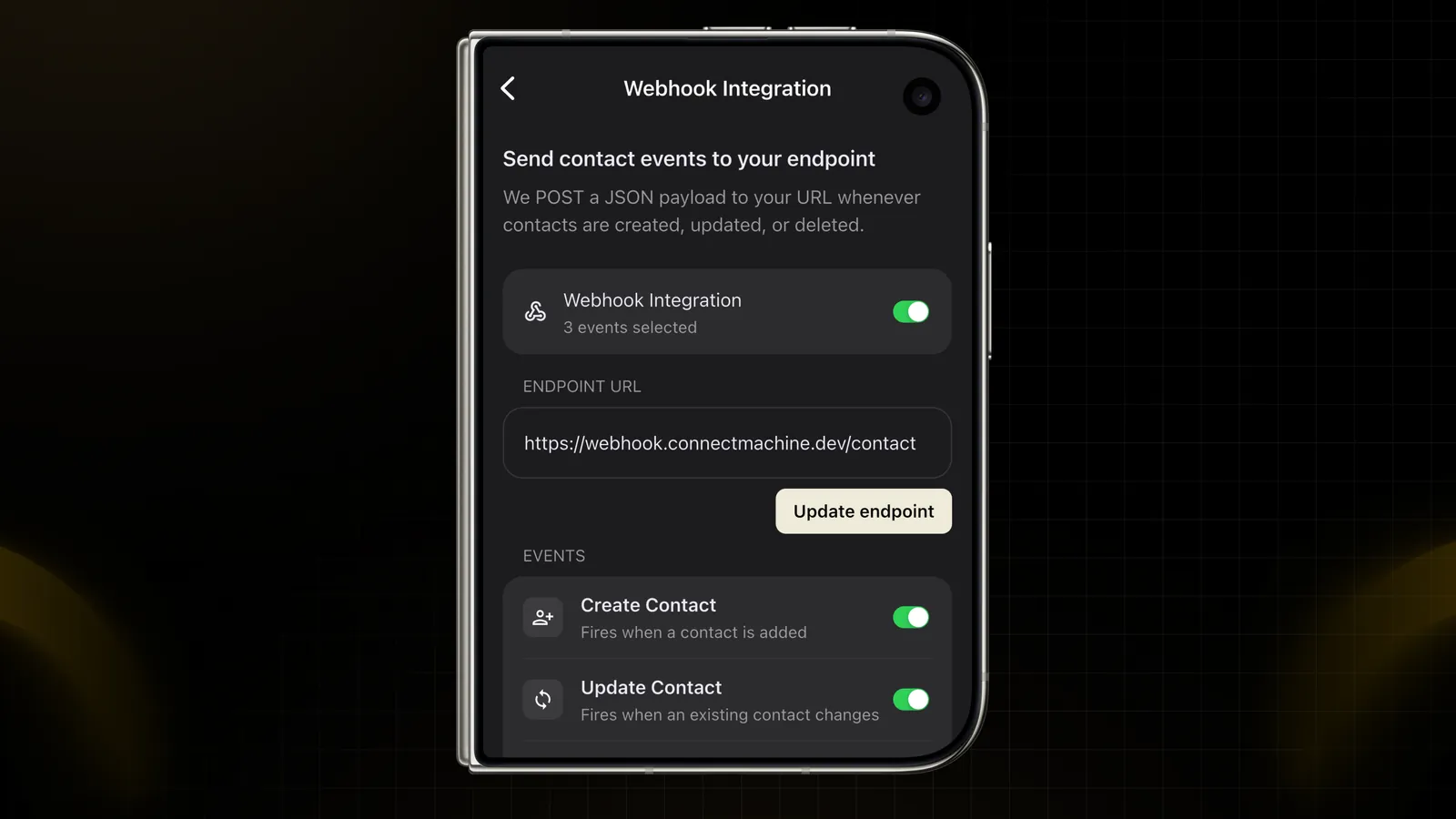
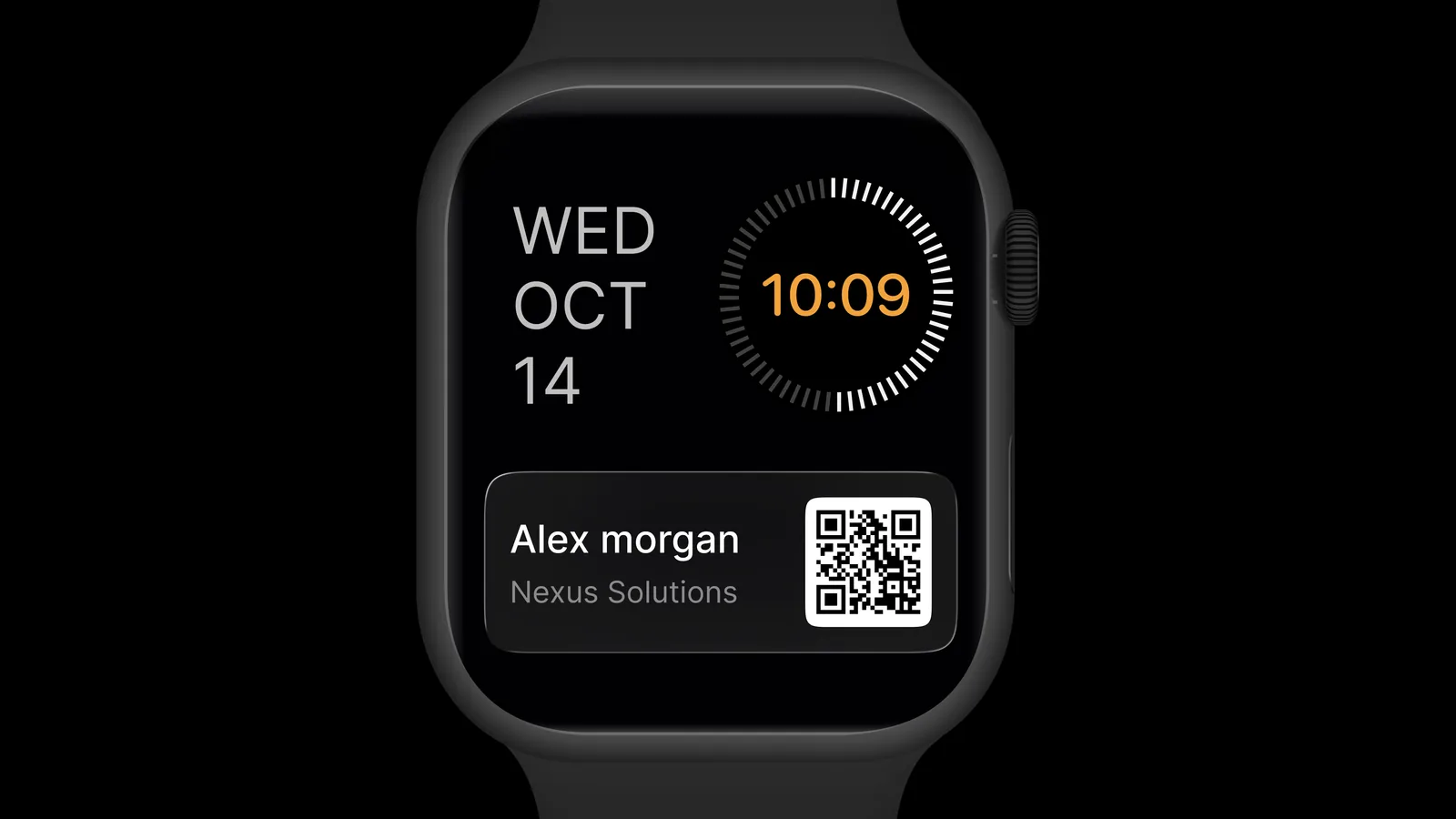
With the phone closed, ConnectMachine fills the outer display the way it does on any iPhone. This is the quickest way to share: take the phone out, open your card and show your QR code. The other person scans it with their phone camera and saves your details, with nothing to install.
Folded is best for quick exchanges at events, in a lobby or on the way out of a meeting, when you only have a few seconds.
Unfolded in portrait: more room for your contacts
Open iPhone Duo and hold it upright, and the layout widens to fill the inner display. A contact's details and your notes on where you met have more room, so you scroll less.
Portrait is best after an event, when you go through the people you met, read your notes and decide who to follow up with first.
Unfolded in landscape: a wider view
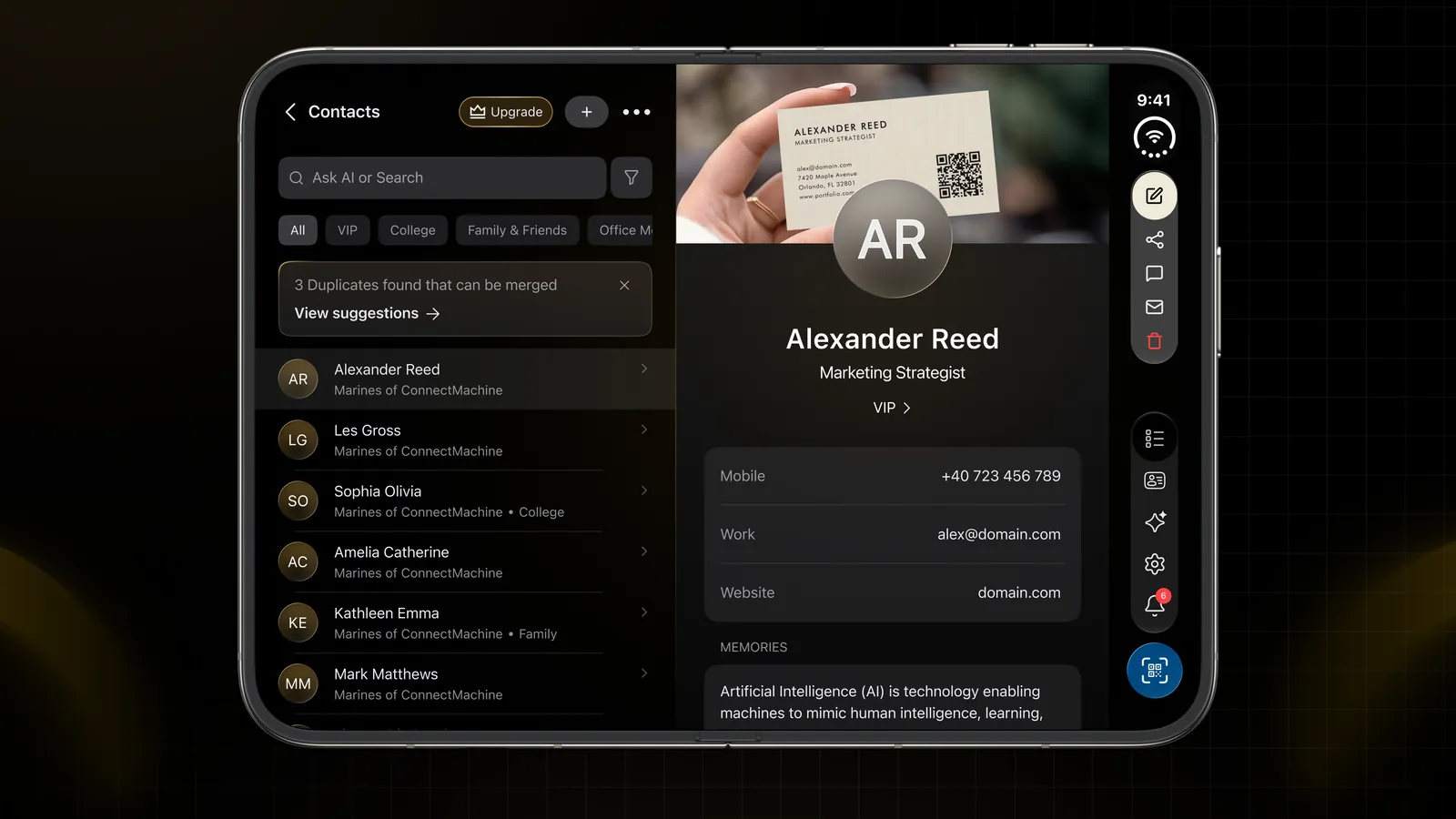
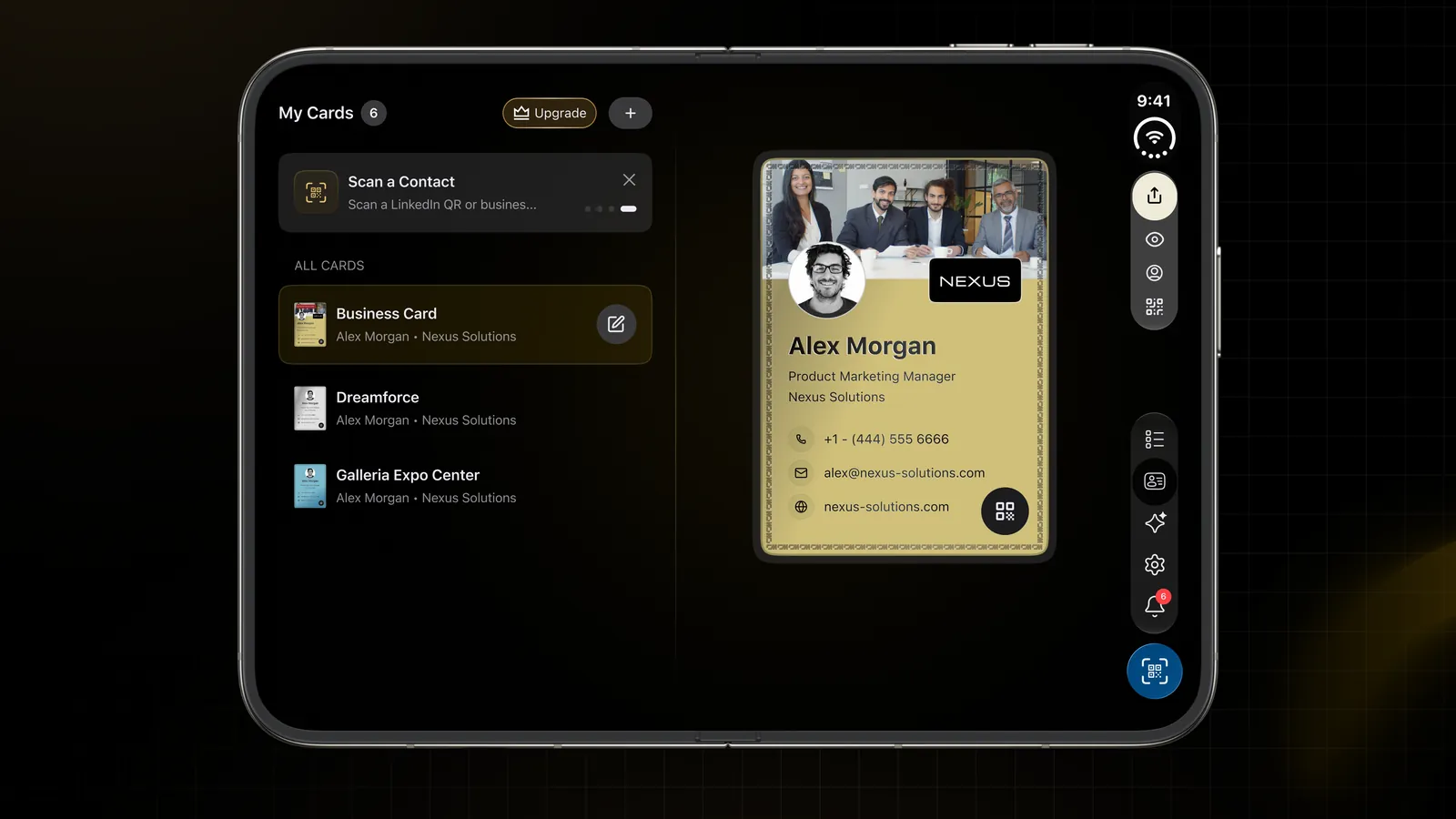
Turn the open phone sideways and the layout follows, using the full width of the screen. It feels closer to a small tablet than a phone.
Landscape is best at a desk, when you are working through a long list of contacts or reviewing several cards at once.
Half-folded: stand it on the table
iPhone Duo can stand on its own partly folded, like a small laptop. ConnectMachine's layout fits this position too, so you can open your card and set the phone down.
Half-folded is best at a booth, a front desk or a meeting table. Leave your card on screen and people can scan your QR code without you holding the phone up for each person.
Tips for using ConnectMachine on iPhone Duo
- Keep your card one tap away on the outer display, so you can share without opening the phone.
- On a paid plan, add your card to Apple Wallet as a backup way to share from the lock screen.
- Use the inner display after each event to add notes while the conversation is still fresh.
- Stand the phone half-folded at your booth or desk so people can scan your card on their own.
Everything else stays the same
Only the layout changed. Everything you use today works the same on iPhone Duo:
- Scan paper business cards with the camera and save them as contacts
- Share your card by QR code, link or Apple Wallet
- Let people send their details back to you with Share Back
- Take notes with the AI Note Taker and find people later with the AI Concierge
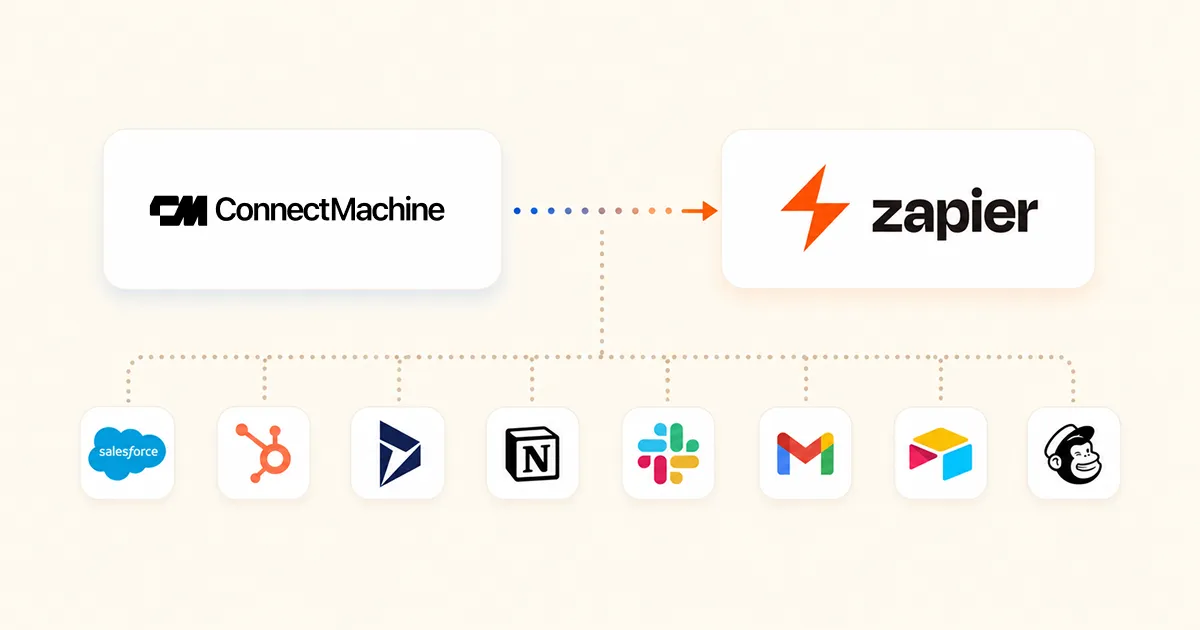
- Sync new contacts to your CRM through Zapier, Make, n8n or webhooks
Your cards, contacts and settings are the same as on your other devices. Sign in with your account and pick up where you left off. If you are new to ConnectMachine, start with our guide to a digital business card for iPhone, or create your free card in your browser.
iPhone and iPhone Duo are trademarks of Apple Inc. ConnectMachine is not affiliated with Apple.