
NFC (near field communication) is a short-range wireless chip in your phone that lets it swap data with another device or a tag when you hold them a few centimetres apart. It is what makes tap to pay, transit cards and tap-to-share business cards work. Every iPhone since the iPhone 7 and most Android phones have NFC.
On iPhone, NFC is always on and there is no switch. On Android, you turn it on in Settings, usually under Connected devices or Connections.
How NFC works on a phone
NFC uses a small antenna and only works over a few centimetres, so two devices have to almost touch. One side sends a small amount of data, such as a payment token, a web link or a contact, and the other side reads it. The short range is the point: nothing happens unless you bring the phone close on purpose.
NFC tags, like the chip inside a transit card or an NFC business card, have no battery. The phone's signal powers the tag for the moment it is read.
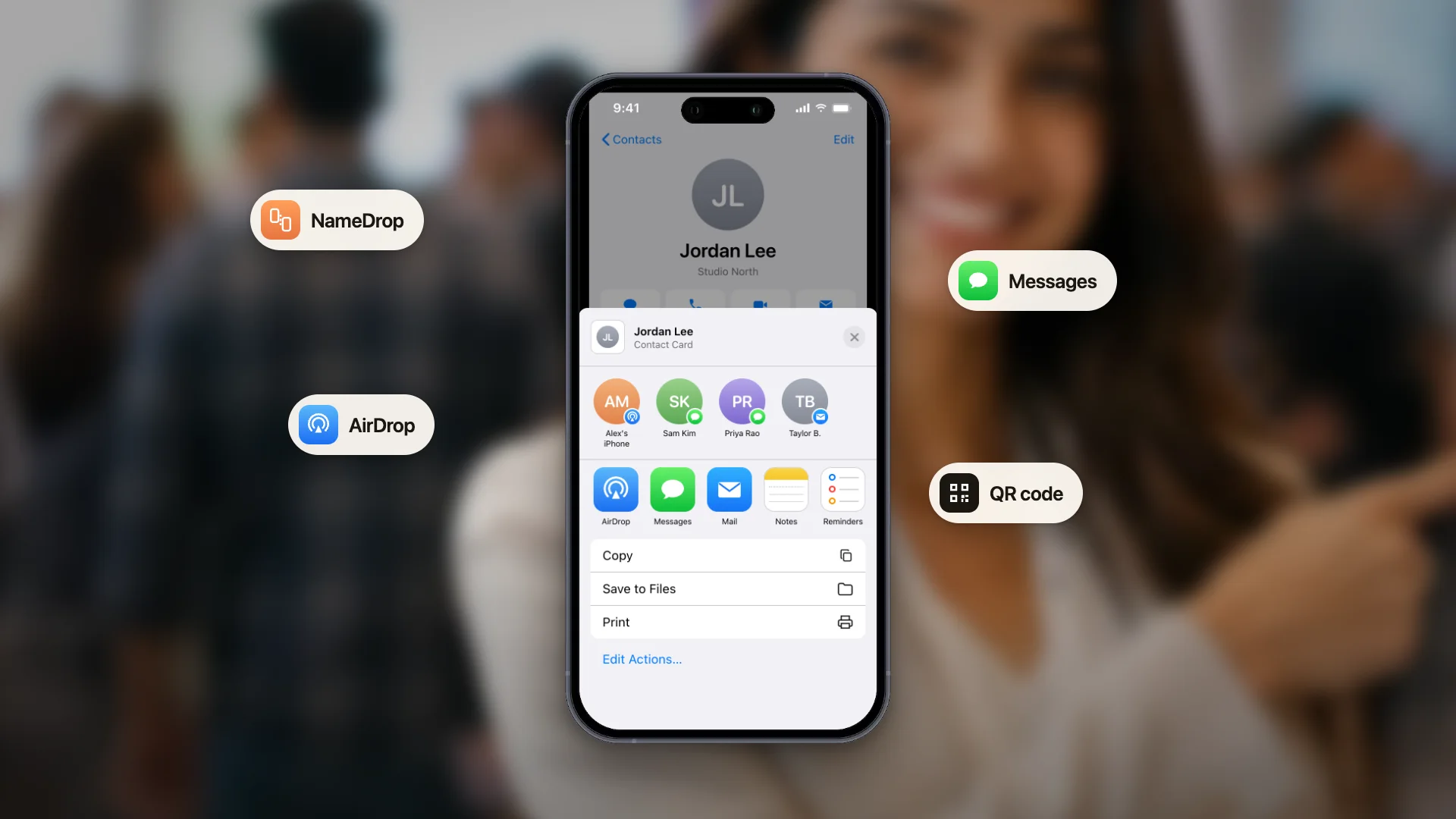
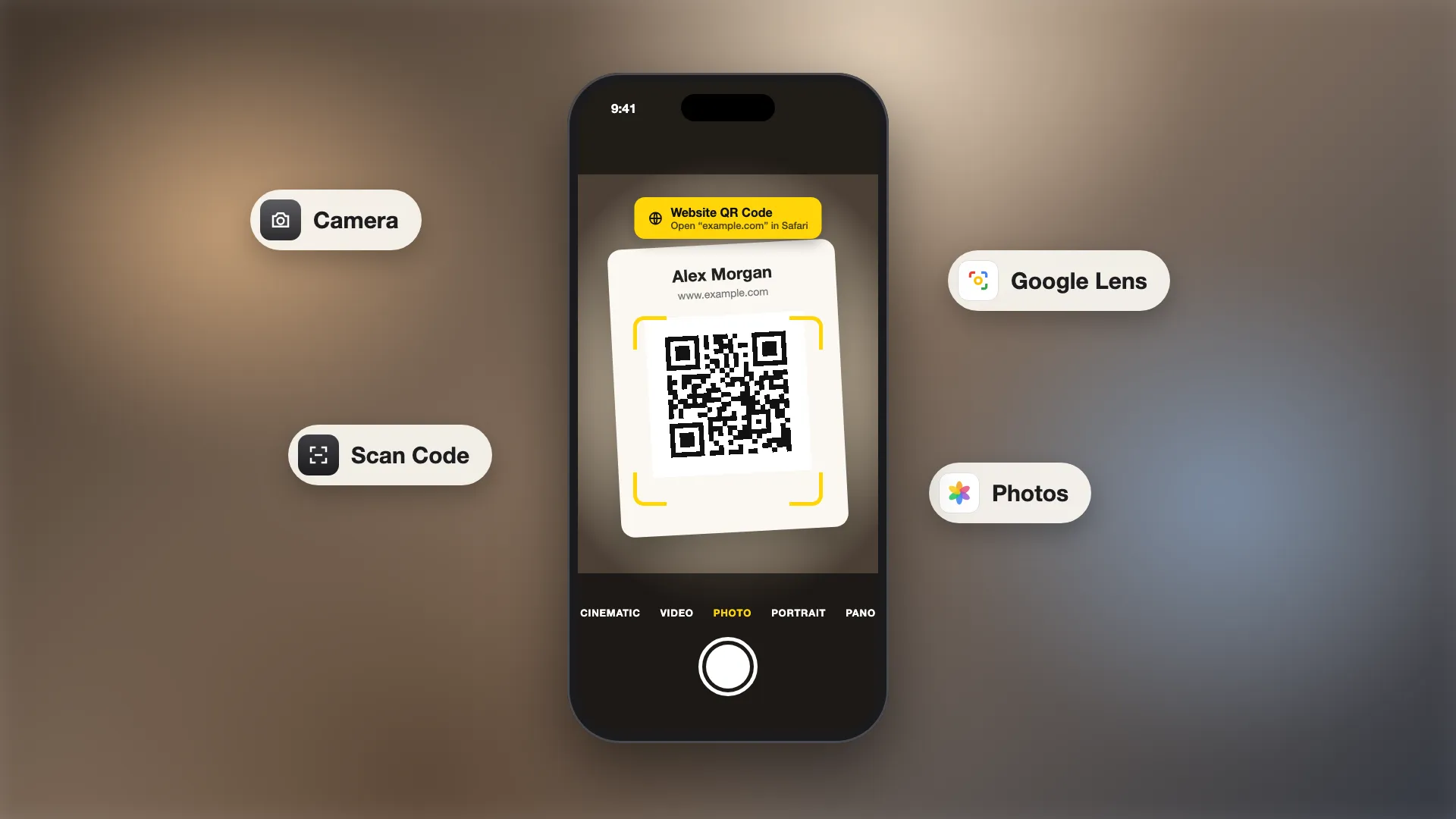
Share your contact with a tap or a scan. Make a free digital business card. Share it by QR code or link, or write its link to any NFC tag so people can tap to save your details.
Where is NFC on my phone?
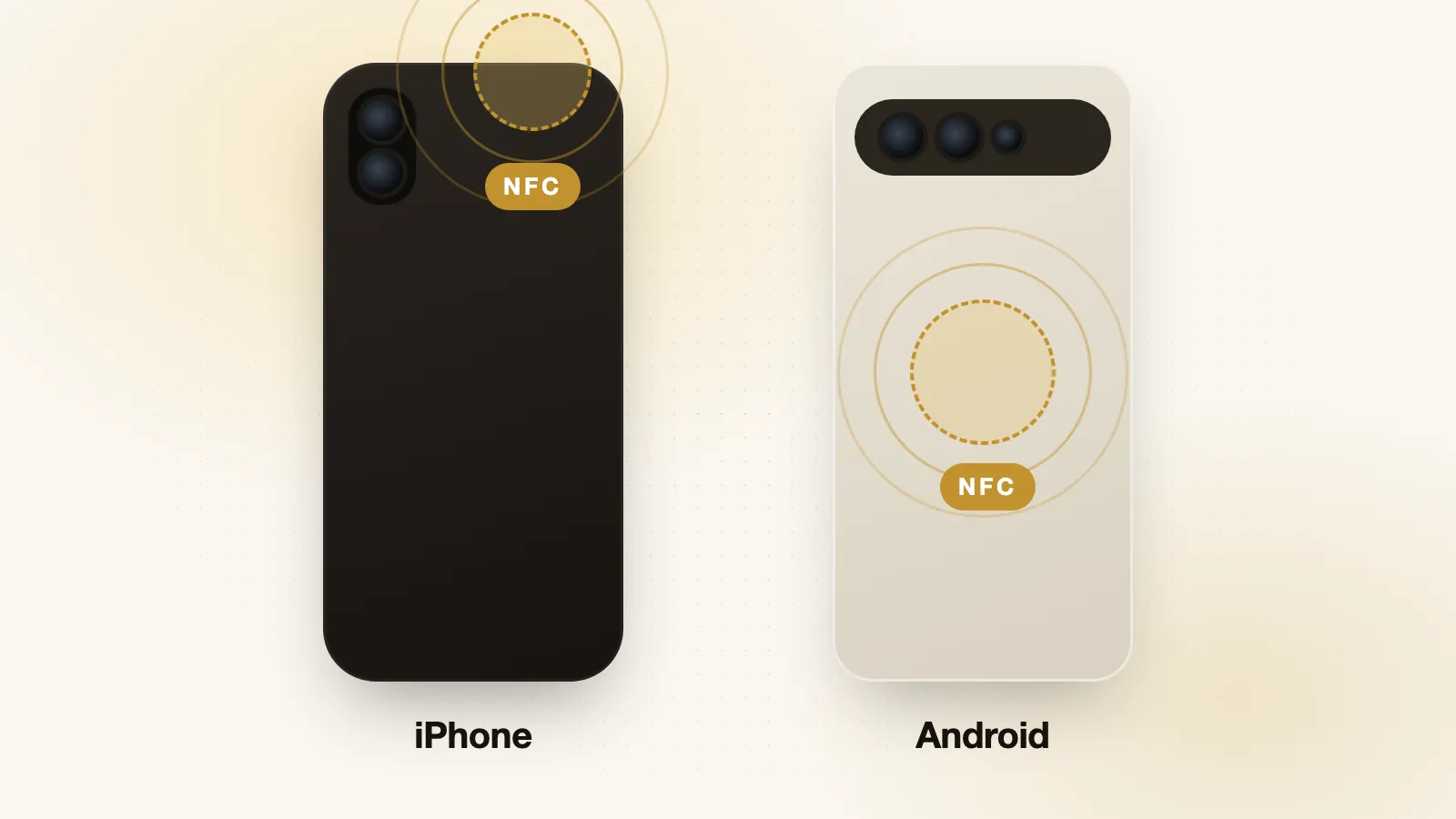
The NFC antenna sits in a fixed spot, and taps work best when that spot touches the other device.
- iPhone: at the top edge, near the back camera. Hold the top of your iPhone to the tag or reader.
- Android: usually in the middle of the back, but some models place it near the top. Check your phone maker's support page for the exact spot.
Does my phone have NFC?
- iPhone: every iPhone from the iPhone 7 onward has NFC. iPhone 6 and 6s use it only for Apple Pay.
- Android: open Settings and search for "NFC". If a switch appears, your phone has it.
How to turn on NFC on iPhone
You don't need to. NFC is always on and has no setting in iPhone Settings. What changes by model is how it reads tags:
- iPhone XS and newer read NFC tags in the background. Unlock the phone and hold the top of it to the tag. A notification appears; tap it to open the link.
- iPhone 7, 8 and X need you to start the reading. Open Control Center, tap NFC Tag Reader, then hold the phone to the tag. If the button isn't there, add it in Settings, Control Center.
Apple Pay works on every iPhone with NFC from the Wallet app, with no extra steps.
How to turn on NFC on Android
The menu names vary by phone maker. The quickest way on any Android phone is to open Settings and search for "NFC".
- Google Pixel: Settings, Connected devices, Connection preferences, NFC. Turn on Use NFC.
- Samsung Galaxy: Settings, Connections, NFC and contactless payments. Turn it on.
- Quick Settings: on many phones, swipe down from the top of the screen and tap the NFC tile.
How to use NFC on your phone
Tap to pay
Add a card to Apple Wallet on iPhone or Google Wallet on Android, then hold your phone near the card reader at checkout.
Transit and tickets
Many transit systems, venues and events accept a phone tap instead of a paper ticket or card.
Read an NFC tag
Tags in posters, products, menus and business cards hold a link. Tap the tag with your phone and open the link that appears.
Share contact details
An NFC business card holds a link to your contact page, so people tap it with their phone to see and save your details. See NFC business cards: pros and cons before buying one.
Run shortcuts and automations
Write an action to a cheap NFC sticker, such as turning on Do Not Disturb by your bed or opening your Wi-Fi details at the door. On iPhone, use the Shortcuts app, Automation, NFC. On Android, use an NFC app such as NFC Tools.
NFC tag types
The NFC Forum defines five tag types, Type 1 to Type 5. For everyday use you mostly see the NTAG chips:
| Chip | Memory | Good for |
|---|---|---|
| NTAG213 | 144 bytes | A short link, such as a business card or a website |
| NTAG215 | 504 bytes | Longer links, small amounts of text, game figures |
| NTAG216 | 888 bytes | More text or contact details stored on the tag |
For a link to a web page, NTAG213 is enough. Store a short link on the tag and keep the details on the page, so you can update them without rewriting the tag.
NFC not working? Try these fixes
- Turn NFC on (Android). Check the switch in Settings, then try again.
- Hold the right spot. Top edge on iPhone, middle or top of the back on Android. Hold still for a second.
- Take off a thick or metal case. Metal and magnets, including some wallet cases, block NFC.
- Unlock your phone. iPhone reads tags in the background only when it is unlocked and the camera and Wallet are closed.
- Turn off Airplane mode, which can stop tag reading.
- Check the tag. An empty, damaged or unsupported tag shows nothing. Test it with another phone.
- Restart the phone and update its software.
Is NFC safe?
Yes, for everyday use. NFC only works when your phone is a few centimetres from the other device, and your phone shows a link before it opens anything. Payments need your face, fingerprint or passcode. If you don't use NFC on Android, you can switch it off, but leaving it on uses very little battery.
Give people a link worth tapping. Make a free digital business card and share it by QR code, link or an NFC tag. People save your details in one tap, with no app needed.
iPhone and Apple Pay are trademarks of Apple Inc. Android, Pixel and Google Wallet are trademarks of Google LLC. Galaxy is a trademark of Samsung. ConnectMachine is not affiliated with Apple, Google or Samsung.