Skip to content
Free calculator

Networking ROI calculator

Work out what paper cards, typing in contacts and losing them after events cost you each year. Pick a tab, change the numbers to yours, and see what the matching free tool saves.

No sign-up. Your numbers stay in your browser.

What paper business cards cost you each year

Your numbers

Works out what printing paper cards costs you each year, plus the time spent ordering them. Change any number to match yours.

Count yourself, or everyone on your team who carries cards.

How many times a year each person orders a new box, for example after running out or a job title change.

How many cards are printed each time. Printers usually sell packs of 100, 250 or 500.

What your printer charges for 100 cards. Check your last invoice.

Time spent on design, approvals and placing the order.

What an hour of that person's time costs you.

$50paper cards a year
$15time spent ordering
$0ConnectMachine a year

The free plan includes up to 4 cards, with no monthly fee.

Your total across all tabs
$65paper and time cost a year, from the tabs you have opened
0card views and contacts gained a year
0event contacts lost a year

Adds up the 1 tab you have opened, out of 10.

The numbers

What each number means

Where to find your own figures for each tab, and which free tool it points to.

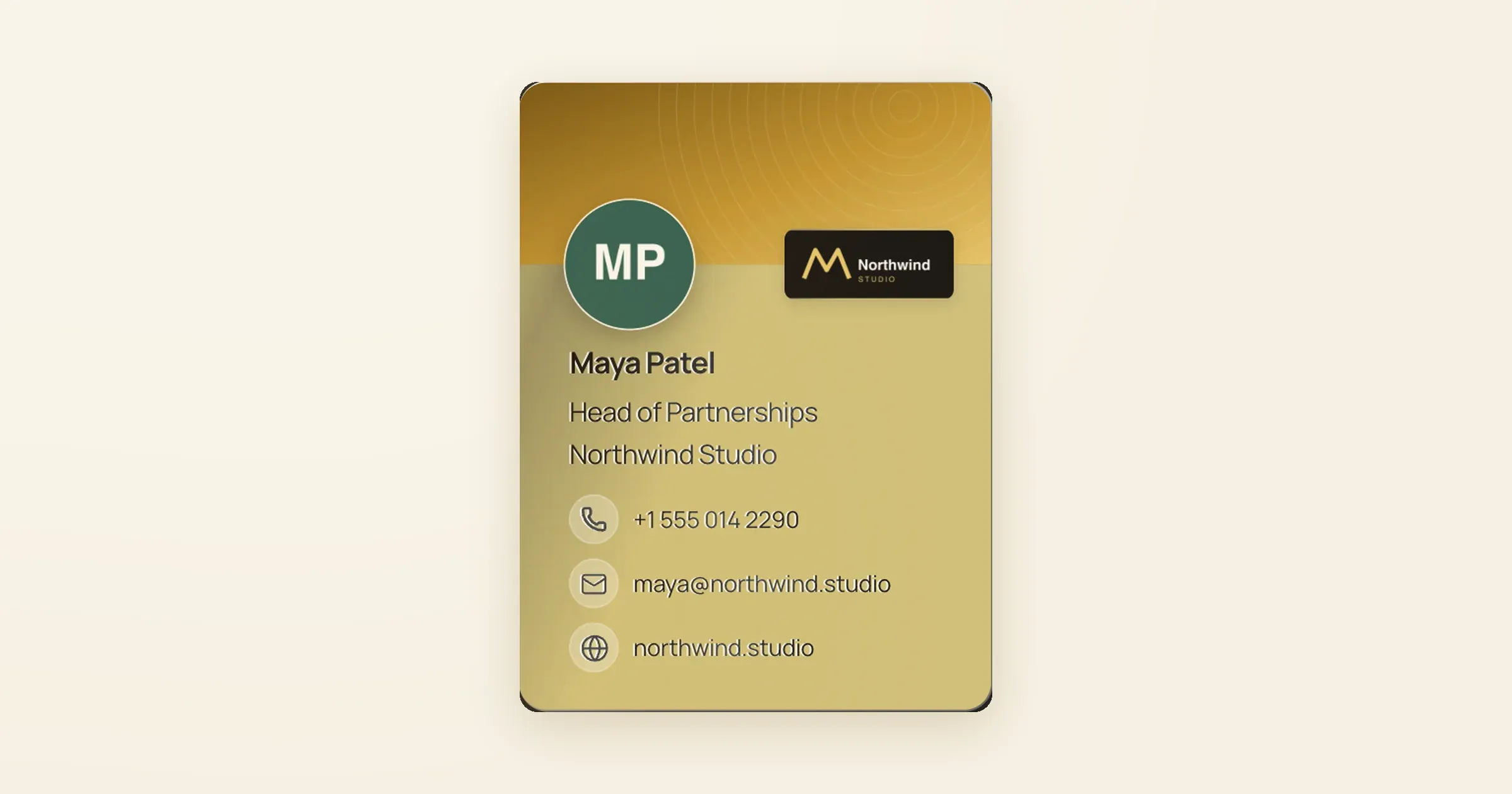
Digital business card for Maya Patel, made with the free card maker

Business cards

Paper cards cost more than the print bill. Each reorder takes someone's time for design, approval and placing the order, and a new title or phone number means a new box.

  • Price per 100 cards: take it from your last printer invoice.
  • Orders per year: count last year's reorders, including any after a job change.
  • Minutes per order: include waiting for approval, not only the checkout.
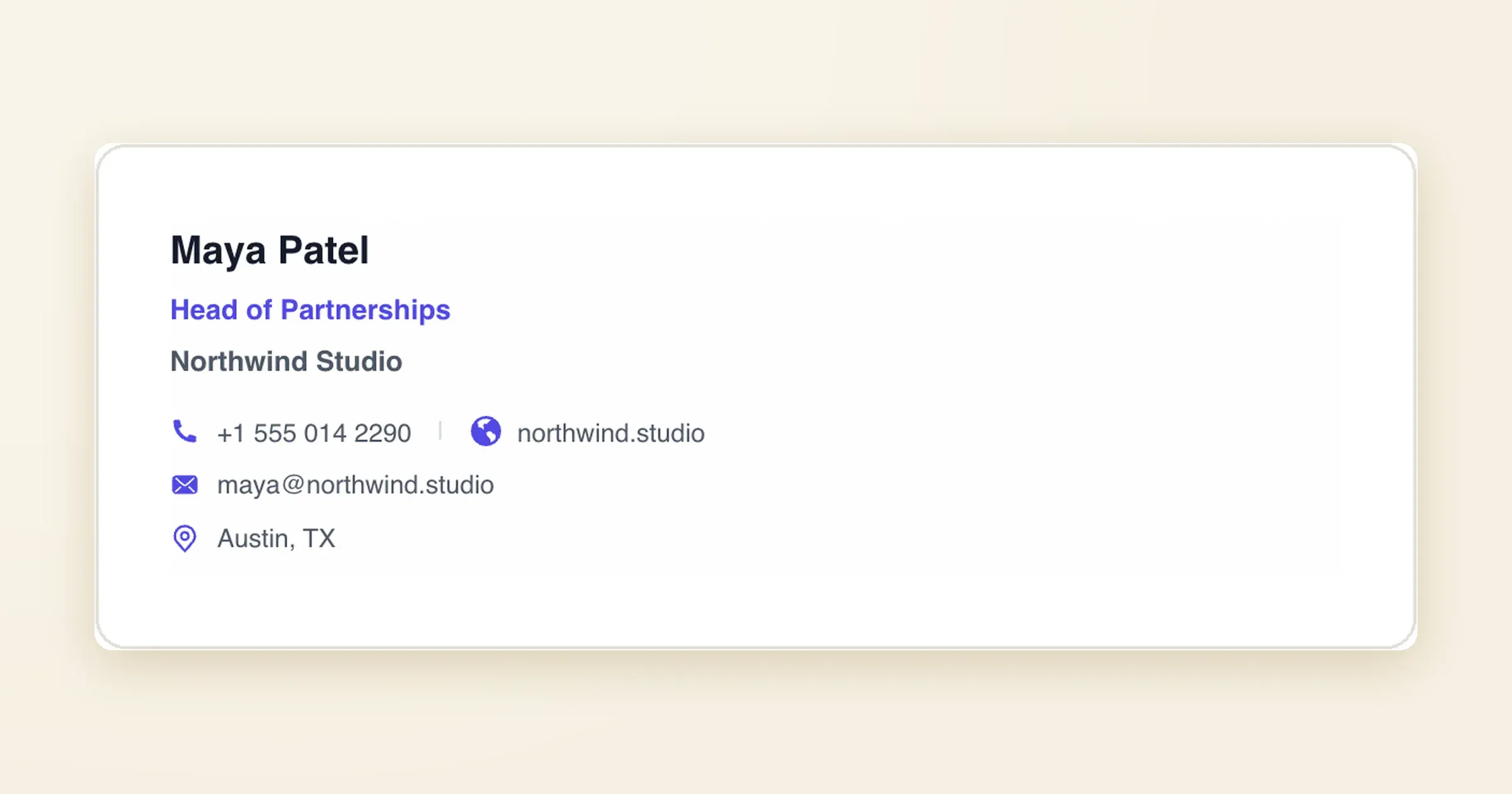
Email signature for Maya Patel, made with the free signature generator

Email signature

Every email you send to someone outside your company can carry a link to your card. The calculator counts how often that link is shown and how many people tap it.

  • Emails each week: count one typical week in your sent folder. Leave out email to your own team.
  • Tap rate: start low, such as 0.5%, and change it once you see your own numbers.
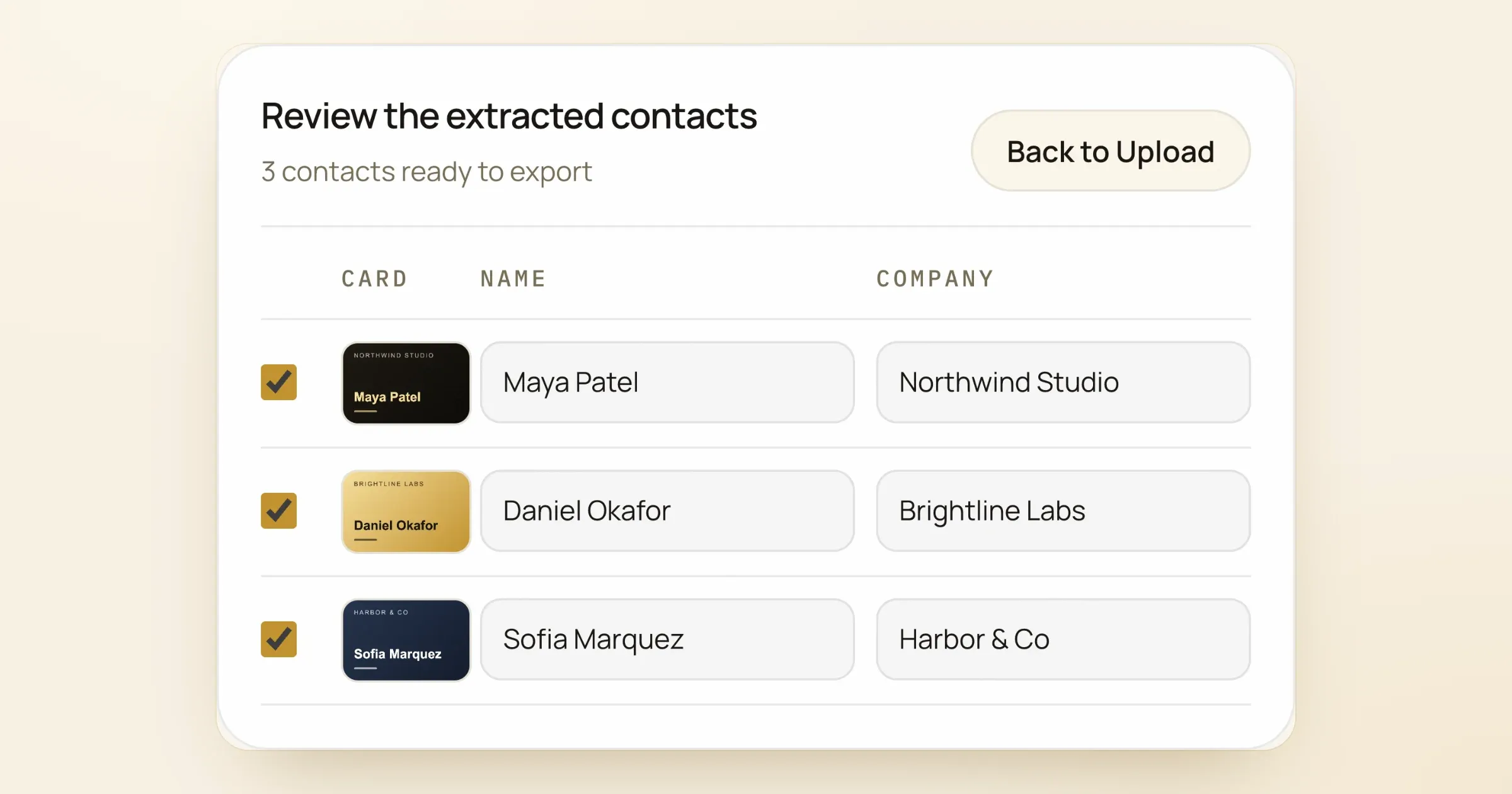
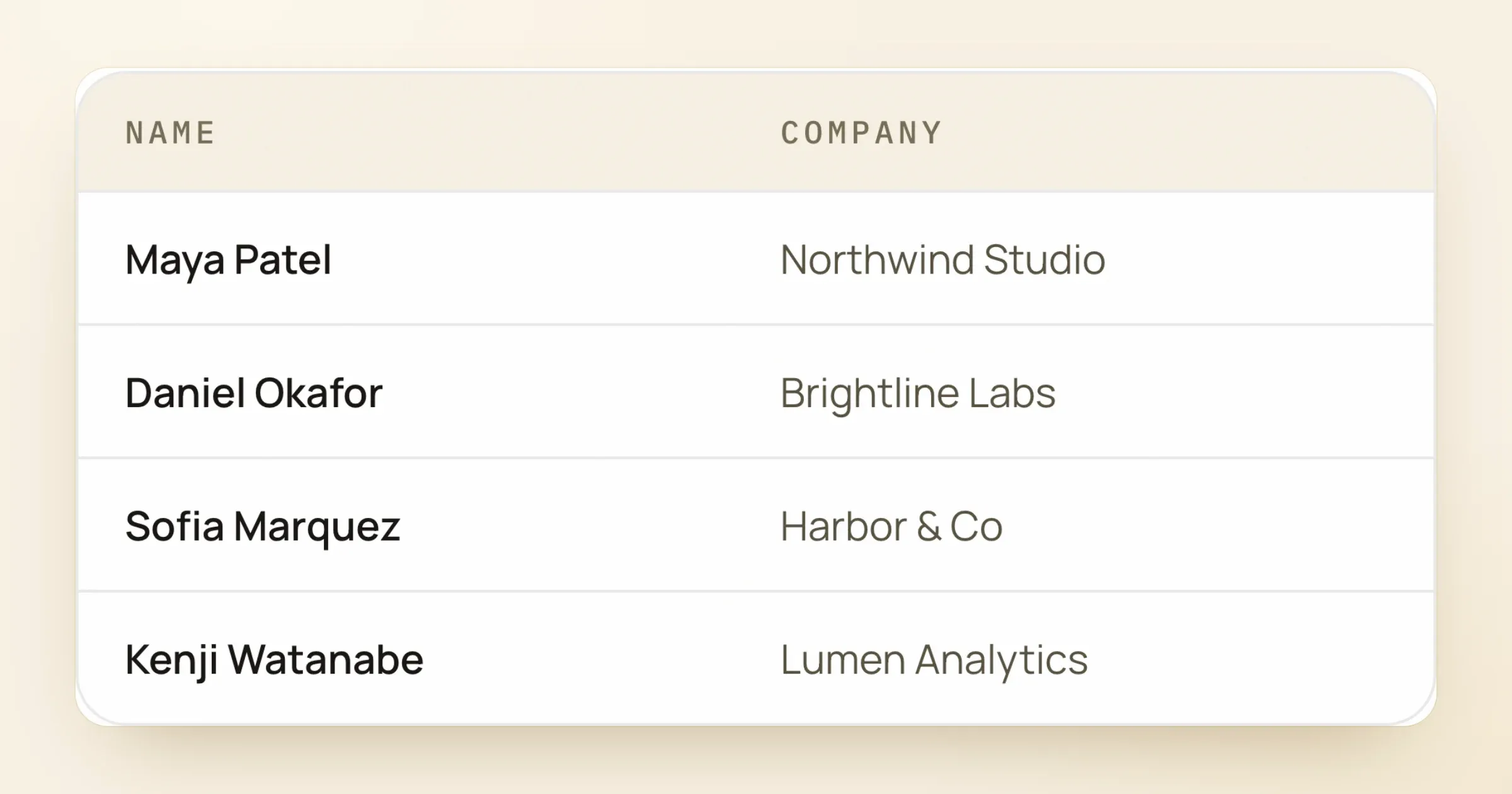
Three scanned business cards turned into contacts in the scanner's review table

Card scanner

Typing a paper card into your phone or CRM means the name, title, company, phone and email, one card at a time. The free scanner reads a whole stack of card photos and gives you a CSV or vCard file.

  • Cards each month: count the cards from your last event or a normal month.
  • Minutes per card: time yourself typing one card.
  • Event badges with contact QR codes

    Events

    Paper cards from an event pile up, and some never get a follow-up. The calculator counts how many contacts that costs you in a year.

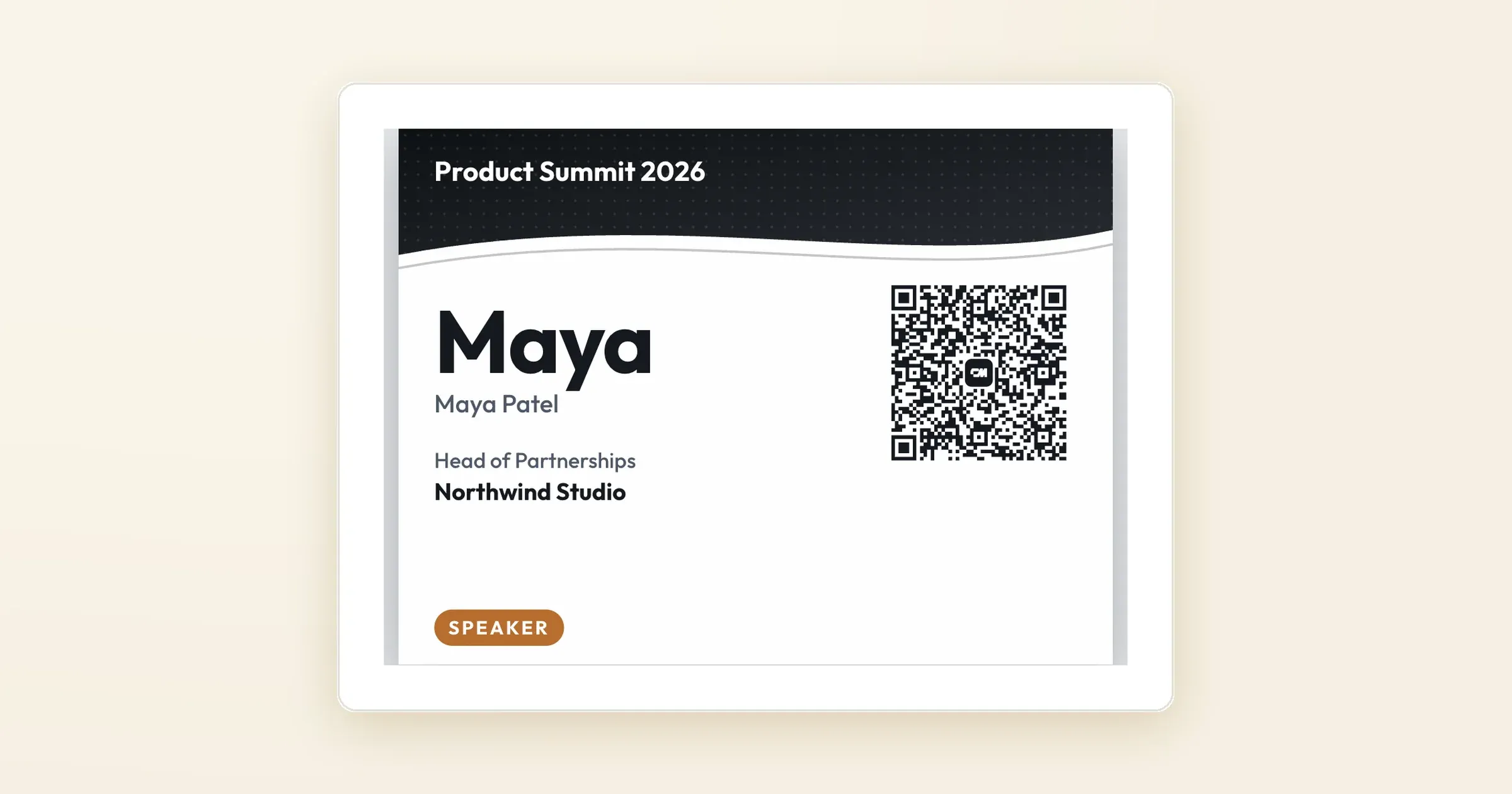
  • Event badge for Product Summit 2026 with a contact QR code

    Event badges

    If you run events, badges made one at a time take hours. The badge maker turns an attendee CSV into print-ready badges, each with a QR code.

  • Video call with a QR code on the background

    Meeting backgrounds

    On a video call, a QR code on your background lets new people save your contact without asking for it.

  • LinkedIn profile with a QR code on the banner

    Profile banners

    Visitors to your LinkedIn profile see your banner first. A QR code on it opens your card. LinkedIn shows your profile views under Analytics.

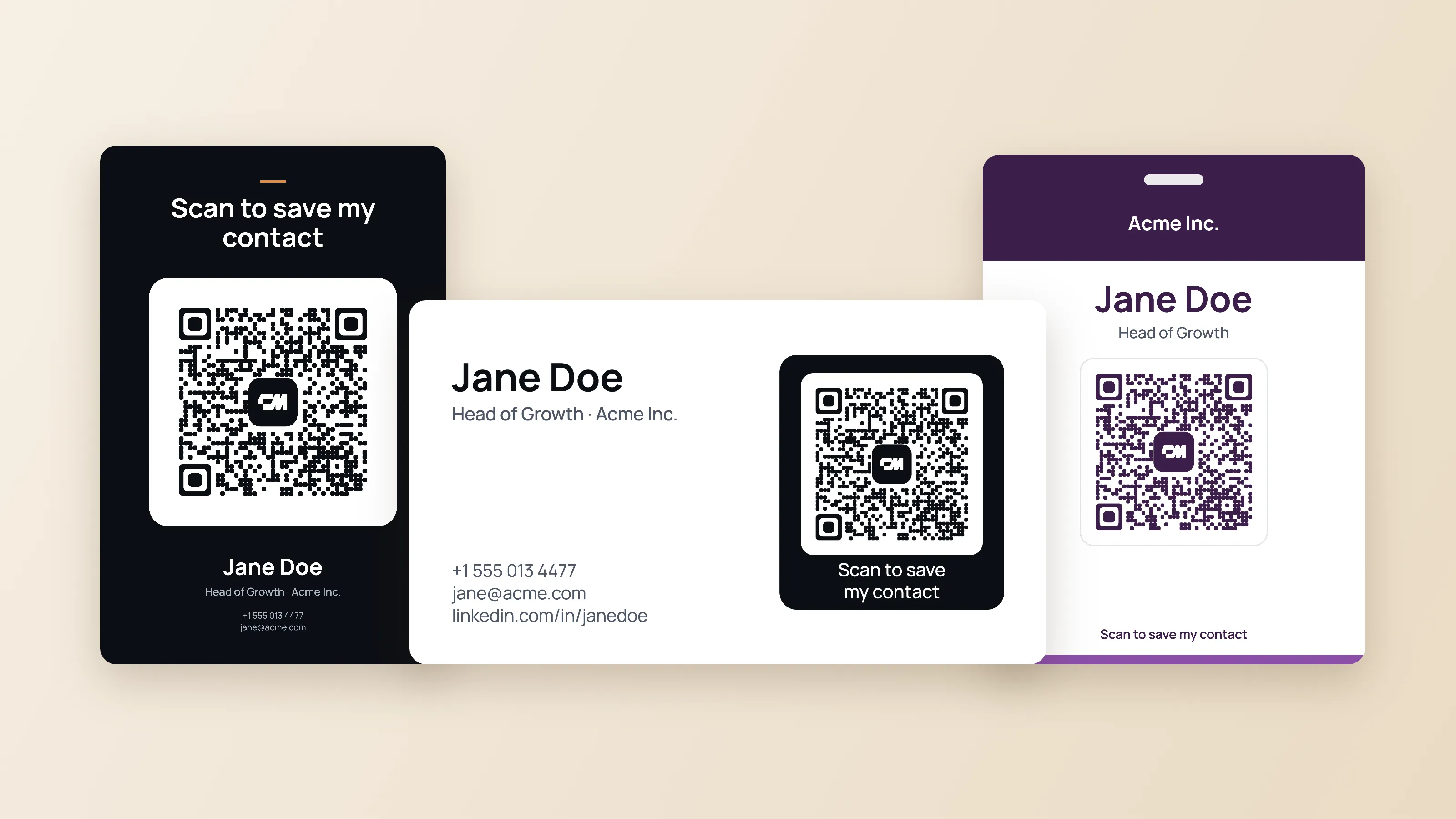
  • QR codes on a business card, table sign and badge

    QR codes

    A QR code on a table sign, flyer or badge lets people save your contact in one tap.

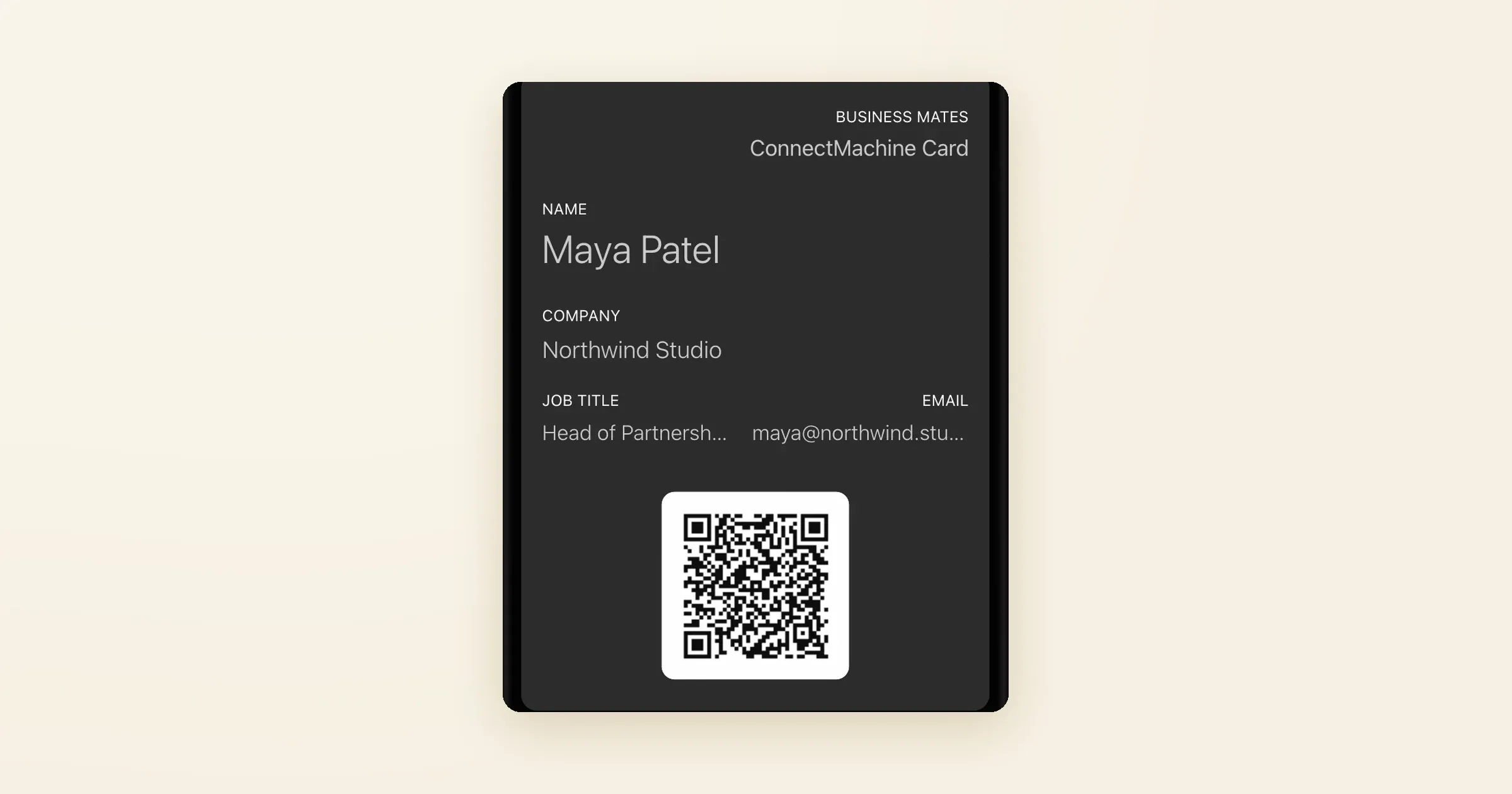
  • Business card pass in Apple Wallet

    Wallet card

    A Wallet pass opens from your phone, and the other person scans it instead of typing your number.

  • Contacts from a .vcf file shown in a table

    Contact import

    If your contacts are in a .vcf file, the viewer shows them in a table and exports a CSV, instead of copying them one by one.

Method

How each number is worked out

Every result comes from the numbers you enter. Nothing is added from outside averages.

Business cards
Paper cost = people x orders x (cards per order / 100 x price per 100). Ordering time = people x orders x minutes / 60 x hourly cost. ConnectMachine shows $0 because each person can use the free plan. The Team plan, with one license for the whole team and admin branding controls, is $25 a month for 5 seats billed annually.
Email signature
Card views = emails each week x working weeks x the share who tap your card link.
Card scanner
Hours saved = cards each month x 12 x minutes per card / 60. Money saved = hours x hourly cost.
Events
Contacts lost = events x contacts per event x the share you never follow up.
Event badges
Hours saved = attendees x events x minutes per badge / 60. Money saved = hours x hourly cost.
Meeting backgrounds
Contacts saved = calls each week x new people per call x the share who scan x working weeks.
Profile banners
Card views = profile views each week x 52 x the share who open your card.
QR codes
Contacts saved = people who see your QR each month x 12 x the share who scan.
Wallet card
Hours saved for the people you meet = shares each week x working weeks x (typing seconds minus scanning seconds) / 3600.
Contact import
Hours saved = contacts x seconds per contact / 3600. Money saved = hours x hourly cost.
Next step

What to do with your result

For the full comparison, read paper vs digital business cards.

  1. 01

    Start with your biggest number

    Look at which tab shows the largest cost or the most lost contacts. That is the tool to set up first.

  2. 02

    Set up that free tool

    Open the tool named in the tab. Several need no sign-up, and most take a few minutes.

  3. 03

    Use one card everywhere

    Put the same card in your email signature, LinkedIn banner, meeting background and Wallet, so every place you show up leads to one card.

  4. 04

    Show the numbers to your team

    Share the totals with whoever pays for printing or runs your events. The Team plan adds one license for the whole team and admin branding controls.

  5. 05

    Check again in three months

    Run the calculator again with the figures you have seen since, and compare.

Frequently asked questions

They are starting examples, not industry averages. Replace each one with your own figures, such as your printer's price per 100 cards or the number of contacts you met at your last event.

Make your digital card in a few minutes.

Free to start, with nothing for the other person to download.

Get ConnectMachine first on Google

Add us as a preferred source and our free tools show up higher the next time you search.