The best networking event in the world is worthless if you don't follow up. Studies consistently show that 80% of business cards exchanged at events never lead to a follow-up conversation. That's the actual problem in networking: not meeting people, but keeping the connection alive after.
This guide covers the timing, templates, tools, and mindset that turn a stack of business cards into real relationships and business. It's written for founders, sales reps, consultants, and anyone who leaves events with more contacts than they know what to do with.
Why most people fail at networking follow-up
Three reasons dominate. First, timing: people wait too long, often days or weeks, until the connection feels awkward to revive. Second, volume: after a big conference, you might have 40+ new contacts and 40 follow-up messages feels overwhelming. Third, no system: without reminders and templates, follow-up gets deprioritized indefinitely.
The 24-48 hour rule
Follow up within 24-48 hours of meeting someone. Not "as soon as I get to my computer." Not "once the conference is over." Within 24-48 hours, ideally the same day.
Best window
The conversation is fresh and your message feels warm.
Memory fades
Details disappear and the connection starts cooling.
Connection cold
The follow-up is more likely to feel like an obligation.
Why this matters: after 48 hours, the memory of the conversation fades for both parties. You forget the details of what you talked about. They forget who you are. A follow-up sent within 24 hours feels fresh and warm. A follow-up sent five days later feels like an obligation.
The perfect follow-up template
Every good networking follow-up has four parts:
- 1
Remind them who you are (1-2 sentences)
Don't assume they remember you. Reference the specific event and something identifying: "We met at TechCrunch Disrupt yesterday. I was the one wearing the blue jacket who asked about your Series A plans."
- 2
Reference what you talked about (1-2 sentences)
Show you were paying attention: "I loved your point about how enterprise sales cycles have shortened in the AI era. I've been thinking about that in our own pipeline."
- 3
Provide value (1-2 sentences, optional but powerful)
Share an article, an intro, or a resource that connects to your conversation: "Speaking of which, this piece from a16z has been making the rounds. I thought you might find it useful given what you're building."
- 4
Ask for the next step (1 sentence)
End with a clear ask that's easy to say yes to: "Would love to grab 20 minutes next week to keep the conversation going. Here's my calendar link."
Example templates
Template 1: Casual follow-up (met at social event)
Hi [Name],

Great meeting you at [event] yesterday. I really enjoyed hearing about [specific thing they mentioned]. Would love to continue the conversation over coffee sometime. No agenda, just curious to learn more about what you're working on.

My calendar: [link].

Best,
[Your name]
Template 2: Business follow-up (potential partnership)
Hi [Name],

Following up on our conversation at [event]. Your work on [specific topic] resonated with what we're building at [your company]. I've been thinking about what you said regarding [insight]. I wonder if there's a way we could collaborate.

Would you be open to 30 minutes next week to explore? Calendar link: [link].

Thanks,
[Your name]
Template 3: Sales follow-up (prospect)
Hi [Name],

Really enjoyed our chat at [event]. You mentioned [specific pain point]. I've been thinking about it and wanted to share how a few teams like yours have approached it. Attached is a short case study from [similar company]. Happy to walk through it live if useful.

Free next Tuesday or Wednesday afternoon?

Best,
[Your name]
The tools that make follow-up systematic
Contact management app
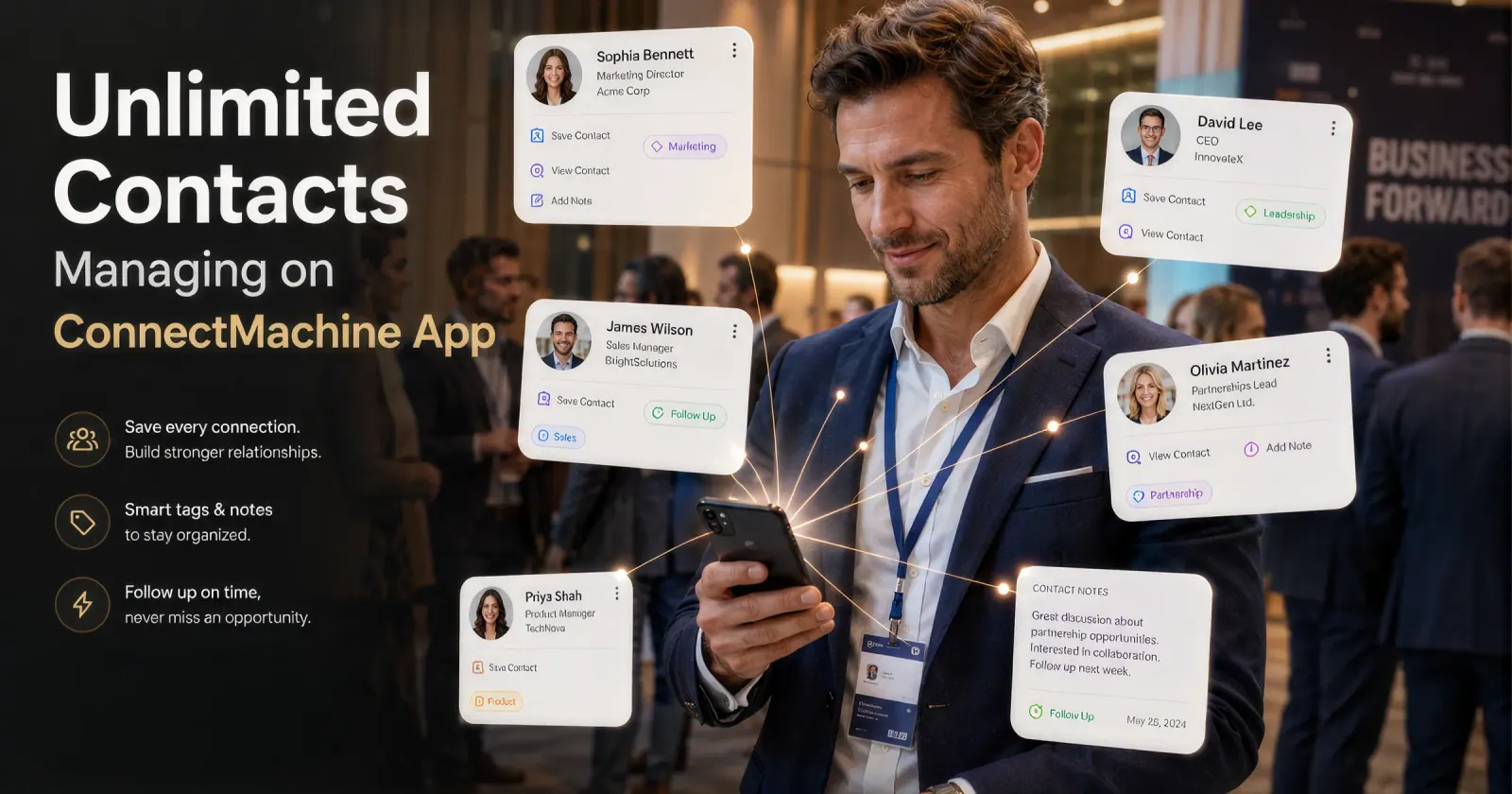
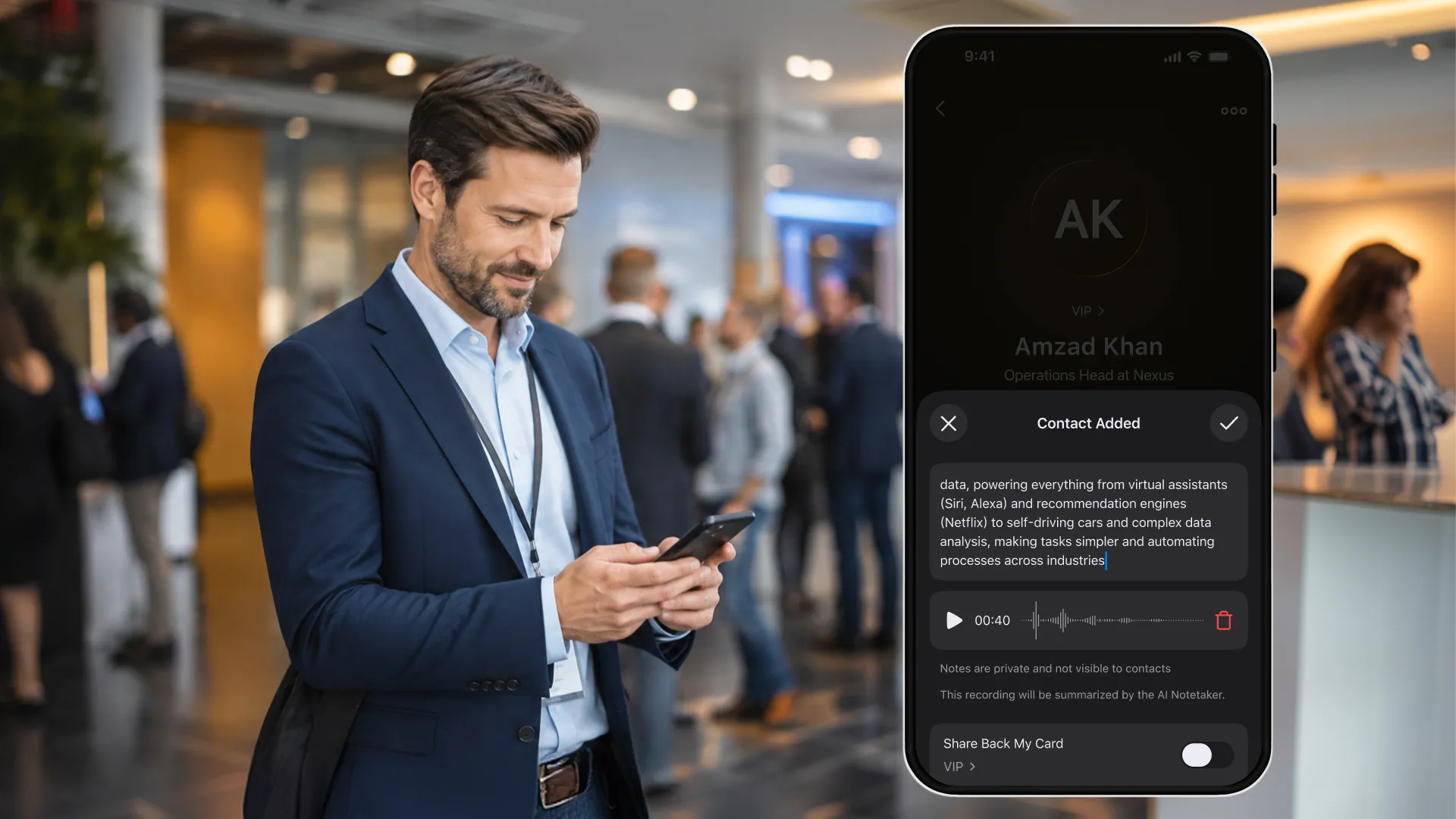
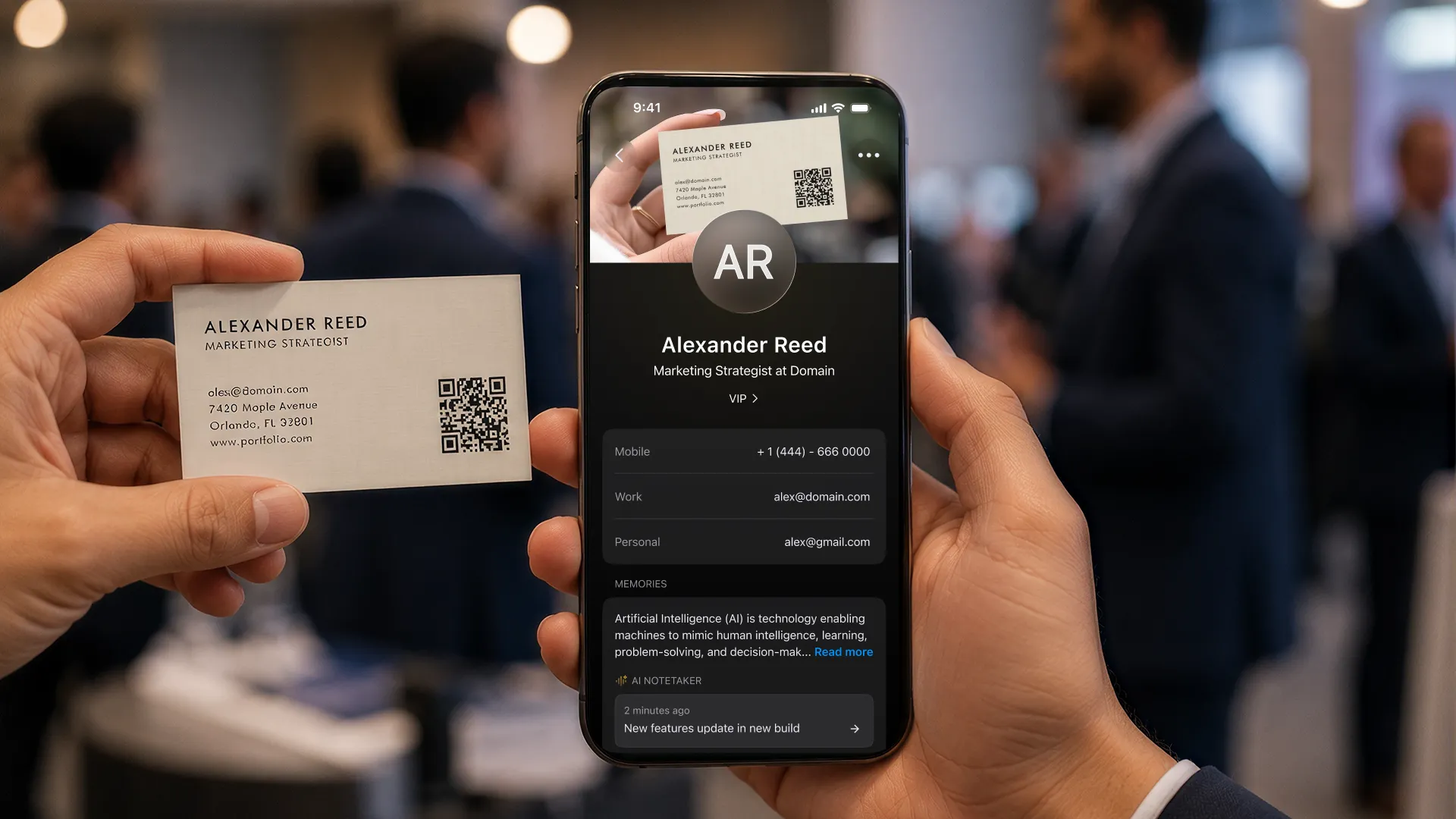
A digital business card app like ConnectMachine solves the capture problem. Scan business cards, save LinkedIn QRs, add voice notes with impressions right after meeting someone. The contact info is captured; no data entry later.
Follow-up reminders
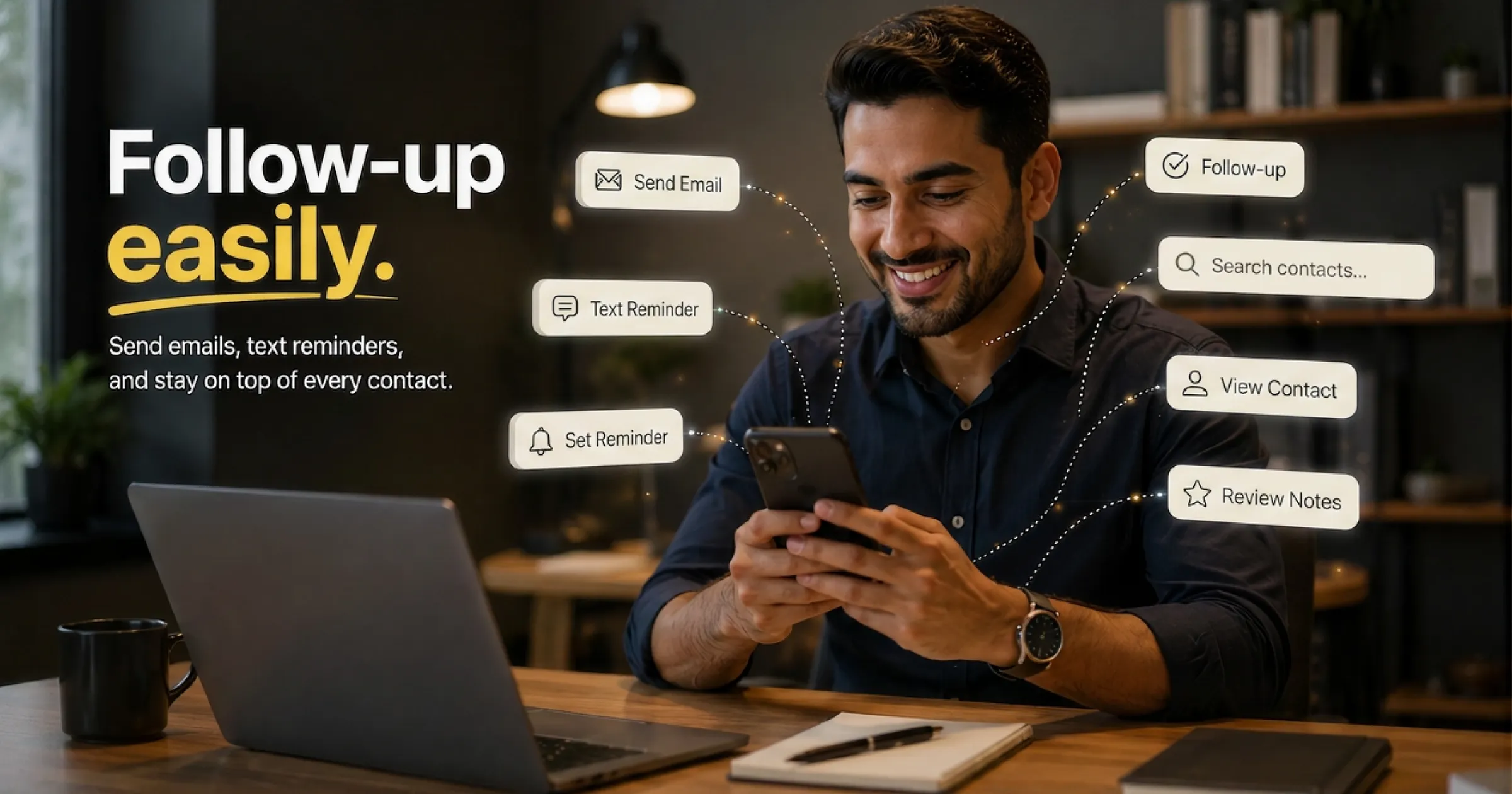
Set a reminder to follow up 24 hours after meeting each notable person. ConnectMachine's Follow-up Reminders feature does this with email + SMS. Also works: calendar reminders, task manager alerts, or a simple spreadsheet with dates.
Follow-up reminder
Time to follow up with Sarah at Acme Corp.
You met yesterday at the conference. Your note: interested in a partnership conversation.
Set the reminder while the conversation is still fresh.
Templates saved somewhere accessible
Have your 3-4 follow-up templates saved somewhere quick to access: notes app, text expansion tool (TextExpander, Alfred), or in ConnectMachine's contact detail templates. Reduces friction from 5 minutes to 30 seconds per follow-up.
CRM sync
If you're in sales or consulting, sync new contacts to your CRM immediately. ConnectMachine's Zapier + webhook integration pushes every new contact to Salesforce, HubSpot, or Pipedrive in real time, with no manual data entry.
The 3-touch follow-up sequence
For contacts who matter (potential customers, partners, or investors), one follow-up isn't enough. Use a 3-touch sequence:
Touch 1: Day 1 (immediate follow-up)
The template above. Sent within 24-48 hours of meeting.
Touch 2: Day 7 (soft nudge with value)
If no response, send something useful without an ask: "Saw this article and thought of our conversation. Sharing in case it's interesting." No pressure, just value.
Touch 3: Day 21 (final ask)
Direct: "Following up one more time to see if you'd be open to a quick chat. Totally fine if the timing isn't right. I just wanted to close the loop." Sets a natural end if they're not interested; gives one more nudge if they simply forgot.
What NOT to do in follow-up
- Don't wait a week; the connection goes cold fast
- Don't send a generic template with just "[Name]" filled in; recipients can tell
- Don't ask for a favor in the first message; build the relationship first
- Don't attach a sales pitch deck or long PDF in the first email
- Don't guilt-trip if they don't respond; assume they're busy and move on gracefully
- Don't connect on LinkedIn without a personal note; it gets lost in the algorithm
Bonus: the AI approach to follow-up
Modern tools like ConnectMachine's AI Concierge can help you prep for follow-up conversations. Before sending your message, ask AI Concierge: "What did I discuss with [Name]?" Get instant recall from your voice notes and meeting transcripts. Reference specific details that show you were paying attention. It is the highest-converting follow-up technique there is.