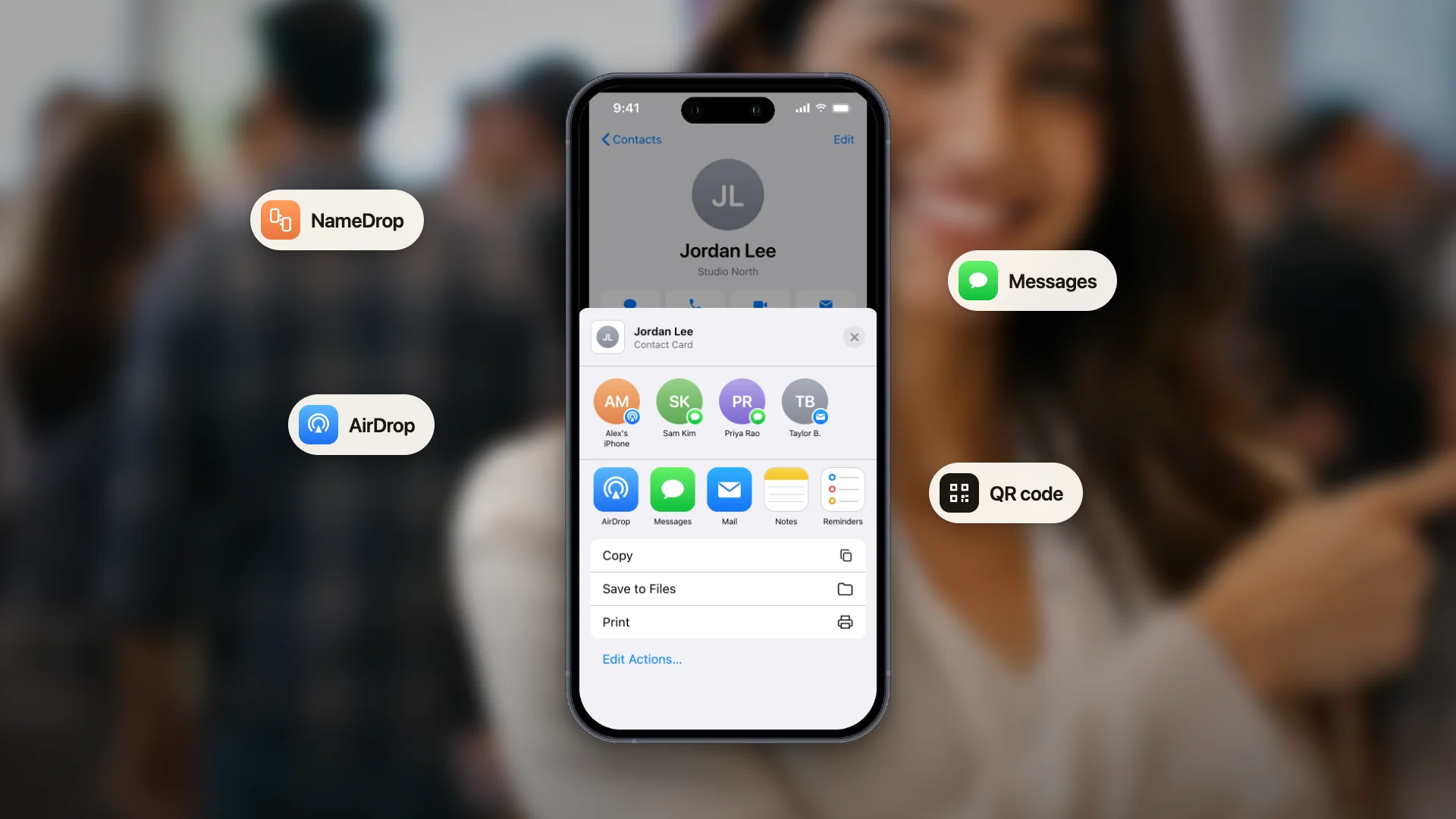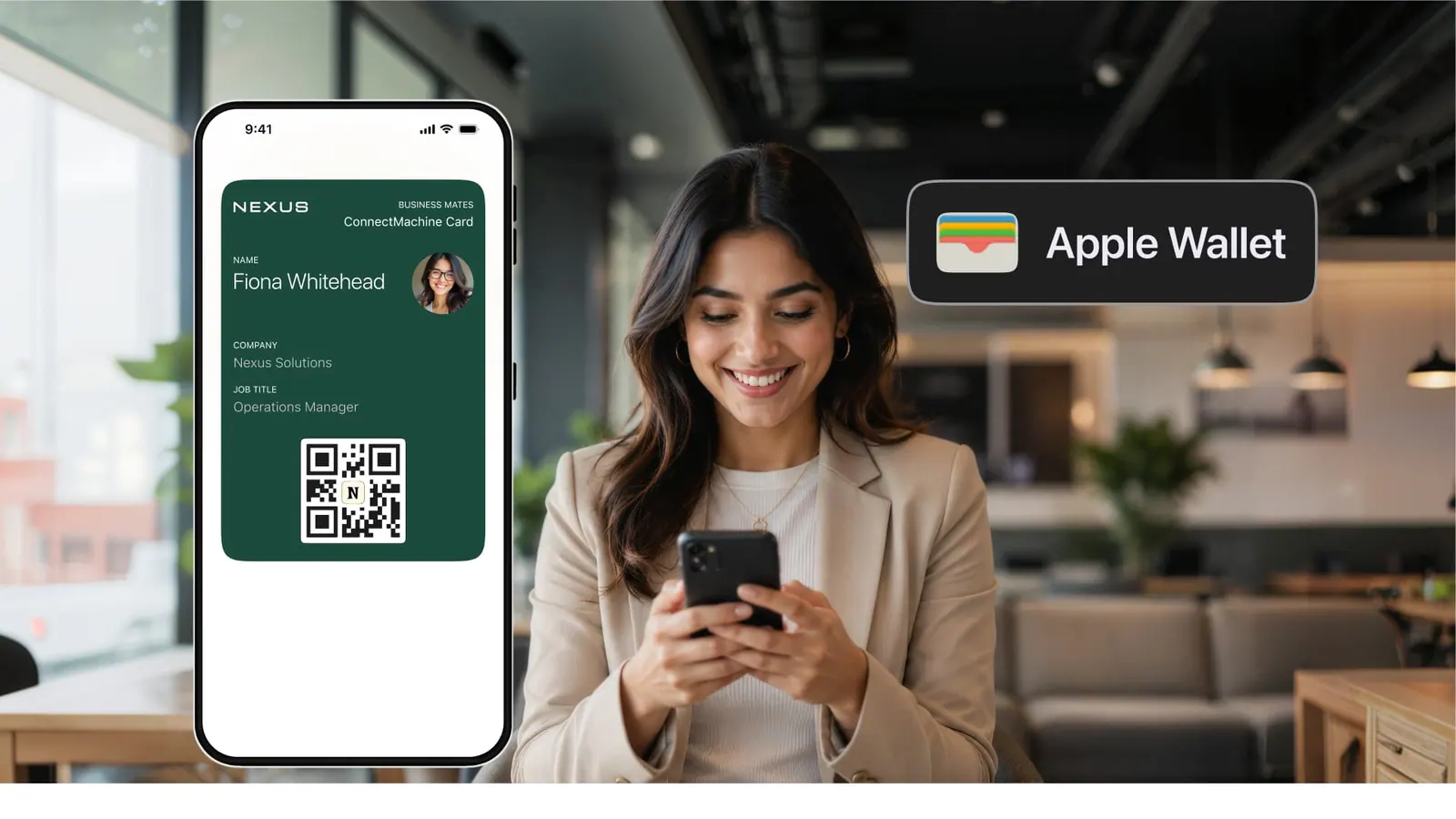
Une carte de visite en papier finit classée, perdue ou à la poubelle en quelques semaines. Une carte enregistrée dans Apple Wallet, non. Elle vit à côté des cartes d'embarquement et des cartes de paiement que les gens ouvrent déjà tous les jours, à un balayage de l'écran verrouillé, et elle se met à jour toute seule quand vos coordonnées changent.
Ce guide couvre la façon la plus rapide d'ajouter une carte de visite numérique à Apple Wallet sur iPhone, l'équivalent Google Wallet sur Android et la marche à suivre quand la carte refuse de s'ajouter.
Ce qu'est vraiment une carte de visite dans Apple Wallet
Apple Wallet conserve des cartes : cartes d'embarquement, billets d'événement, cartes de fidélité et cartes de paiement. Une carte de visite est un fichier du même type. Elle porte votre nom, votre fonction, votre entreprise et un code QR qui ouvre votre carte numérique complète quand on le scanne.
Deux choses sont souvent confondues. Ajouter votre propre carte à votre Wallet vous donne un QR à montrer pour partager vos coordonnées en une seconde. Faire enregistrer votre carte dans le Wallet de quelqu'un d'autre, c'est ce qui vous garde dans son téléphone pour la prochaine fois qu'il aura besoin de vous. Les deux comptent, et les deux fonctionnent de la même façon.
Méthode 1 : ajouter votre carte avec une app (recommandé)
Une app de cartes de visite numériques est la voie la plus simple, car la carte Wallet est générée pour vous et reste synchronisée. Dans ConnectMachine, les étapes sont les suivantes :
1. Créez votre carte
Ajoutez votre nom, votre fonction, votre entreprise, vos liens et votre photo. Le forfait gratuit couvre jusqu'à 4 cartes, vous pouvez donc en garder de distinctes pour des rôles différents.
2. Touchez Ajouter à Apple Wallet
Ouvrez la carte et choisissez l'option Ajouter à Apple Wallet. L'iPhone affiche un aperçu de la carte Wallet avec vos informations et votre code QR.
3. Confirmez
Touchez Ajouter dans le coin supérieur. La carte arrive aussitôt dans Apple Wallet.
4. Partagez depuis l'écran verrouillé
Faites défiler jusqu'à votre carte dans Wallet et laissez votre interlocuteur scanner le QR. Son téléphone ouvre votre carte complète dans le navigateur, sans rien à installer.
L'avantage de passer par une app, c'est que la carte est vivante. Changez votre numéro ou votre fonction une seule fois, et la carte déjà enregistrée dans le Wallet de quelqu'un affiche les nouvelles informations. Une carte papier réimprimée en est incapable.
Méthode 2 : ajouter une carte qu'on vous a envoyée
Si quelqu'un partage sa carte et qu'elle arrive sous forme de fichier Wallet (un .pkpass), ou si vous touchez Ajouter à Wallet sur la page de sa carte, l'enregistrer ne prend qu'une étape.
1. Ouvrez la carte
Touchez le fichier ou le bouton Ajouter à Apple Wallet sur la carte partagée. Un aperçu s'affiche.
2. Touchez Ajouter
La carte est enregistrée dans votre Wallet, et celle de votre interlocuteur est à un balayage dès que vous avez besoin de le joindre.
C'est l'habitude à prendre lors des événements. Quand vous recevez une carte que vous voulez garder, enregistrez-la dans Wallet sur le moment plutôt que de vous promettre de la retrouver plus tard.
Méthode 3 : l'équivalent Android (Google Wallet)
Android n'a pas Apple Wallet, mais Google Wallet remplit le même rôle. Une app de cartes numériques compatible avec les cartes wallet propose un bouton Ajouter à Google Wallet à côté de celui d'Apple.
1. Ouvrez votre carte et choisissez Ajouter à Google Wallet
L'aperçu de la carte s'affiche avec vos informations et votre code QR.
2. Touchez Ajouter
La carte est enregistrée dans Google Wallet, où vous pouvez l'ouvrir depuis l'app ou depuis un raccourci sur l'écran d'accueil.
ConnectMachine prend en charge Apple Wallet et Google Wallet, si bien que la même carte fonctionne que la personne rencontrée ait un iPhone ou un Android.
Dépannage : quand la carte refuse de s'ajouter
Le bouton Ajouter à Wallet ne fait rien
Vérifiez que vous ouvrez la carte dans Safari sur iPhone et non dans un navigateur intégré à une autre app, qui bloque Wallet. Si vous avez touché un lien à l'intérieur d'une autre app, choisissez d'abord Ouvrir dans Safari.
La carte semble vide ou obsolète
Supprimez-la puis ajoutez-la de nouveau depuis la carte de visite. Les cartes générées par l'app se rafraîchissent seules, mais un ajout manuel force la dernière version.
Vous voulez qu'elle apparaisse automatiquement sur l'écran verrouillé
Apple Wallet peut faire apparaître une carte sur l'écran verrouillé selon l'heure ou le lieu. Ouvrez la carte, touchez les trois points et vérifiez les réglages de ses détails pour choisir quand elle s'affiche.
Vos informations ont changé
Mettez votre carte à jour une seule fois dans l'app. Les cartes vivantes se mettent à jour sur place, vous n'avez donc jamais à la renvoyer à ceux qui l'ont déjà enregistrée.