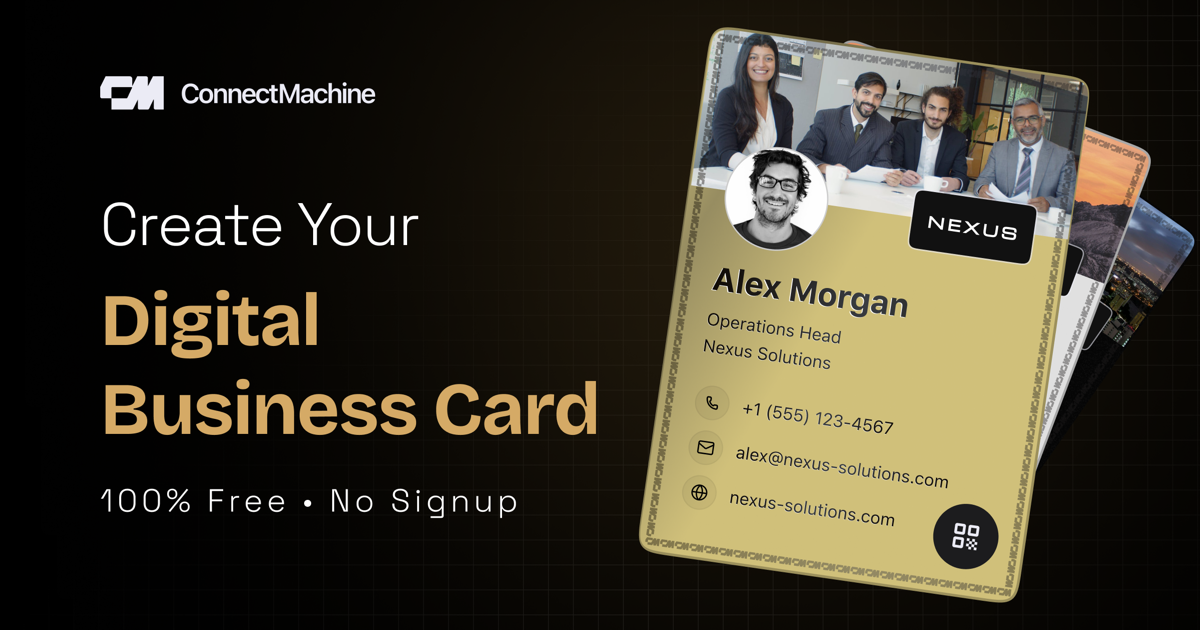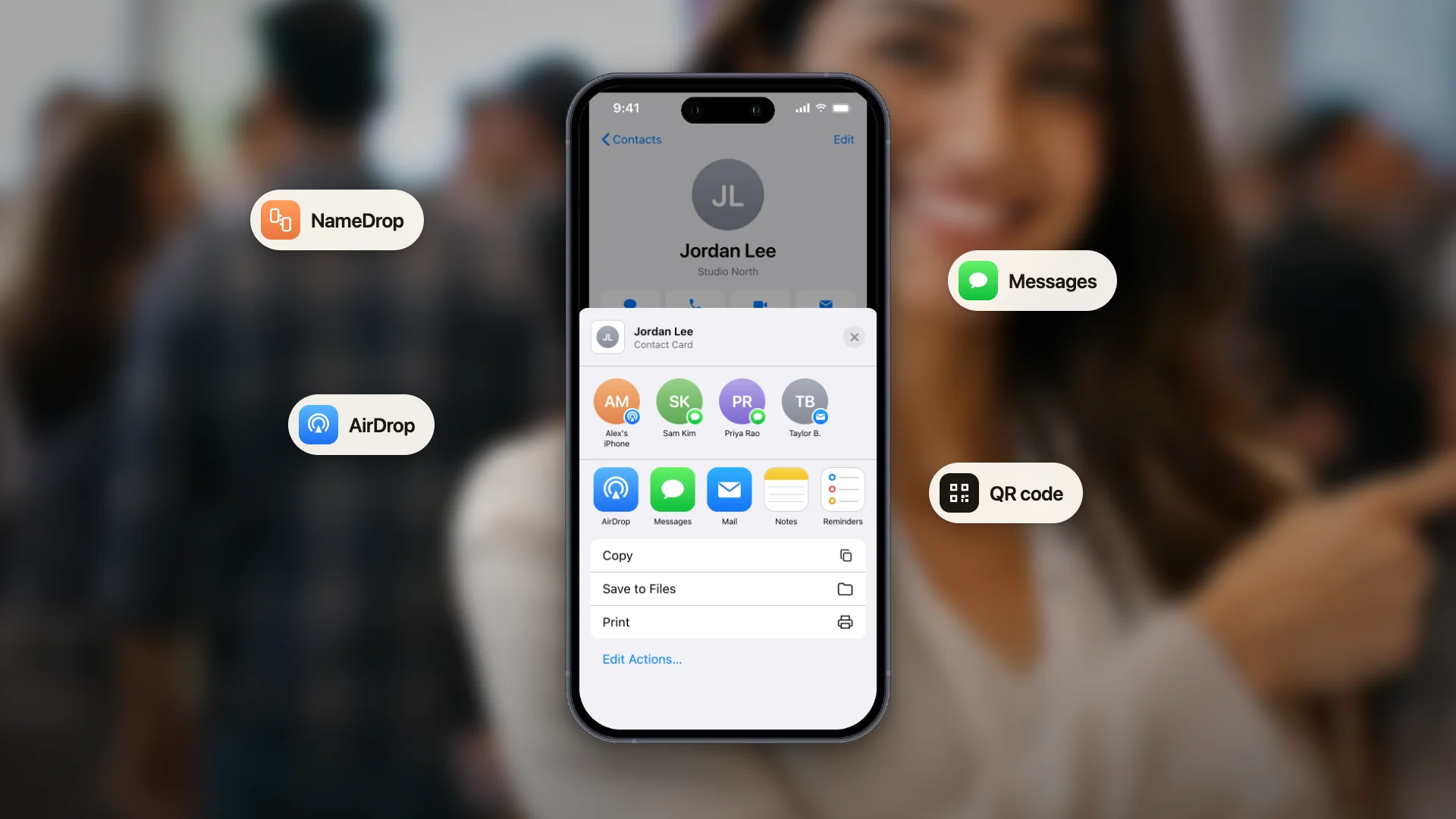
Un biglietto da visita digitale è una versione modificabile e facile da condividere del tuo biglietto da visita, che vive nel telefono invece che nel portafoglio. Invece di consegnare un pezzo di carta, condividi il tuo biglietto con un codice QR, un link, un tap NFC o aggiungendolo ad Apple Wallet o Google Wallet.
Consideralo la tua identità professionale: sempre con te e sempre aggiornata. Hai cambiato ruolo? Aggiornalo una volta e chiunque abbia il tuo biglietto vedrà subito la nuova versione. Sei passato a un'altra azienda? Stesso discorso. Niente più qualifiche cancellate a penna sui biglietti di carta e niente più spiegazioni sul perché la tua email è diversa da quella stampata.
Nel 2026 i biglietti da visita digitali sono passati da curiosità a necessità. Circa l'88% dei biglietti di carta finisce nel cestino entro una settimana da quando viene consegnato. I biglietti digitali risolvono il problema: vengono salvati, si possono cercare e non si perdono tra il portafoglio e il cassetto della scrivania.
Come funzionano i biglietti da visita digitali
Un biglietto da visita digitale è essenzialmente una pagina web o un file nativo per il telefono che mostra i tuoi recapiti in un formato curato e coerente con il tuo brand. Quando lo condividi, chi lo riceve vede una pagina web che può salvare oppure ottiene un file di contatto che si aggiunge direttamente alla rubrica del suo telefono.
La maggior parte delle app per biglietti da visita digitali offre quattro modi di condividere:
Codice QR
Il metodo più universale. Chiunque abbia un telefono recente può scansionarlo, senza bisogno di alcuna app.
Link condivisibile
Invia il tuo biglietto via email, WhatsApp, messaggio LinkedIn o qualsiasi altra app di messaggistica.
Tap NFC
Condividi il biglietto avvicinando una card o un dispositivo NFC compatibile al telefono di chi hai davanti.
Apple Wallet o Google Wallet
Il tuo biglietto vive nel wallet del telefono, a un tap di distanza quando ti serve.
Il vantaggio principale è che il biglietto diventa un'unica fonte attendibile. Lo aggiorni una volta e chiunque lo abbia scansionato in passato vedrà la nuova versione quando riaprirà il link. Confrontalo con i biglietti di carta, dove ogni aggiornamento richiede una nuova stampa e una nuova distribuzione.
Perché sempre più persone abbandonano i biglietti di carta
1. I biglietti di carta si perdono
Le ricerche mostrano che il 63% dei biglietti da visita ricevuti non finisce mai in una rubrica. La maggior parte resta in un cassetto, in un portafoglio o nel cestino entro una settimana. I biglietti digitali si salvano automaticamente sul telefono di chi li riceve, nel momento stesso in cui scansiona il codice QR.
2. I biglietti digitali si aggiornano da soli
Hai cambiato qualifica, numero di telefono o azienda? Con la carta ti ritrovi centinaia di biglietti superati nei portafogli di sconosciuti. I biglietti digitali si aggiornano in modo centralizzato, quindi chi ha scansionato il tuo biglietto in passato vede la versione attuale quando lo riapre.
3. Condividerli non costa nulla
I biglietti da visita di carta di qualità costano dai 50 ai 200 dollari ogni 500 pezzi. I biglietti digitali non costano nulla a ogni condivisione, durano all'infinito e si possono ridisegnare in pochi minuti senza una nuova tiratura.
4. Funzionano dove la carta non arriva
Agli eventi virtuali, negli incontri su LinkedIn e nelle conferenze ibride non puoi passare un biglietto di carta attraverso una call su Zoom. Il link di un biglietto digitale funziona ovunque.
5. Statistiche e follow-up
Alcune app per biglietti digitali ti mostrano quando qualcuno salva il tuo biglietto, così sai chi è davvero interessato. I biglietti di carta non ti danno alcun riscontro.
Il lato ambientale
Si stima che ogni anno vengano abbattuti 27 milioni di alberi per produrre biglietti da visita di carta e che circa l'88% di quei biglietti venga buttato entro una settimana. Sul piano ambientale i biglietti digitali sono il passo avanti più ovvio.
Cosa si può mettere su un biglietto da visita digitale?
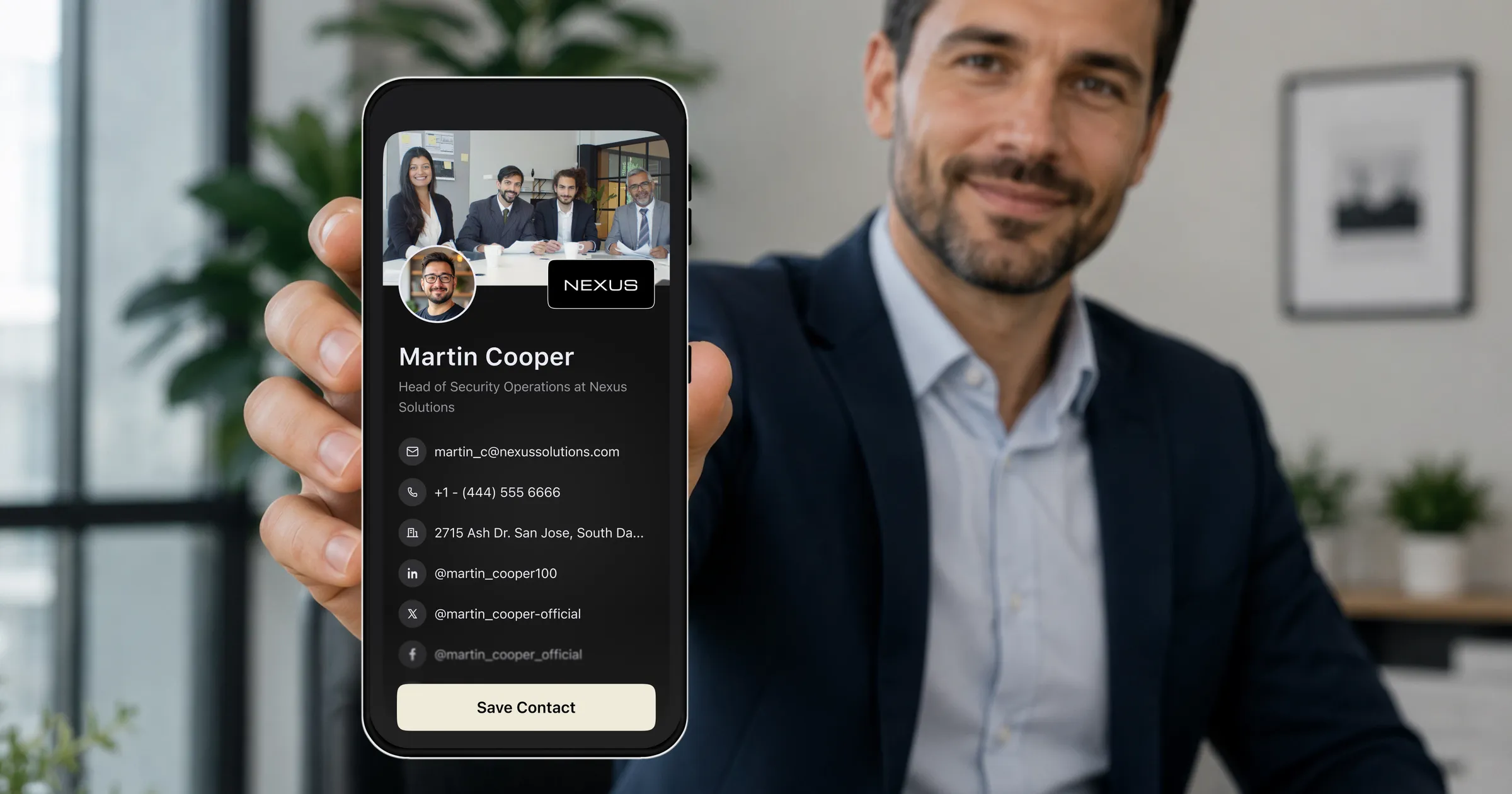
Molto più di quanto entrerebbe mai su un biglietto di carta. Un biglietto digitale ben progettato di solito include:
Dati professionali
Nome, qualifica, azienda, foto o logo aziendale.
Recapiti
Numero di telefono, indirizzo email e sito web.
Link social e per fissare appuntamenti
Link a LinkedIn, X, Instagram e al tuo calendario, così chi riceve il biglietto può fissare direttamente un incontro.
Personalizzazione del brand
Logo, colori e caratteri possono essere coerenti con il resto della tua attività.
Alcune app per biglietti da visita digitali permettono anche di creare più biglietti per contesti diversi, per esempio uno personale, uno commerciale e uno per gli investitori, così condividi quello giusto al momento giusto.
Tipi di biglietti da visita digitali
Basati sul web (link + QR)
Il tipo più diffuso. Il tuo biglietto è una pagina web e ne condividi l'indirizzo oppure un codice QR che la apre. Puoi creare un QR code vCard gratis per il tuo. Chi lo riceve vede il biglietto nel browser e può salvare i recapiti sul telefono con un solo tap.
Pass nel wallet (Apple Wallet + Google Wallet)
Il biglietto viene aggiunto all'app wallet del telefono. Compare accanto agli altri pass e si aggiorna in automatico quando fai modifiche. Agli eventi si condivide in fretta perché è sempre a portata di swipe.
Basati su app
Il biglietto vive dentro un'app dedicata sul telefono. La condivisione avviene tramite le funzioni integrate dell'app, che spesso offre anche extra come gestione dei contatti, note sugli incontri e sincronizzazione con il CRM.
Come creare un biglietto da visita digitale in 3 minuti
Se parti da zero, questa è la strada più semplice:
Passo 1: apri il generatore o l'app
Parti dal browser con il generatore gratuito di biglietti da visita digitali, oppure scarica l'app ConnectMachine sul telefono. Con un account gratuito il biglietto si sincronizza tra web e app.
Passo 2: inserisci i tuoi dati
Aggiungi nome, qualifica, azienda, numero di telefono, email e indirizzo LinkedIn. Metti una foto e scegli un tema colore in linea con il tuo brand.
Passo 3: condividi il biglietto
Mostra il codice QR al prossimo incontro, aggiungi il biglietto ad Apple Wallet o Google Wallet oppure copia il link nella firma delle tue email.
Tutto qui: tre minuti dall'apertura del generatore a un biglietto da visita digitale funzionante che potrai condividere per il resto della tua carriera.
Cosa cercare in un'app per biglietti da visita digitali
Non tutte le app sono uguali. Quando valuti le alternative, dai priorità a questi aspetti:
Un piano gratuito
Prova l'app e il suo flusso di condivisione di base prima di impegnarti.
Più modi di condividere
Cerca il supporto per codici QR, link, pass nel wallet e NFC.
Personalizzazione del brand
Scegli un'app che permetta di allineare colori, logo e impaginazione alla tua attività.
Scansione dei contatti
Una buona app per biglietti dovrebbe aiutarti anche a salvare i biglietti da visita che ricevi.
Funzioni di follow-up
I promemoria ti aiutano a ricontattare le persone appena conosciute mentre la conversazione è ancora fresca.
Integrazioni con il CRM
Se lavori nelle vendite, assicurati che i nuovi contatti possano entrare nel tuo flusso di lavoro abituale.
Supporto multilingua
Se lavori a livello internazionale, verifica che l'app supporti le lingue che ti servono.
Biglietti da visita digitali contro carta: il confronto onesto
I biglietti digitali non sono per forza migliori della carta in ogni situazione. Lo sono nella maggior parte dei casi, ma non in tutti.
Il digitale vince per
Professionisti di oggi che partecipano spesso a eventi di networking, chi lavora da remoto, chi cambia ruolo di frequente, i venditori che devono tenere traccia dei contatti, chi ha a cuore l'ambiente e chiunque sia stanco di restare senza biglietti nel momento sbagliato.
La carta ha ancora senso in
Presentazioni formali tra dirigenti, soprattutto nella cultura aziendale dell'Asia orientale; situazioni in cui chi hai davanti non possiede uno smartphone; biglietti da collezione in cui l'oggetto fisico fa parte del messaggio; e momenti in cui un biglietto stampato splendidamente trasmette più valore di uno schermo.
La risposta pragmatica è usarli entrambi: un biglietto digitale come scelta predefinita e una piccola scorta di biglietti di carta di qualità per le eccezioni.
In sintesi
Un biglietto da visita digitale è la tua identità professionale: sempre con te, sempre aggiornata e sempre condivisibile. Nel 2026 averne uno non è facoltativo se partecipi a eventi di networking, incontri clienti o devi essere raggiungibile in contesti diversi. Non è che i biglietti di carta siano morti: hanno ancora i loro momenti. Semplicemente, i biglietti digitali risolvono i problemi che la carta aveva creato.
Creane uno, configuralo in tre minuti e non preoccuparti mai più di restare senza biglietti nel momento sbagliato.