Ogni utente ConnectMachine si è scontrato con lo stesso attrito: la tua rete vive nell'app, ma il lavoro quotidiano si svolge altrove. Sei in Claude a scrivere una mail di contatto e ti serve il VP Sales che hai conosciuto al Web Summit. Passi a ConnectMachine, cerchi, copi i dati, torni indietro. Sei in Cursor e ti serve il contesto su un contatto di Acme Corp. Stessa danza. Da oggi quell'attrito sparisce.
Cos'è MCP, in breve
Model Context Protocol (MCP) è uno standard aperto sviluppato da Anthropic che permette agli strumenti AI di collegarsi a sistemi esterni in modo standardizzato. Invece di costringere ogni app a costruire integrazioni su misura per ogni strumento AI, MCP crea un unico linguaggio condiviso.
Se un'app supporta MCP, e ConnectMachine ora lo fa, qualsiasi AI compatibile con MCP può dialogarci direttamente. Niente copia e incolla. Niente integrazioni su misura. Niente cambi di contesto. Pensalo come l'USB-C degli strumenti AI: un solo standard e tutti i tuoi dispositivi funzionano.
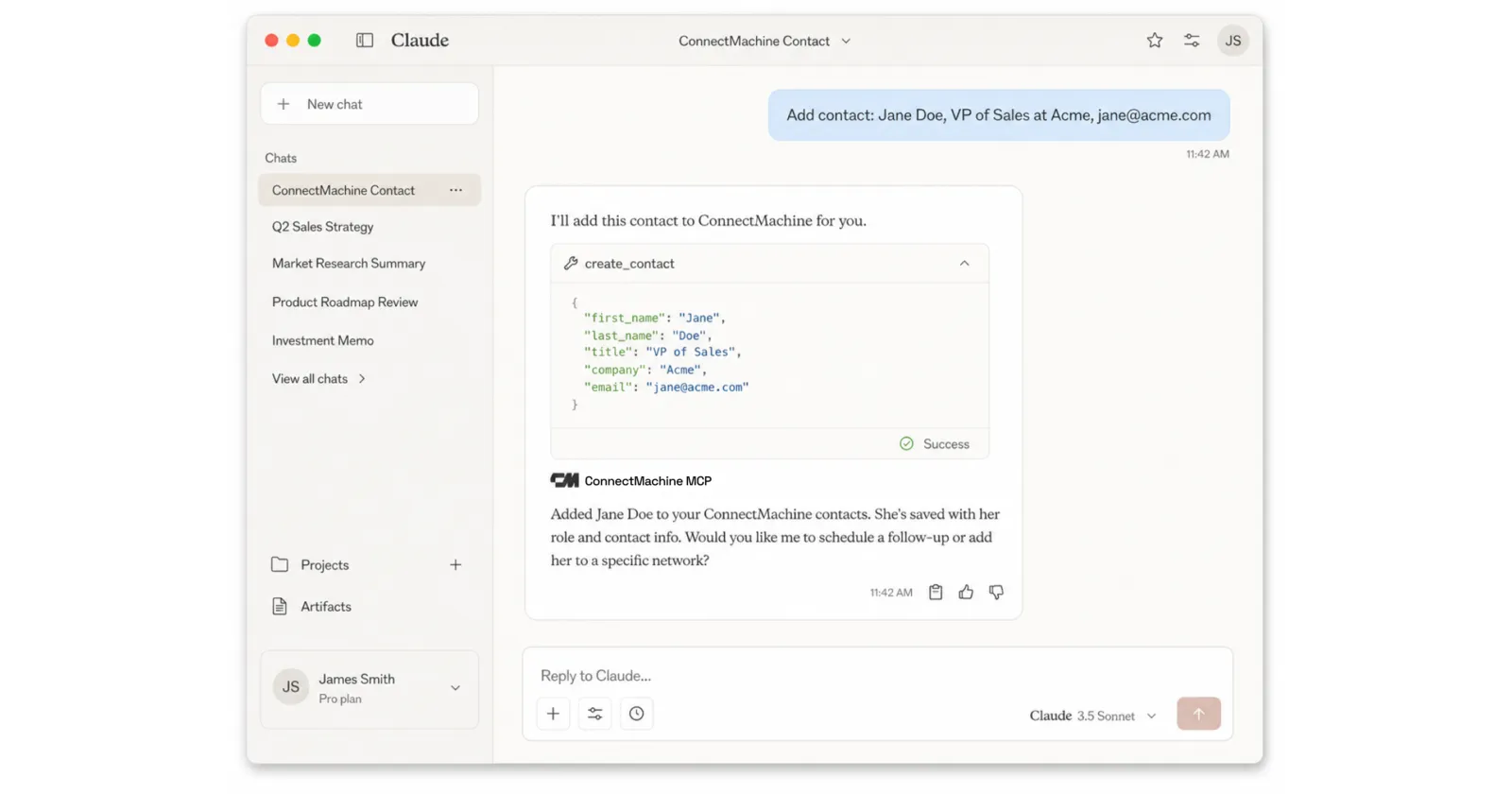
Aggiungere e modificare contatti
Basta dire quello che vuoi:
- «Aggiungi un contatto: Jane Doe, VP Sales in Acme, jane@acme.com, +1 555 010 2020.»
- «Aggiorna l'email di Priya in priya@newco.com e imposta il suo ruolo su CTO.»
- «Aggiungi il mio LinkedIn e il mio sito al mio biglietto ConnectMachine.»
La tua AI interpreta la richiesta in linguaggio naturale, chiama l'MCP server di ConnectMachine e l'aggiornamento avviene all'istante. Nessun modulo da compilare. Nessuna app da aprire. Nessun contesto da cambiare.
Trovare e cercare nella tua rete
Chiedi alla tua AI e ottieni risposte:
- «Trova tutti quelli di Acme Corp e mostrami le loro email.»
- «Elenca i miei contatti che sono fondatori.»
- «Chi ho conosciuto al Web Summit?»
- «Mostrami i dati di Jane Doe.»
La ricerca copre nome, azienda, ruolo, email, telefono, note, luogo e l'evento in cui vi siete conosciuti. Se le corrispondenze sono più di una, per esempio due Jane Doe, il server segnala l'ambiguità e il tuo assistente ti chiede quale intendi invece di tirare a indovinare. Nessuno modifica la scheda della persona sbagliata.
Gestire i tuoi biglietti
Anche i tuoi biglietti da visita digitali funzionano allo stesso modo:
- «Aggiungi il mio LinkedIn e il mio sito al mio biglietto ConnectMachine.»
- «Aggiorna il mio ruolo sul biglietto principale.»
- «Crea un nuovo biglietto per la mia attività di consulenza.»
Perfetto per quando sei nel mezzo di un lavoro e ti accorgi che devi adattare il biglietto a un contesto nuovo.
Quali strumenti AI lo supportano oggi
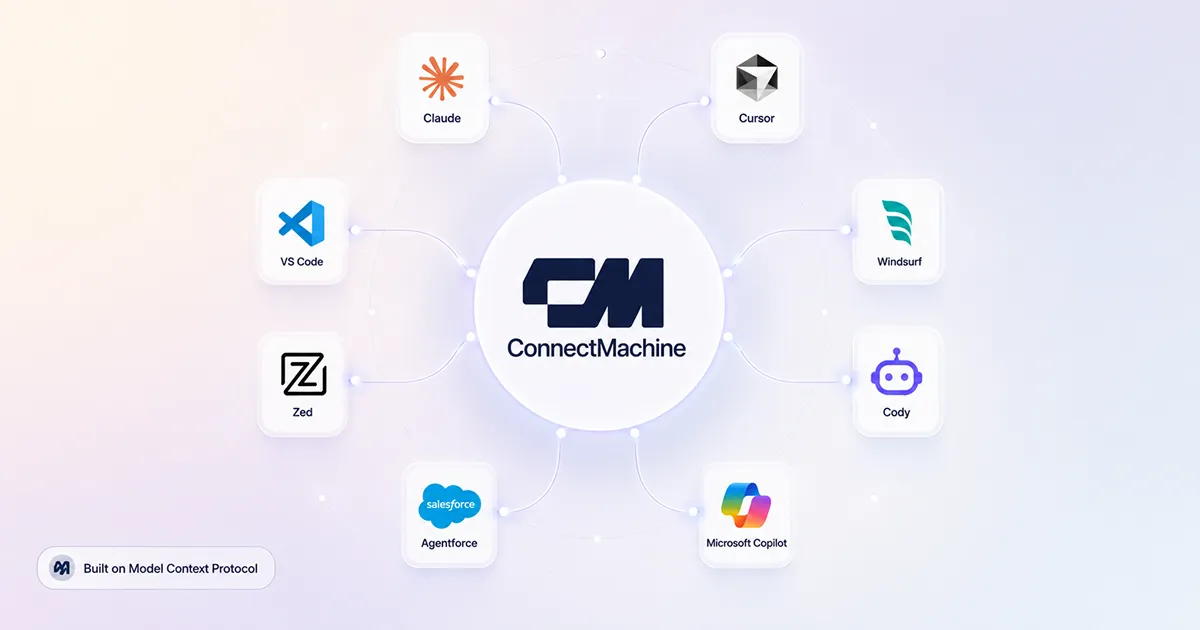
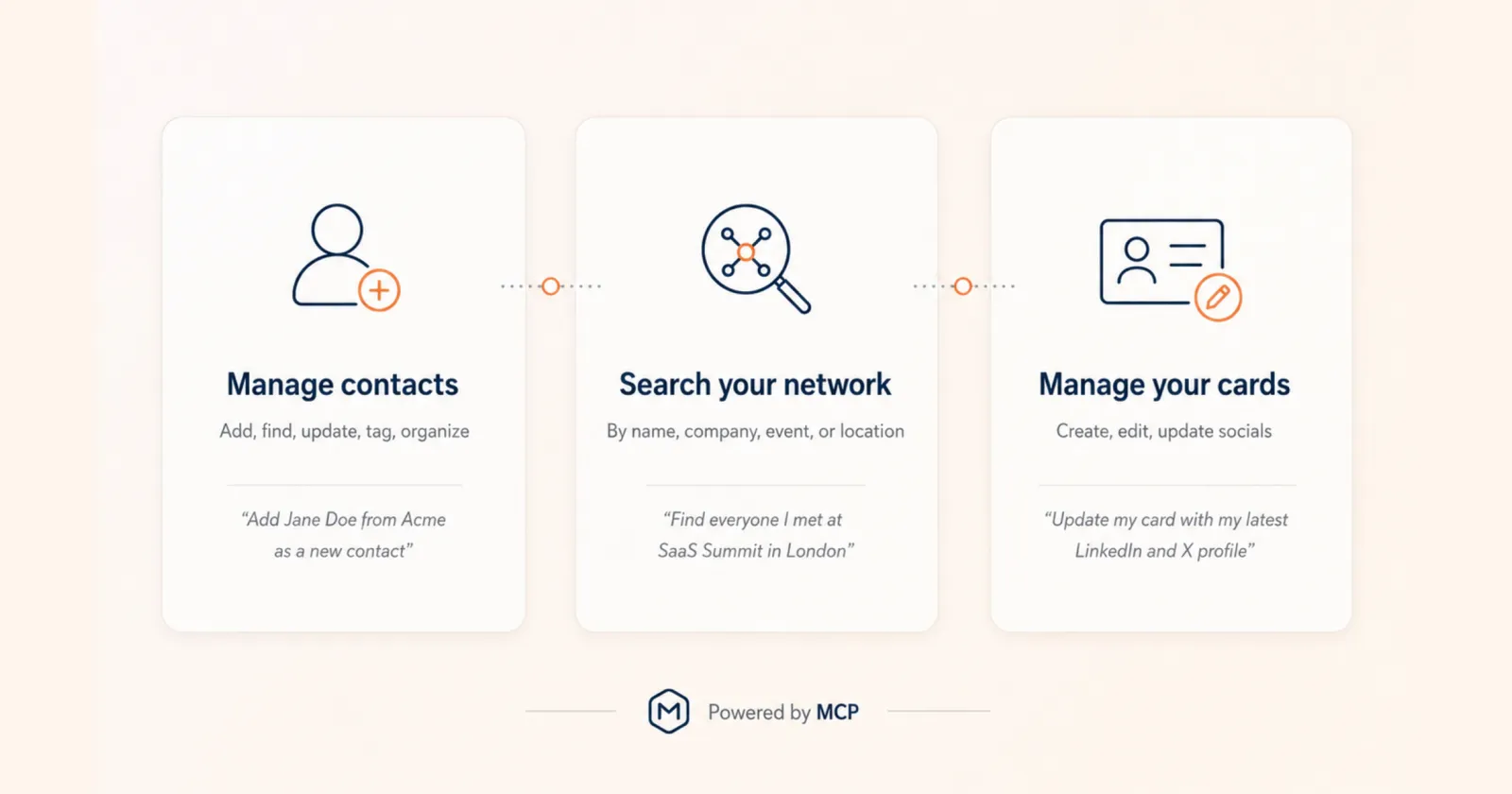
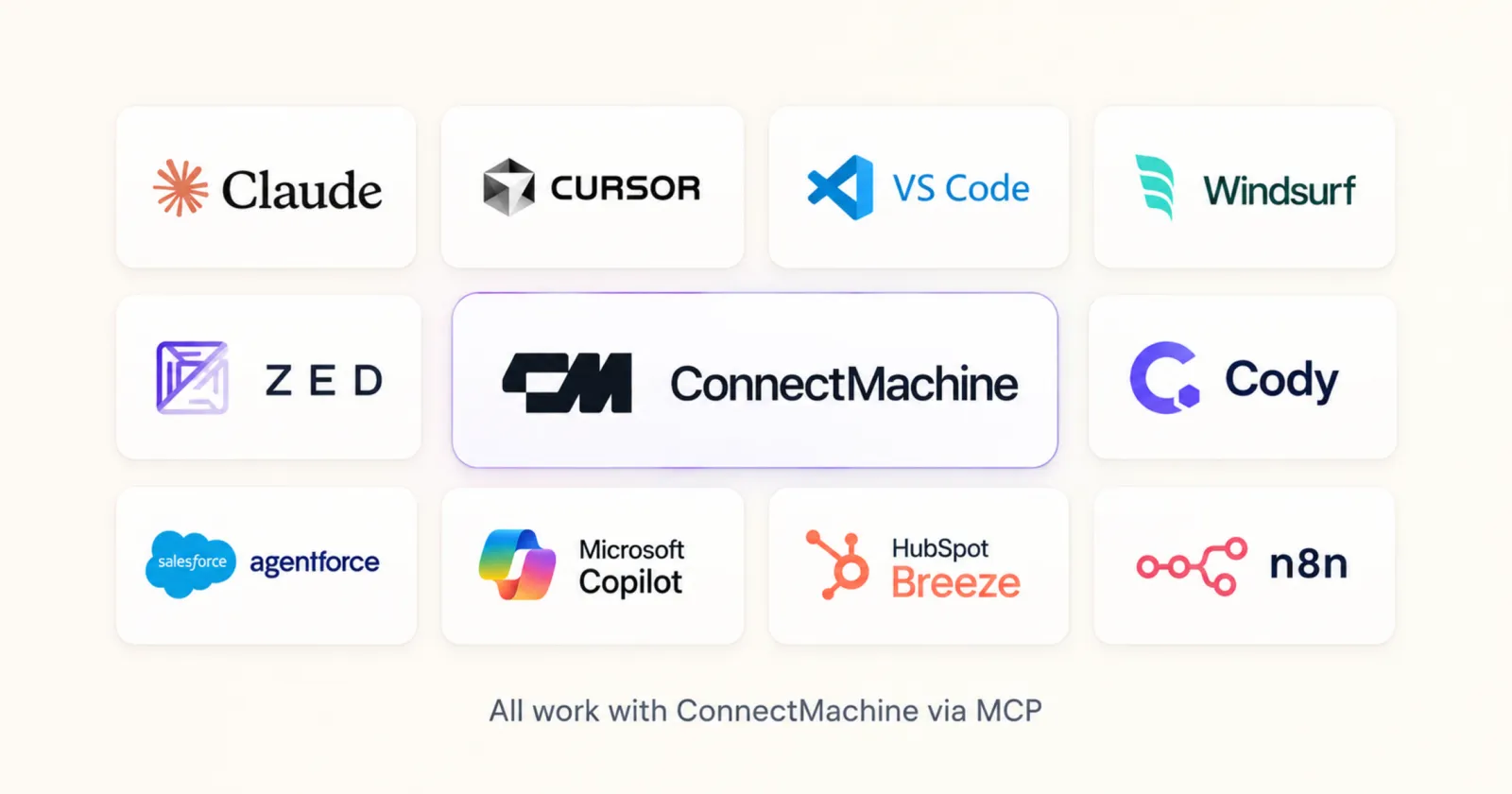
ConnectMachine espone un MCP server remoto standard, quindi funziona con qualsiasi client che parli il protocollo. Abbiamo verificato la configurazione end to end su Claude (web, desktop e Claude Code), Cursor, VS Code e Zed.
L'ecosistema intorno al protocollo cresce in fretta. Windsurf, Cody, Salesforce Agentforce, Microsoft Copilot, HubSpot Breeze e n8n stanno aggiungendo o già rilasciando il supporto a MCP. Man mano che arrivano, la tua rete ConnectMachine diventa disponibile al loro interno senza alcun lavoro in più da parte tua.
I flussi di lavoro reali che questo sblocca
Il briefing mattutino del fondatore
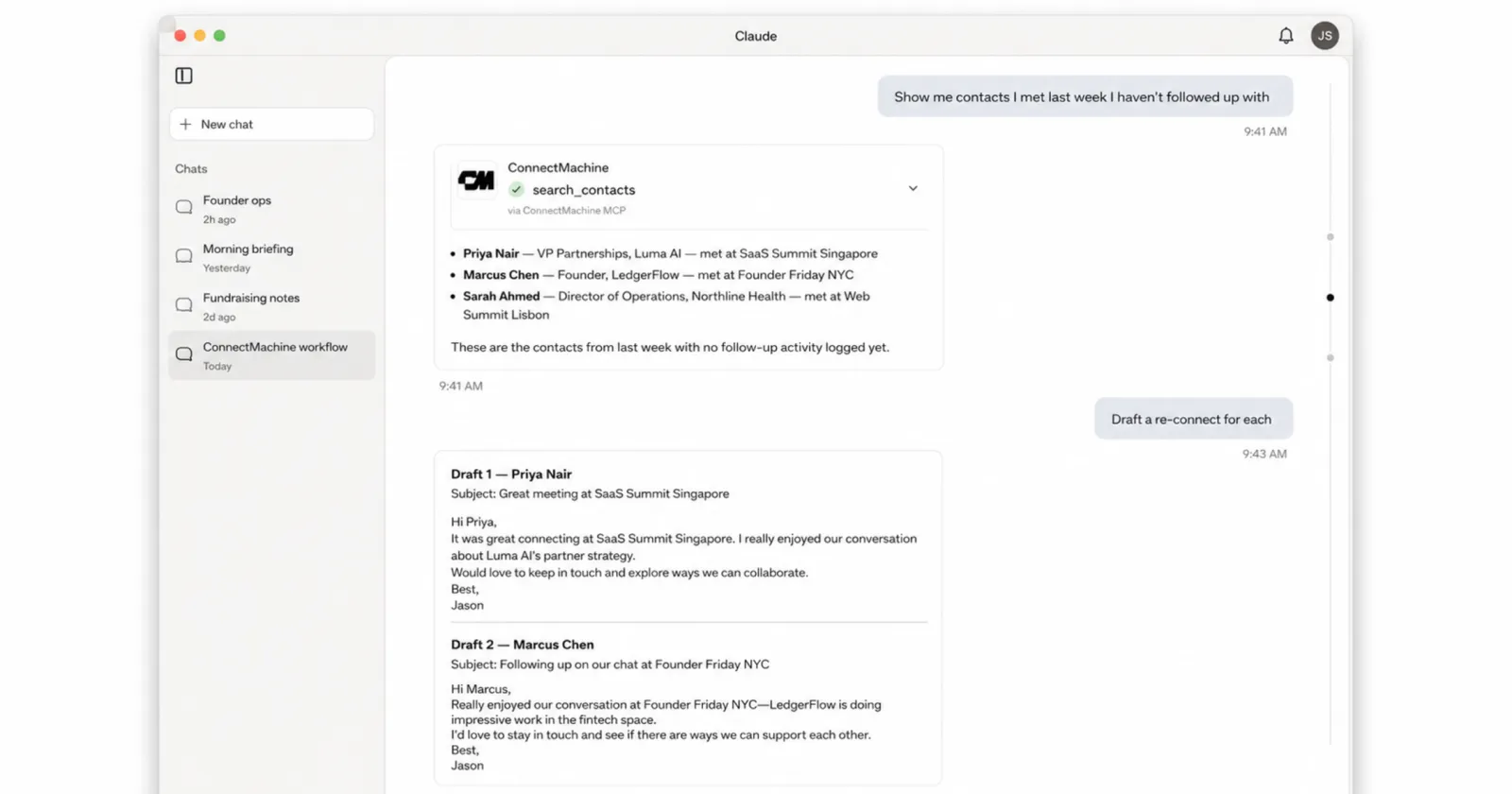
Apri Claude e chiedi: «Mostrami i contatti conosciuti la settimana scorsa a cui non ho ancora dato seguito. Scrivi per ognuno un messaggio personalizzato per riprendere il contatto.» Claude recupera i contatti da ConnectMachine, scrive i messaggi e te li mostra. Approvi, modifichi o invii, senza mai uscire dalla chat.
Il cambio di contesto dello sviluppatore che non avviene mai
Sei in Cursor a sviluppare una funzionalità rivolta ai clienti e ti serve il responsabile engineering di Acme. Chiedi, Cursor interroga ConnectMachine e il contatto ti arriva lì dentro. Torni a scrivere codice senza spezzare il flusso.
La preparazione alle riunioni del consulente
Prima di un incontro con un cliente chiedi: «Cosa so di questo contatto? Dove ci siamo conosciuti?» Ogni riunione parte con il contesto completo. Niente dimenticanze, niente imbarazzi.
Configurarlo richiede circa un minuto
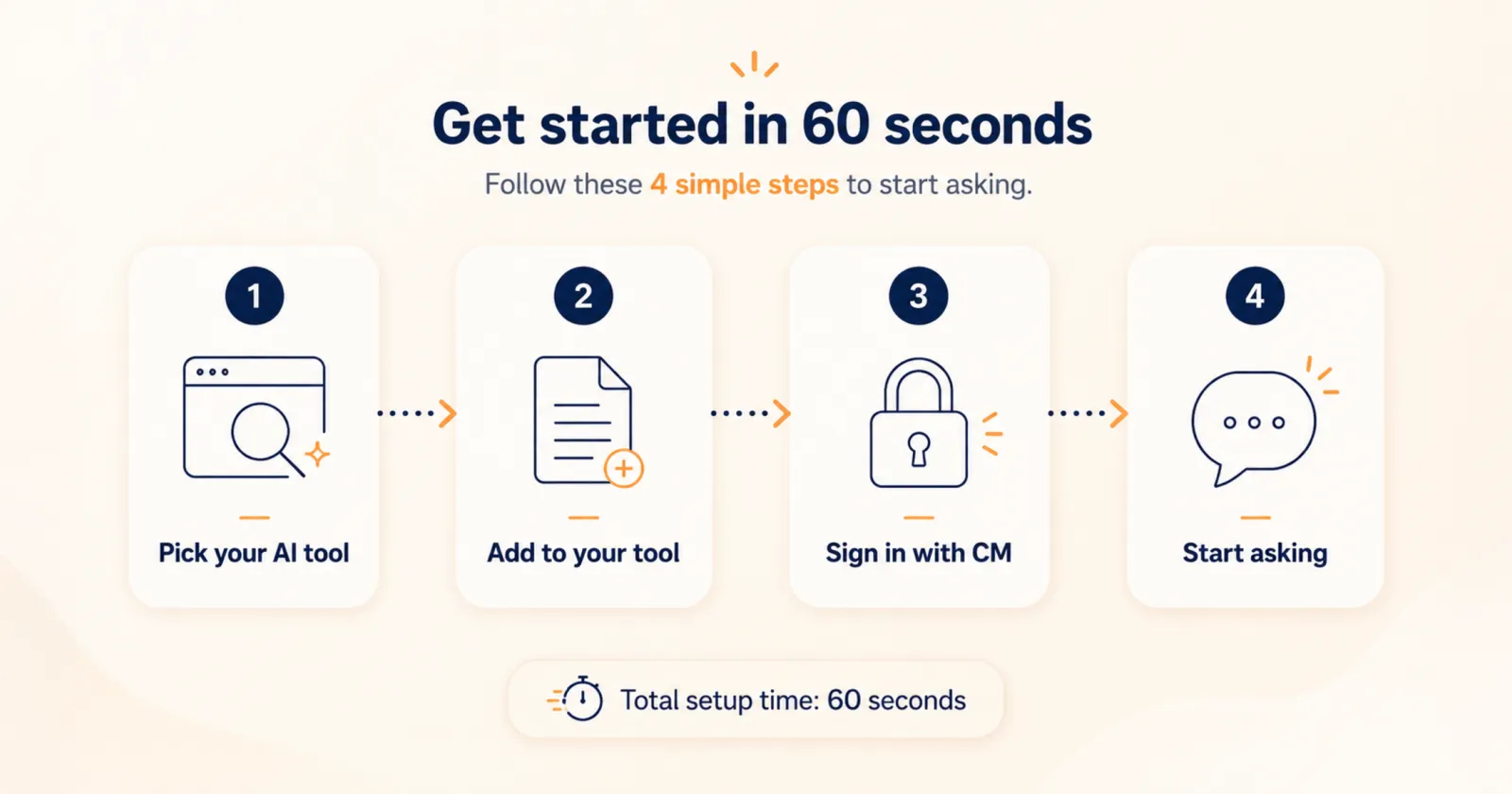
- 1
Ottieni la tua chiave MCP
Accedi con il tuo account alla pagina di connessione MCP di ConnectMachine. Ottieni una chiave personale che autentica ogni richiesta. Le chiavi sono gestite dal backend e non scadono.
- 2
Incolla la config nel tuo strumento
Copia lo snippet qui sotto, sostituisci YOUR_MCP_KEY con la tua chiave e incollalo nel file giusto: .mcp.json per Claude Code, ~/.cursor/mcp.json per Cursor o .vscode/mcp.json per VS Code.
- 3
Inizia a chiedere
Riavvia lo strumento se te lo chiede, poi prova con «Elenca i miei contatti». Da lì in poi il tuo assistente sceglie da solo lo strumento ConnectMachine giusto per ogni richiesta.
{
  "mcpServers": {
    "connectmachine": {
      "url": "https://mcp.connectmachine.ai/mcp",
      "headers": {
        "Authorization": "Bearer YOUR_MCP_KEY"
      }
    }
  }
}{
"servers": {
"connectmachine": {
"type": "http",
"url": "https://mcp.connectmachine.ai/mcp",
"headers": {
"Authorization": "Bearer YOUR_MCP_KEY"
}
}
}
}Claude su web e desktop salta del tutto il file di configurazione: apri Settings, poi Connectors, scegli Add custom connector e incolla l'URL del server. Anche Zed supporta nativamente gli MCP server remoti. La nostra documentazione su connectmachine.ai/docs/mcp contiene lo snippet esatto per ogni strumento, pronto da copiare.
Disponibilità e prossimi passi
Collegare il tuo strumento AI è incluso negli account ConnectMachine. Alcune azioni avanzate seguono le stesse regole Premium dell'app, tra cui l'esportazione in CSV e il filtro per settore o località, e lo strumento ti dice chiaramente quando una di queste richiede un upgrade.
Il panorama dell'AI si sta frammentando. Ogni utente ha il suo strumento preferito e costruire un'integrazione su misura per ciascuno non è sostenibile. MCP risolve il problema. Supportando lo standard, ConnectMachine diventa disponibile in ogni strumento AI che lo parla, e il numero di strumenti che lo parlano cresce ogni mese. Per questo lo abbiamo costruito adesso: se MCP si afferma, chi usa ConnectMachine beneficia automaticamente di ogni nuovo strumento AI.
Come si confronta
Anche altre app di contatti hanno iniziato a rilasciare MCP, ma non tutte permettono al tuo assistente di scrivere. L'MCP di Blinq e Ask Popl sono in sola lettura e richiedono piani a pagamento, mentre HiHello è raggiungibile solo tramite Zapier MCP. Li abbiamo messi fianco a fianco, con HubSpot come riferimento di CRM completo, in server MCP per CRM a confronto.