Примерно 88% бумажных визиток выбрасывают в течение недели после получения. Одна эта цифра меняет саму постановку вопроса о бумаге и цифре: проблема не в том, как ваша визитка выглядит в чужой руке, а в том, что происходит с вашими данными потом.
Это руководство сравнивает бумажные и цифровые визитки по тому, что действительно важно: стоимость одного полезного контакта, доживают ли ваши данные до конца недели, что происходит при смене должности и какой счёт выставляет экология. Мы также честно расскажем о ситуациях, в которых печатная визитка всё ещё выигрывает, потому что такие есть.
Если нужна короткая версия: цифра выигрывает по стоимости, сохранности, обновлениям и экологичности. Бумага выигрывает в церемониальности и в тех редких случаях, когда телефон это неподходящий предмет в руках. Большинство профессионалов в итоге носят и то и другое, а цифровая визитка становится вариантом по умолчанию.
Сравнение вкратце
- 1
Стоимость
Премиальные бумажные визитки обходятся в $50-200 за 500 штук, и за каждую допечатку вы платите заново. Цифровая визитка ничего не стоит при каждой отправке, а бесплатные тарифы покрывают основной сценарий работы.
- 2
Сохранность
Исследования показывают, что 63% полученных бумажных визиток так и не попадают ни в одну систему контактов. Отсканированная цифровая визитка сохраняется прямо в телефон получателя.
- 3
Обновления
Новая должность или новый номер делают неверными все напечатанные визитки, которые уже в обращении. Цифровая визитка обновляется один раз, централизованно, для всех, у кого есть ссылка.
- 4
Охват
Бумаге нужно ваше присутствие в комнате. Цифровая визитка путешествует ссылкой через электронную почту, WhatsApp, LinkedIn и видеозвонки.
- 5
Церемония
Бумага по-прежнему весома при формальном знакомстве и в культурах, где сам обмен визитками это ритуал. Вот категория, в которой выигрывает бумага.
Стоимость контакта, а не стоимость визитки
Бумажные визитки кажутся дешёвыми, пока вы не разделите счёт типографии на количество визиток, доживших до конца недели. Если 88% визиток выбрасывают за считаные дни, то коробка из 500 визиток за $100 даёт примерно 60 визиток, оставшихся в обращении, то есть около $1.67 за уцелевшую визитку. А уцелевшая визитка это ещё не сохранённый контакт.
С цифрой уравнение другое. Предельная стоимость одной отправки равна нулю, поэтому единственный вопрос в том, сколько ваших отправок превращается в сохранённые контакты. Поскольку сканирование QR-кода сохраняет ваши данные прямо в телефон получателя, тот самый шаг конверсии, который губит большинство бумажных визиток, когда человек садится вручную вбивать ваши данные в приложение контактов, попросту не нужен.
Скрытая статья расходов
Настоящая цена бумаги это допечатки
Каждая смена работы, ребрендинг, переезд офиса или новый номер телефона превращают остаток тиража в макулатуру. Большинство профессионалов заказывают допечатку задолго до того, как коробка опустеет.
Установите напоминание, пока разговор еще свеж в памяти.
Что происходит после рукопожатия
Задача визитки не в том, чтобы ею любовались. Она в том, чтобы нужный человек смог связаться с вами позже. По этой мерке бумага справляется плохо: большинство визиток оказываются сначала в кармане, потом в ящике стола, потом в мусорной корзине, так и не став записью в контактах.
Как ломается бумага
Получатель должен сохранить визитку, вспомнить, кто вы такой, и вручную вбить ваши данные в телефон. На каждом шаге кто-то отсеивается. Так и получается, что 63% визиток никогда не попадают ни в одну систему.
Как ломается цифра
Цифровые визитки подводят иначе: если сканирования не произошло, обмена не случилось вовсе. Решение лежит в поведении, а не в технике. Показывайте QR-код в начале разговора, когда возникает естественная пауза, а не впопыхах при прощании.
Есть и асимметрия в последующем контакте. Бумажная визитка это односторонний предмет: вы отдаёте её и надеетесь. Цифровой обмен позволяет одновременно получить данные собеседника, а значит, инициатива дальнейшего общения остаётся у вас, а не у него.
Проблема обновлений, которую никто не закладывает в цену
Люди меняют работу чаще, чем когда-либо, и каждая смена ломает все бумажные визитки, которые вы когда-либо раздали. Контакт, который попытается связаться с вами через год, упрётся в нерабочий адрес почты, и никакого механизма это исправить нет.
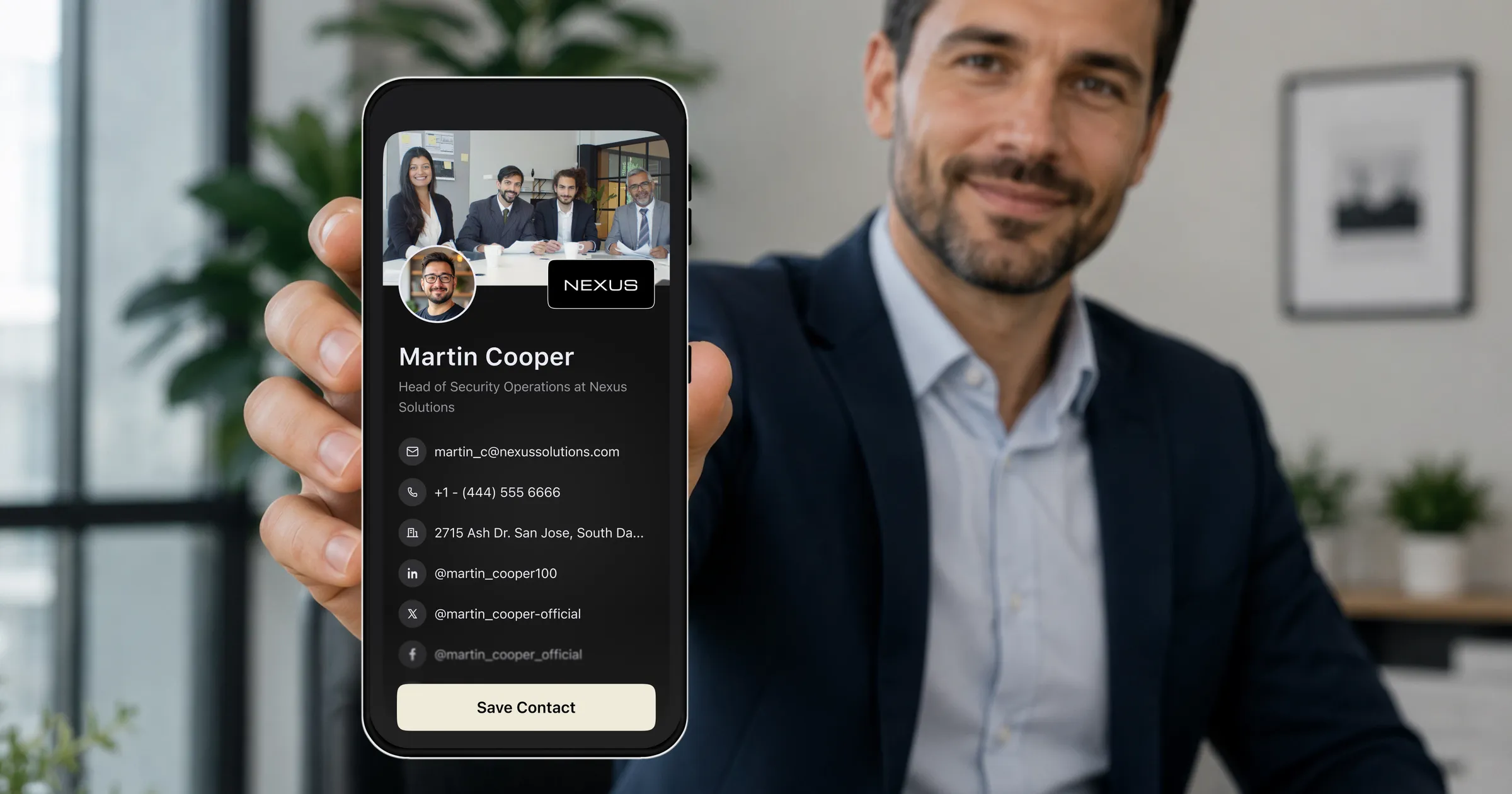
Цифровая визитка это живой документ. Обновите должность, номер или компанию один раз, и все, кто сохранил вашу ссылку, увидят актуальную версию при следующем открытии. Со временем ваша визитка становится точнее, а не наоборот. Для всех, кто ожидает изменения своих данных в ближайшие два года, а это большинство работающих профессионалов, одного этого довода достаточно, чтобы закрыть спор.
Экологический счёт
По оценкам, ежегодно на производство бумажных визиток вырубают 27 миллионов деревьев, и подавляющая часть этой бумаги оказывается в мусоре через считаные дни после печати. Трудно назвать другой деловой ритуал с худшим соотношением затраченных ресурсов и результата.
Цифровая визитка не бесплатна с точки зрения экологии, ведь у серверов и телефонов тоже есть след, но дополнительный эффект от ещё одной отправки практически нулевой. Если ваша компания каждый год печатает визитки для каждого сотрудника, переход это одна из самых лёгких побед в области устойчивого развития, и одна из немногих, которую можно реально измерить в несделанных заказах на печать.
Где бумага всё ещё выигрывает
Честное сравнение обязано уступить реальную территорию, и часть её занимает бумага.
- Формальные знакомства на уровне руководителей, где печатная визитка говорит о подготовленности и уважении.
- Деловой этикет Восточной Азии, где обмен визитками двумя руками это ритуал со своими правилами.
- Обстановка, где телефоны неуместны или неудобны: некоторые церемонии, некоторые режимные объекты, некоторые ужины.
- Ремесленные и люксовые бренды, где сам физический предмет, его бумага и его печать, и есть послание.
- Получатели, которые не носят смартфон.
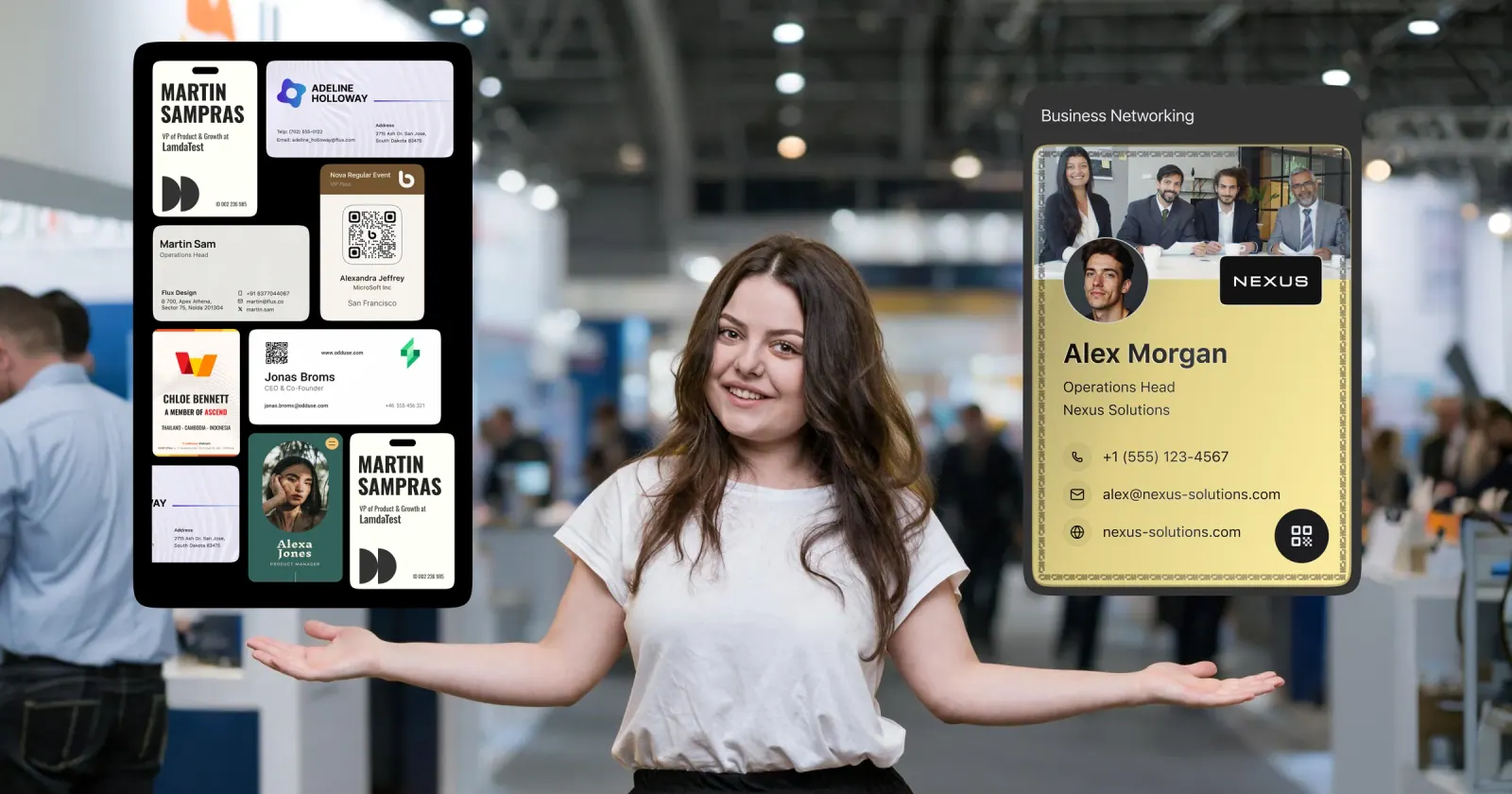
Ни один из этих случаев не является пограничным для тех, кто в нём оказался. Прагматичный ответ это не бумага или цифра, а вариант по умолчанию плюс исключение: цифровая визитка для сотен обычных обменов за год и небольшой тираж качественно напечатанных бумажных визиток для случаев, которые этого требуют.
Как перейти, никого не потеряв
Сначала настройте цифровую визитку
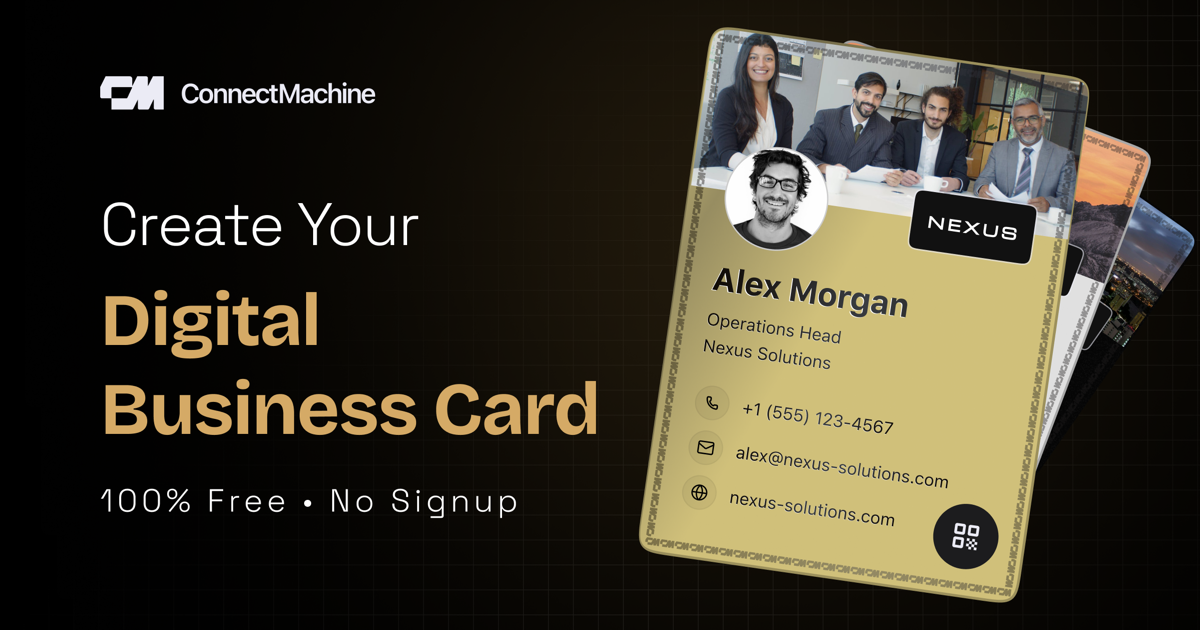
Создайте визитку с именем, должностью, компанией, фотографией и ссылками. В ConnectMachine это занимает около трёх минут, а бесплатный тариф покрывает основной сценарий обмена.
Используйте остаток бумажного тиража как мост
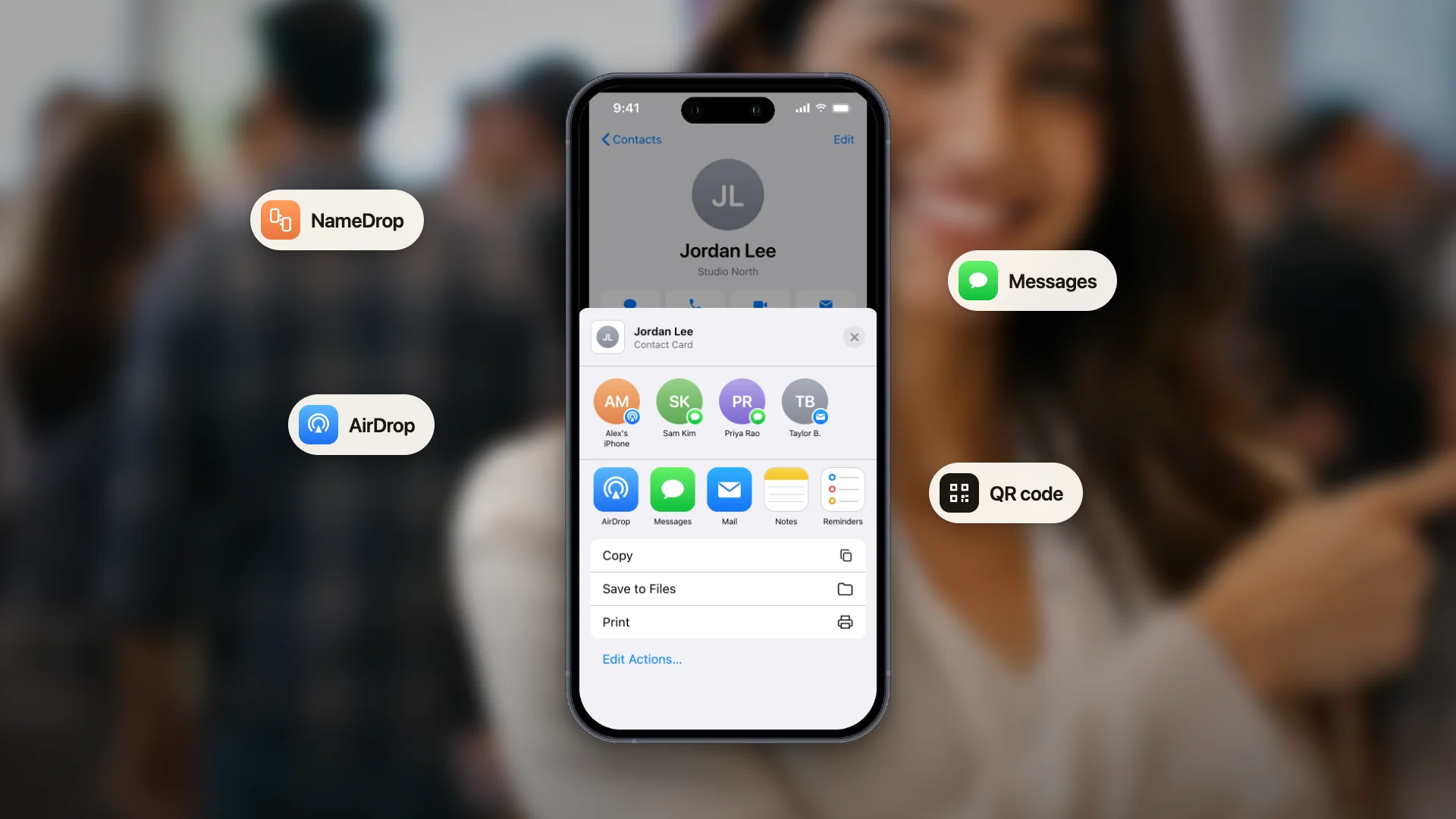
QR-код вашей цифровой визитки скачивается в виде файла, готового к печати, поэтому его можно добавить в последний бумажный тираж. Тогда даже раздаваемая бумага превращает получателей в сохранённые контакты. Если нужен только сам код, генератор QR-кода vCard экспортирует его в SVG или PNG.
Разместите ссылку там, где вас и так находят
У каждой визитки ConnectMachine есть публичный адрес для браузера. Добавьте его в профиль LinkedIn и всюду, где вас ищут, чтобы визитка работала даже тогда, когда вас нет в комнате.
Держите её в кошельке, в цифровом
Добавьте визитку в Apple Wallet или Google Wallet, чтобы на мероприятии до неё был один свайп, ровно там, где раньше жили ваши бумажные визитки.