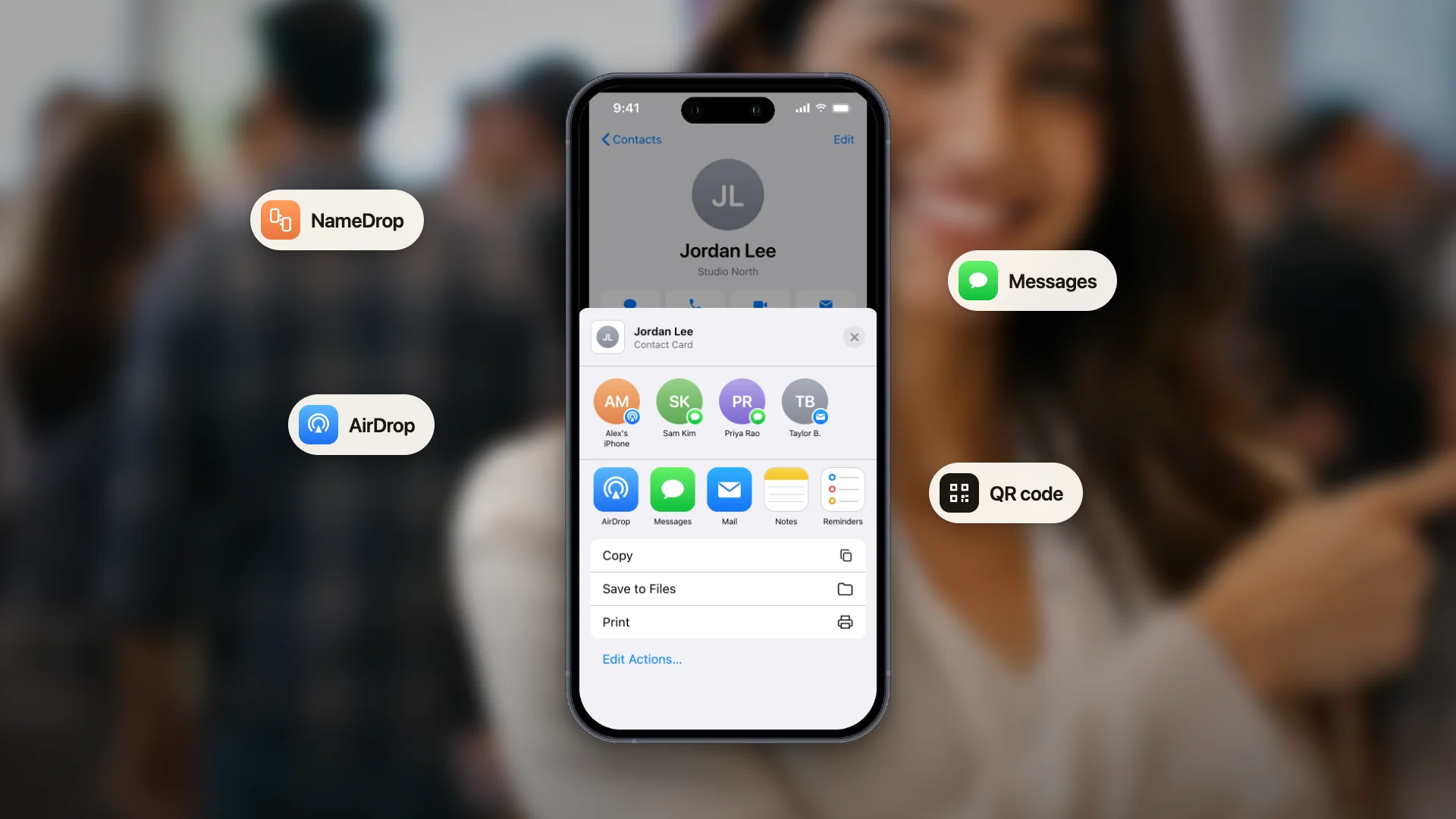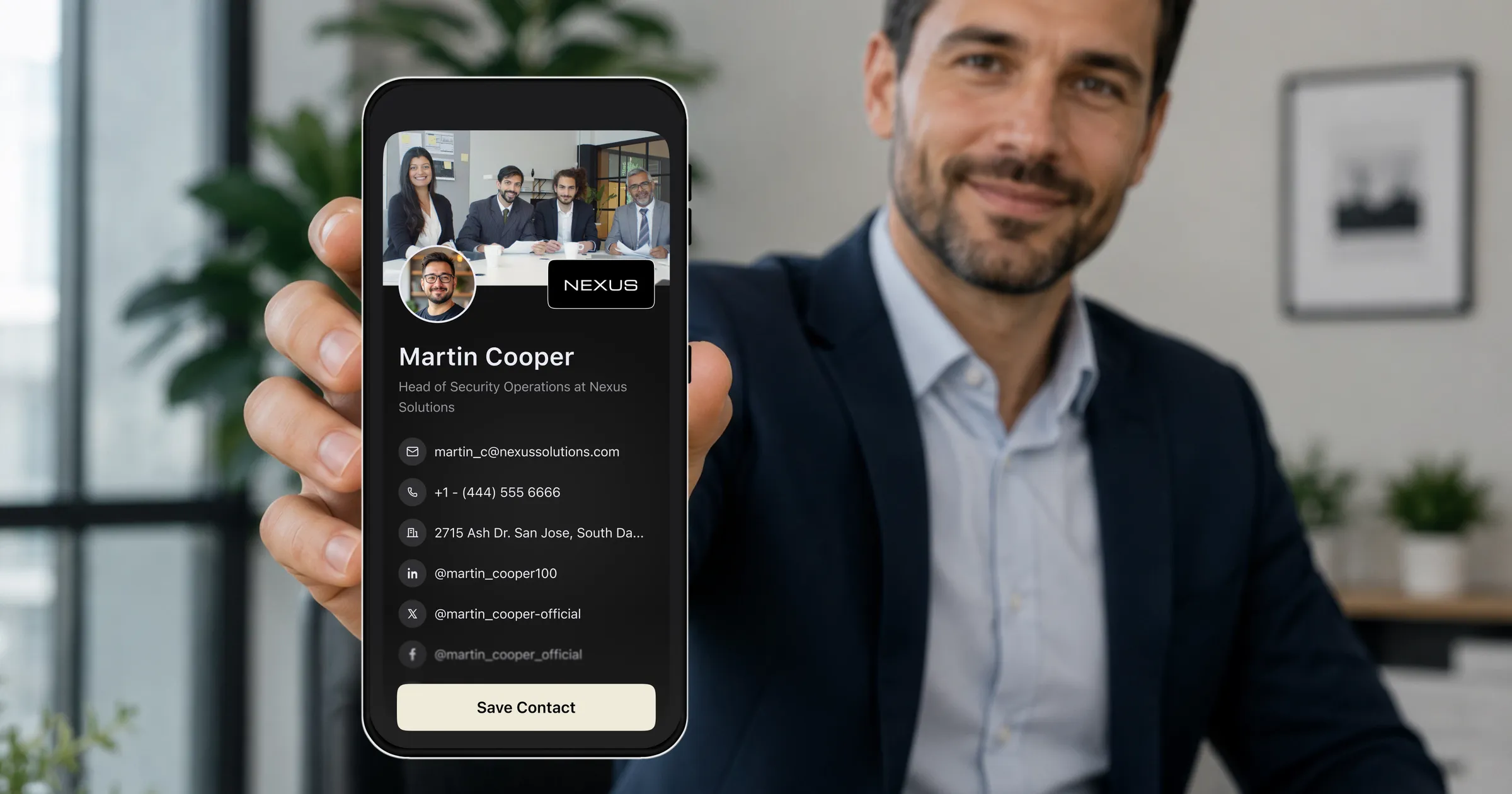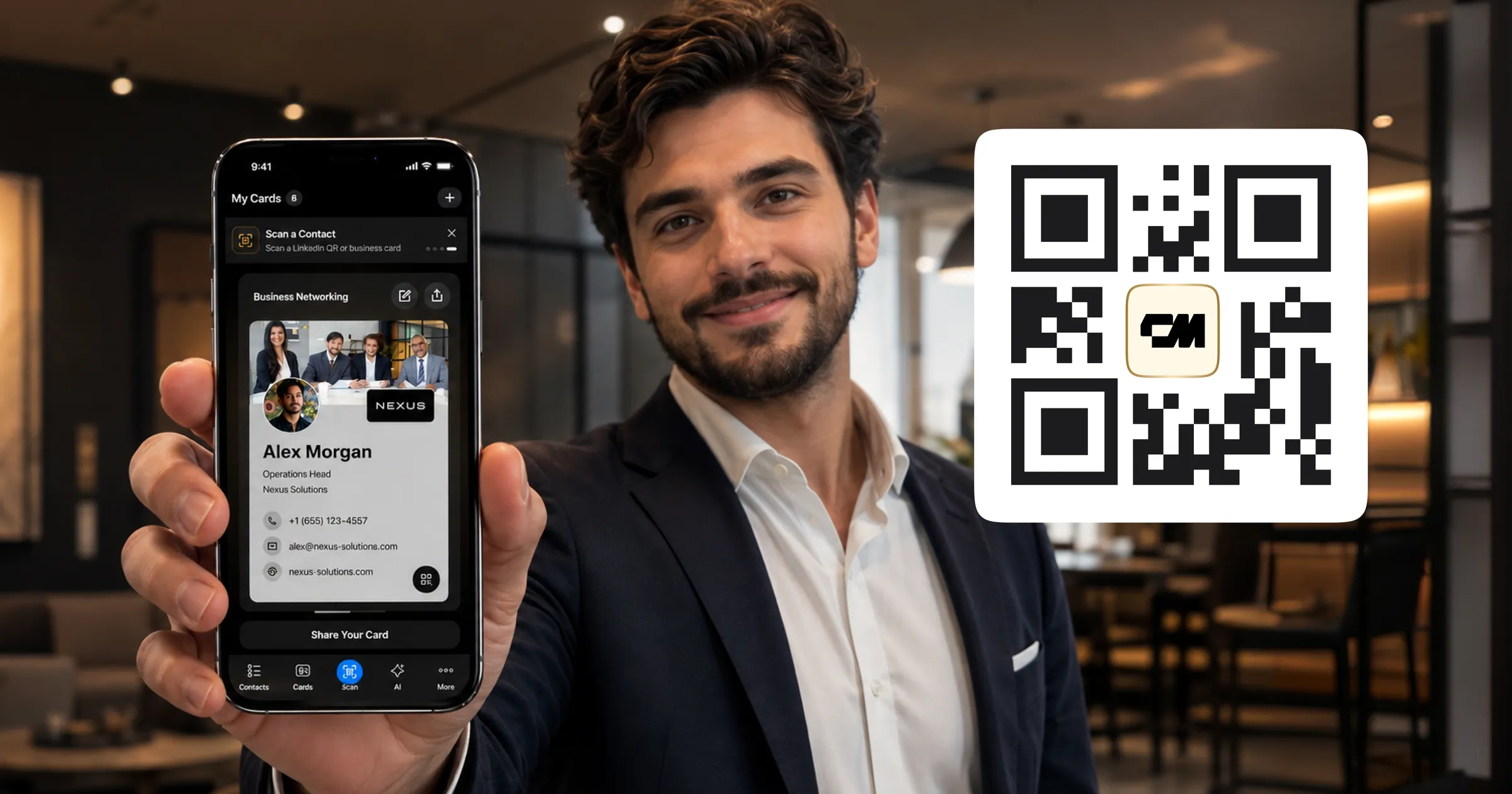
Sí, las tarjetas de presentación con código QR son seguras, con una salvedad que lo explica todo: un código QR no es contenido, es una dirección. Escanear uno equivale a hacer clic en un enlace. La cuestión de seguridad nunca está en el cuadrado en blanco y negro, sino en adónde lleva el enlace y en quién gestiona el destino.
Esa salvedad importa porque los estafadores se dieron cuenta de lo mismo. El quishing, o phishing con códigos QR, funciona consiguiendo que la gente escanee códigos que llevan a páginas falsas muy convincentes. Las agencias de seguridad han registrado campañas con pegatinas colocadas sobre códigos legítimos en parquímetros, mesas de restaurante y carteles de congresos.
Nada de eso hace que una tarjeta de presentación QR sea arriesgada en sí misma. Lo que hace es que valga la pena entender los hábitos que la rodean. A continuación: cómo funcionan los ataques en la práctica, cómo escanear con seguridad en cinco segundos y qué comprobar sobre la plataforma que aloja su propia tarjeta.
Qué contiene realmente un código QR
Un código QR es la codificación visual de un texto breve, casi siempre una URL. No puede ejecutar código, ni instalar nada por sí solo, ni leer datos de su teléfono. Cuando escanea uno, su cámara descodifica el texto y le ofrece abrirlo. Todo lo que ocurre después es navegación web corriente.
Es una buena noticia para las tarjetas de presentación en concreto. El código QR de una tarjeta, como el de nuestro generador de códigos QR vCard, apunta a la página de un perfil: un nombre, un cargo, datos de contacto y un botón para guardar en los contactos. En un flujo legítimo no hay ningún paso de pago, ni inicio de sesión, ni introducción de credenciales, lo que significa que hay muy poco que un atacante pueda imitar de forma rentable. Nada de esto sirve si nadie puede leer el código, un fallo distinto y mucho más habitual: consulte el tamaño mínimo de un código QR si va a imprimir el suyo.
El modelo mental
Trate un código QR exactamente igual que un enlace en un correo electrónico
Usted miraría el dominio antes de hacer clic en un enlace enviado por un desconocido. El mismo instinto, la misma protección. Todos los teléfonos modernos le muestran la URL de destino antes de abrirla.
Configura el recordatorio mientras la conversación aún está reciente.
Los riesgos reales, dichos con honestidad
Quishing: códigos que llevan a páginas falsas
El ataque dominante. Un código en un lugar público lleva a una página que suplanta a un banco, a un servicio de aparcamiento o a una pantalla de inicio de sesión, y pide credenciales o datos de la tarjeta. Funciona a través de la página, no del código, y por eso comprobar el destino lo derrota.
Pegatinas manipuladas sobre materiales impresos
Los atacantes tapan físicamente un código impreso legítimo con el suyo. Es un riesgo para la señalización pública y los carteles. Es un riesgo insignificante en el intercambio de tarjetas de presentación, donde el código está en la pantalla del teléfono de una persona o en una tarjeta que le entrega directamente.
Dominios parecidos
Un destino que a primera vista parece casi correcto, con un guion, una palabra de más o una terminación distinta. Por eso vale la pena leer la vista previa en lugar de echarle un vistazo.
Compartir de más en su propia tarjeta
El riesgo que le afecta a usted y no a quien escanea. Todo lo que ponga en una tarjeta que tiene una URL pública es público. Ese es el propósito de la tarjeta, pero significa que incluir su número de móvil personal es una decisión deliberada, no algo que venga dado por defecto.
Cómo escanear con seguridad en cinco segundos
- Lea la vista previa de la URL antes de tocar. Su teléfono se la muestra; toda esta clase de ataques depende de que usted no mire.
- Fíjese en el dominio, no en la ruta. Lo que importa es la parte que va justo antes de la primera barra simple.
- Desconfíe de cualquier código de tarjeta que le pida iniciar sesión o introducir datos de pago. Un intercambio de tarjetas de presentación nunca necesita ninguna de las dos cosas.
- En materiales impresos en lugares públicos, palpe el código por si hay el borde de una pegatina encima. En una tarjeta que le entregan en una conversación, este riesgo desaparece en la práctica.
- Mantenga su teléfono actualizado. Las actualizaciones del navegador y del sistema operativo incorporan las protecciones antiphishing que detectan destinos maliciosos conocidos.
Esa es toda la disciplina. Cuesta un par de segundos y elimina casi todo el riesgo práctico, y por eso los equipos de seguridad tratan los códigos QR como una tecnología cotidiana manejable y no como algo que haya que evitar.
Qué comprobar sobre la plataforma que hay detrás de su tarjeta
Cuando comparte una tarjeta de presentación QR, también está pidiendo a la gente que confíe en el servicio que la aloja, y usted le está confiando los contactos que recopila. Conviene comprobar esto antes de decidirse:
Cifrado en tránsito y en reposo
Sus datos deberían estar cifrados tanto mientras se transmiten como mientras están almacenados. ConnectMachine cifra los datos en tránsito y en reposo.
Una respuesta clara sobre la venta de datos
Los datos de contacto son valiosos y algunos servicios gratuitos los monetizan. ConnectMachine no vende sus datos, y sus contactos son privados de forma predeterminada.
Un dominio reconocible y estable
Su tarjeta debería estar en un dominio que los destinatarios puedan leer en la vista previa y en el que puedan confiar. Cada tarjeta de ConnectMachine tiene una URL pública de navegador que puede compartir directamente, lo que además significa que la gente puede acceder a su tarjeta sin escanear nada en absoluto.
Postura regulatoria
Compruebe que el servicio cumple el RGPD y ofrece localización de datos si trabaja en regiones donde eso importa.
Cómo proteger su propia privacidad al compartir
La conversación sobre seguridad suele centrarse en quien escanea. La pregunta más útil para usted es qué revela su tarjeta, ya que una tarjeta existe para entregarla a personas que acaba de conocer.
- Decida de forma deliberada sobre su número de móvil. Un número de trabajo, un enlace para agendar una cita o una dirección de correo suelen bastar para mantener viva la conversación.
- Incluya en la tarjeta sus titulaciones y los datos de su licencia profesional si su profesión lo espera, porque es exactamente el tipo de información que la gente quiere verificar.
- Recuerde que la página de la tarjeta es pública por diseño, mientras que los contactos que recopila no deberían serlo. Mantenga esas dos cosas separadas en su cabeza y compruebe que su plataforma también lo hace.
- Descargue su código QR como archivo listo para imprimir si lo quiere en materiales físicos, y trate todo lo impreso como permanente, porque no se puede retirar una tarjeta ya impresa.
En resumen
Las tarjetas de presentación con código QR son seguras para las dos partes del intercambio. Para quien escanea, la vista previa del destino neutraliza la única clase de ataque que importa. Para quien comparte, las preguntas que vale la pena hacerse son sobre la plataforma, el cifrado, el tratamiento de los datos y un dominio fiable, y no sobre el código en sí.
El perfil de riesgo es realmente menor que el de la alternativa a la que sustituyó. Una tarjeta de papel en el bolsillo de un desconocido no tiene vista previa, ni revocación, ni idea de dónde acaba.
Una vez que se sienta cómodo con el código en sí, la pregunta es dónde colocarlo. Una tarjeta impresa es el lugar evidente; un fondo de videollamada es el que casi nadie tiene en cuenta, y funciona en todas las llamadas sin que usted diga una palabra.