



Export your contacts to a CRM
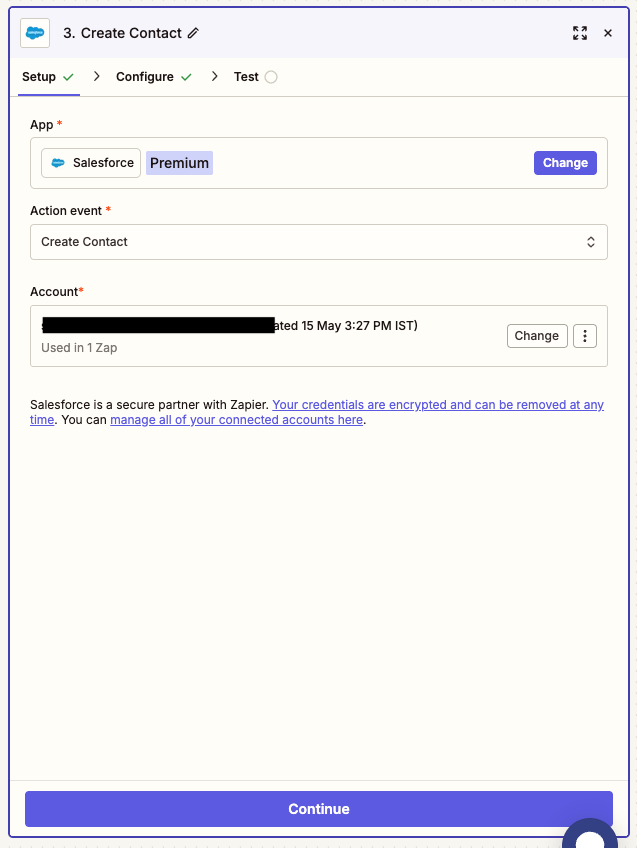
ConnectMachine pushes your scanned and saved contacts straight into your CRM, or exports them as a clean CSV. Names, titles, companies, and your own notes land in the right fields, so the people you met are in your pipeline the same day instead of stuck on paper cards or in your phone.
Download App Now
How it works
-
Capture your contacts
Scan business cards or save people you meet in ConnectMachine. Each contact is cleaned into structured fields with your notes attached.
-
Choose CRM or CSV
Send contacts to your connected CRM, or export a clean CSV. You decide which contacts go where, so nothing lands in your pipeline by accident.
-
They arrive ready to work
Names, titles, companies, and notes map to the right fields, so your team can follow up the same day without retyping anything.
What makes it work
Clean, structured data
AI parsing splits every card into proper fields, so your CRM gets tidy records instead of a photo or a blob of text to sort out later.
Your notes come along
The context you captured about where you met and what you discussed exports with the contact, so follow-up in your CRM starts with real detail.
CRM sync or plain CSV
Push straight into your CRM, or take a CSV anywhere. Either way the people you met are in your workflow, not stuck on paper.