



Add your business card to Apple Wallet
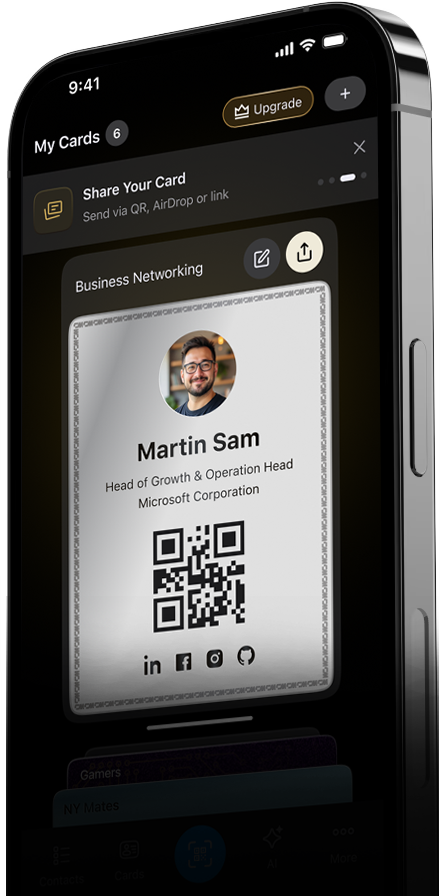
Create your digital card in ConnectMachine and add it straight to Apple Wallet, so it sits next to your boarding passes and tickets. Open Wallet, show the card or its QR code, and anyone can save your details in a tap. Update the card once and the Wallet version stays current.
Download App Now
How it works
-
Build your card once
Set up your digital business card in ConnectMachine with your name, role, and contact details. It is ready to carry everywhere, including in Apple Wallet.
-
Add it to Apple Wallet
Tap add to Wallet and your card joins your passes and tickets. It is there on your lock screen when you need it, with no app to open first.
-
Show it and share
At an event, open Wallet and show your card or its QR code. Whoever you meet saves your details in a tap, and there is nothing for them to install.
What makes it work
Lives on your lock screen
Your card sits in Apple Wallet next to boarding passes and tickets, so it is one swipe away when you meet someone, even with your phone locked.
One card, always current
Change a detail and the Wallet card updates itself. The version in your Wallet never falls out of date, so you are never handing out an old number.
No app for the other person
They scan your Wallet QR or tap to receive your card in their browser. Saving your contact takes a tap, with no download on their side.