



Your network, in every AI tool: meet the ConnectMachine MCP server
ConnectMachine now speaks Model Context Protocol. Connect Claude, Cursor, VS Code, or any MCP-compatible assistant to your network and manage contacts, events, and digital cards by simply asking.
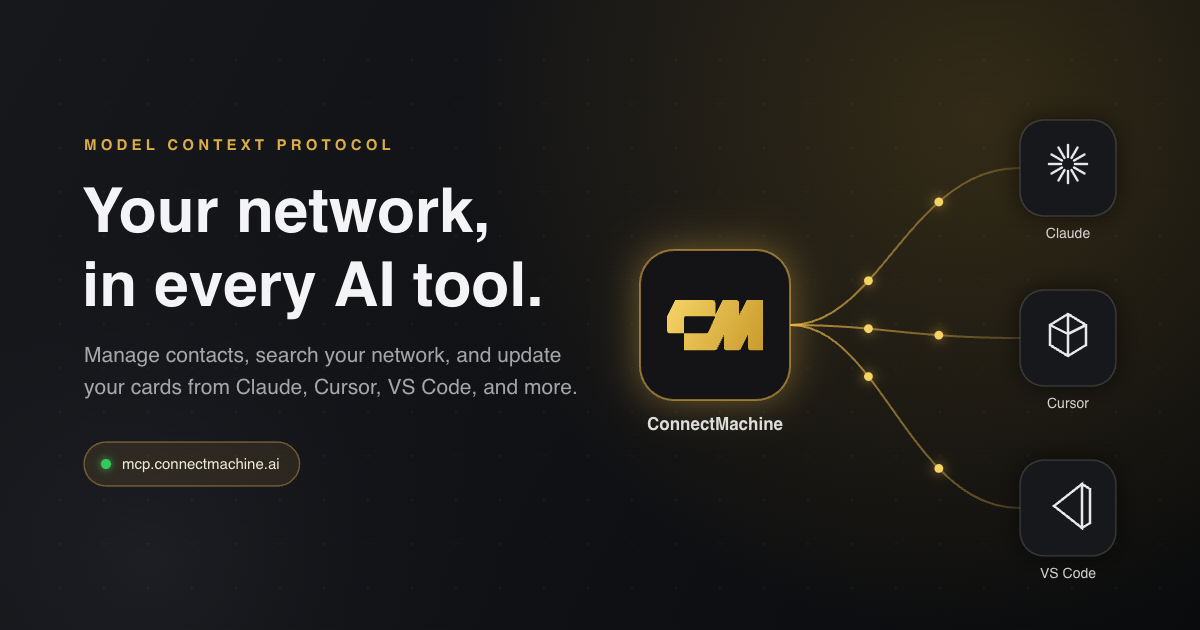
You already talk to an AI assistant all day. Your professional network should be right there in the conversation. With the new ConnectMachine MCP server, it is. Ask Claude to add the person you just met, ask Cursor to pull up everyone from Acme Corp, ask any MCP-compatible tool to update your digital card. No new dashboard to learn, no tab switching, no copy-paste.
What is MCP, and why it matters for your network
Model Context Protocol (MCP) is an open standard, introduced by Anthropic, that lets AI applications connect to outside tools and data in one consistent way. An app that supports MCP can talk to any MCP server without custom integration work. ConnectMachine now runs one of those servers.
Once connected, your AI assistant can call ConnectMachine's tools on your behalf: 40 focused operations across contacts, events, networks, digital cards, imports, and notifications. Every call runs against your account only, authenticated with your personal key.
- Works with Claude (desktop, web, and Claude Code), Cursor, VS Code, and any other MCP-compatible client.
- Remote server, nothing to install: your tool connects to mcp.connectmachine.ai over HTTPS.
- You sign in with your existing ConnectMachine account. Your data stays in ConnectMachine.
What you can do from your AI tool
Manage contacts
Add, find, update, merge, and organize people without touching a form. Say: 'Add a contact: Jane Doe, VP of Sales at Acme, jane@acme.com, +1 555 010 2020.' Or: 'Update Priya's email to priya@newco.com and set her job title to CTO.'
Search your network
Search by name, company, job title, email, phone, notes, location, or the event where you met. Say: 'Find everyone from Acme Corp and show their emails.' 'List my contacts who are founders.' 'Who did I meet at Web Summit?'
Manage your digital cards
Create and edit cards, including websites and social links. Say: 'Add my LinkedIn and website to my ConnectMachine card.' 'Update my job title on my main card.'
Keep things tidy
Find duplicate contacts and merge them, move contacts between networks, and import a batch of leads in one go. If two contacts share a name, the server asks your assistant to check with you before changing anything, so the wrong Jane never gets edited.

Say 'Add the event CES 2026 to everyone I met there' or 'Move my investor contacts into my Fundraising network.' Perfect for when you are mid-workflow and realize your network needs a quick reshuffle.
Set the reminder while the conversation is still fresh.
Setup takes about a minute
Get your MCP key
Open connectmachine.ai and sign in on the MCP connect page with your ConnectMachine account. You get a personal key plus ready-made config snippets for popular tools.
Add the config to your AI tool
Copy the snippet for your tool: Claude, Cursor, VS Code, or a universal version for anything else that speaks MCP. Paste it into the tool's MCP settings and restart if asked.
Start asking
Try 'List my contacts' first. Then add, search, and update naturally. Your assistant picks the right ConnectMachine tool for each request.
VS Code uses a slightly different shape (a servers object with type http). The connect page generates the exact file for each tool, so you never have to remember the differences. Full setup guides for every tool live in our MCP documentation.
Built account-first: security and privacy
The MCP server is a thin, authenticated bridge to your existing ConnectMachine account. It holds no copy of your network.
- Every request carries your personal key and is validated against your account before anything runs.
- Your assistant only sees the data needed to answer the specific request you made.
- Revoke access anytime by generating a new key or removing the config from your tool.
- New account without onboarding finished? The tools respond with friendly guidance to complete setup in the app first, instead of confusing errors.
Frequently asked questions
What is MCP?
Do I need to be a developer to use this?
Does the MCP integration cost extra?
Is my data safe?
My AI tool is not listed. Can I still connect?
ConnectMachine MCP
